Downloader comparisons
Each comparison starts with a direct answer, then explains factors, tradeoffs, and when to choose each option.
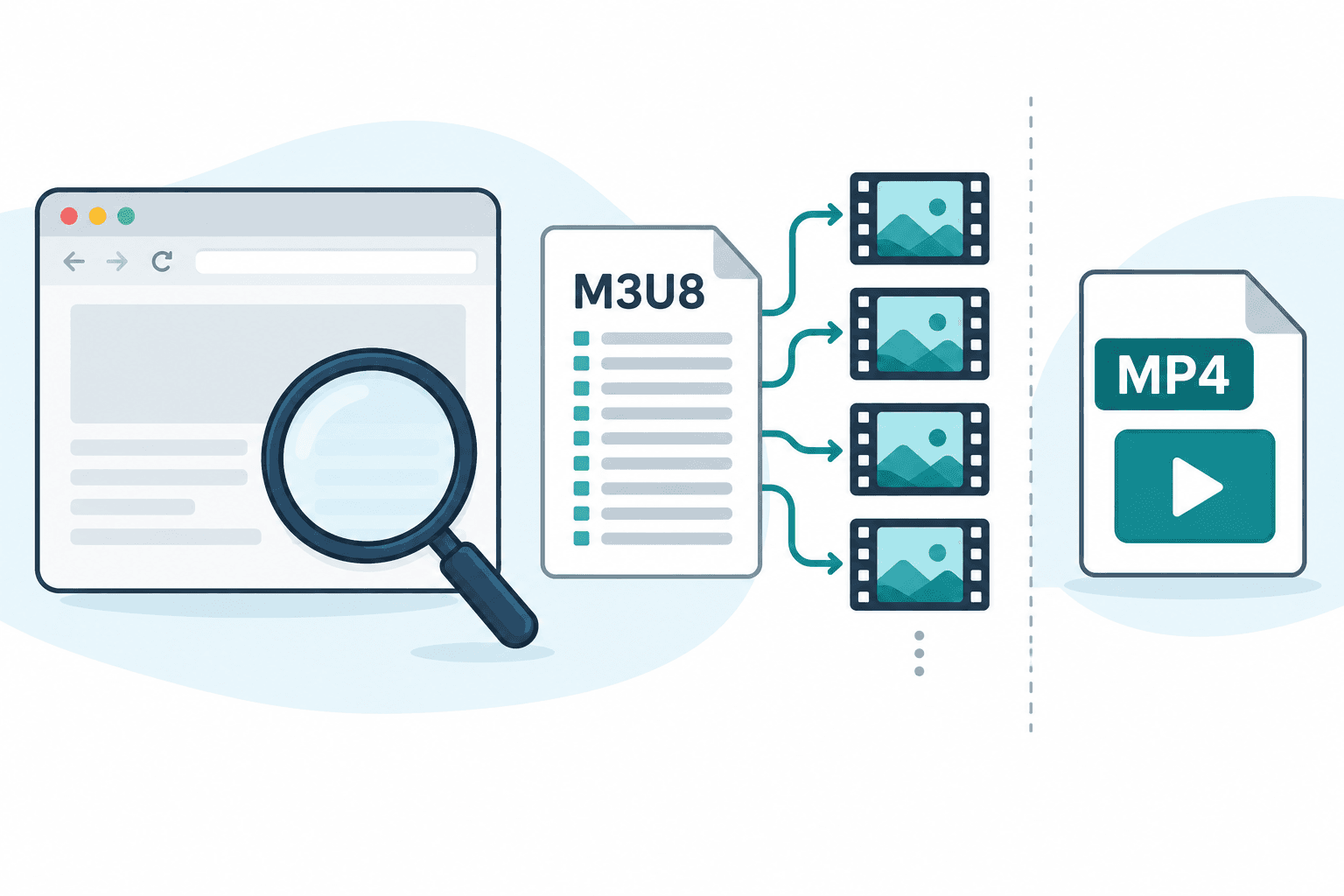
Best M3U8 Downloader: Choose by the Output You Need
Compare M3U8 playlist inspectors with tools that create finished files. Check variants, audio, output verification, permissions, and access limits.
If you only need to inspect a public M3U8 playlist, use a tool that shows its variants and audio notes. If you need a finished video file, choose a tool that actually fetches segments, handles separate audio, and verifies playback. In AnyVidDL, inspect the returned action: a source link opens the source, while a Download action starts file preparation. Neither action alone verifies a finished file. This page does not claim a tested number-one downloader.
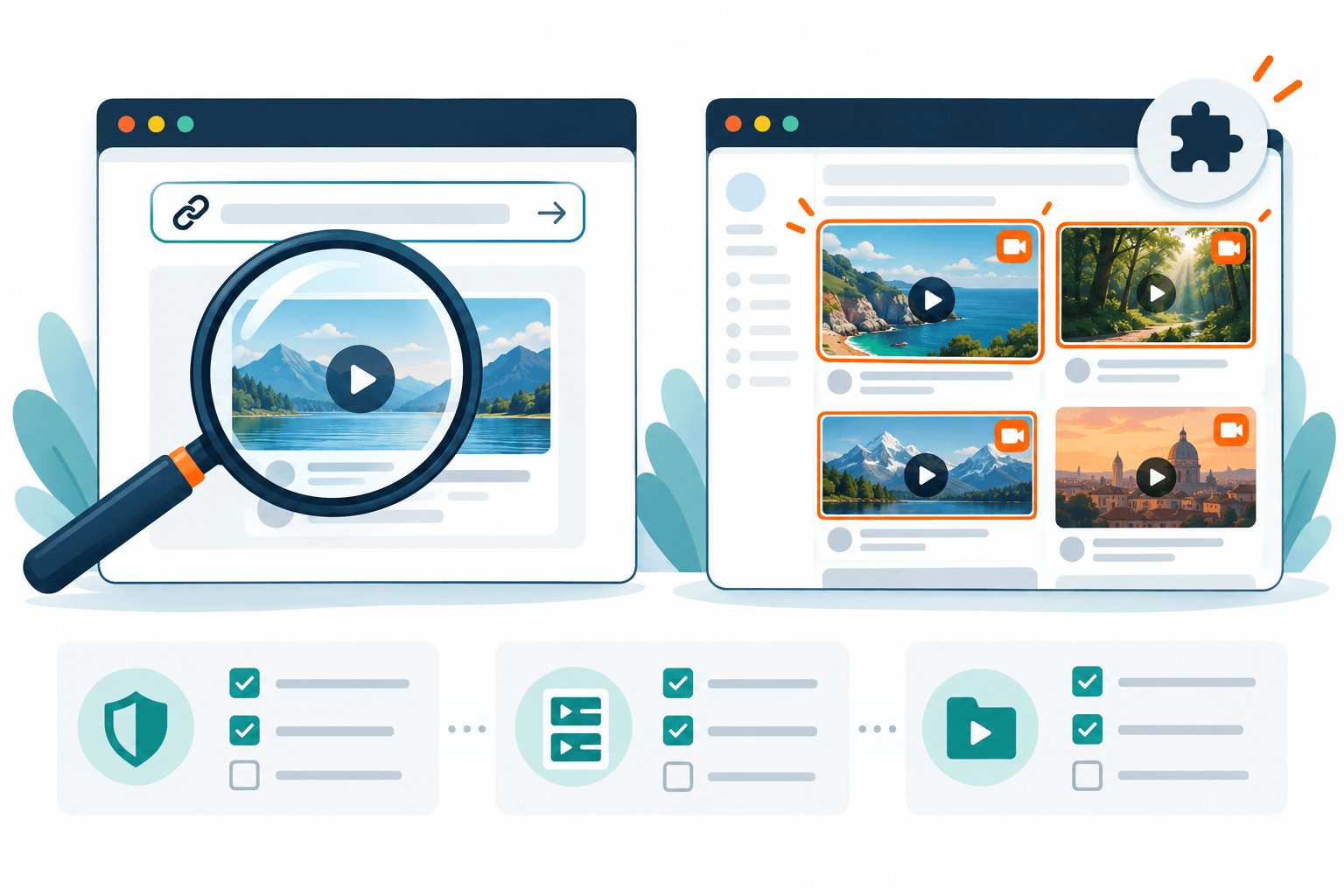
AnyVidDL vs Video DownloadHelper: Web Check or Extension?
Compare AnyVidDL’s explicit-link web workflow with Video DownloadHelper’s installed extension, using verified requirements and clear output boundaries.
Choose AnyVidDL when you want to submit one permitted public link to a web check. Consider Video DownloadHelper when you want an installed browser-extension workflow for media on an open page. Confirm browser requirements, permissions and actual output before choosing; this is a workflow comparison, not a speed or download-success benchmark.
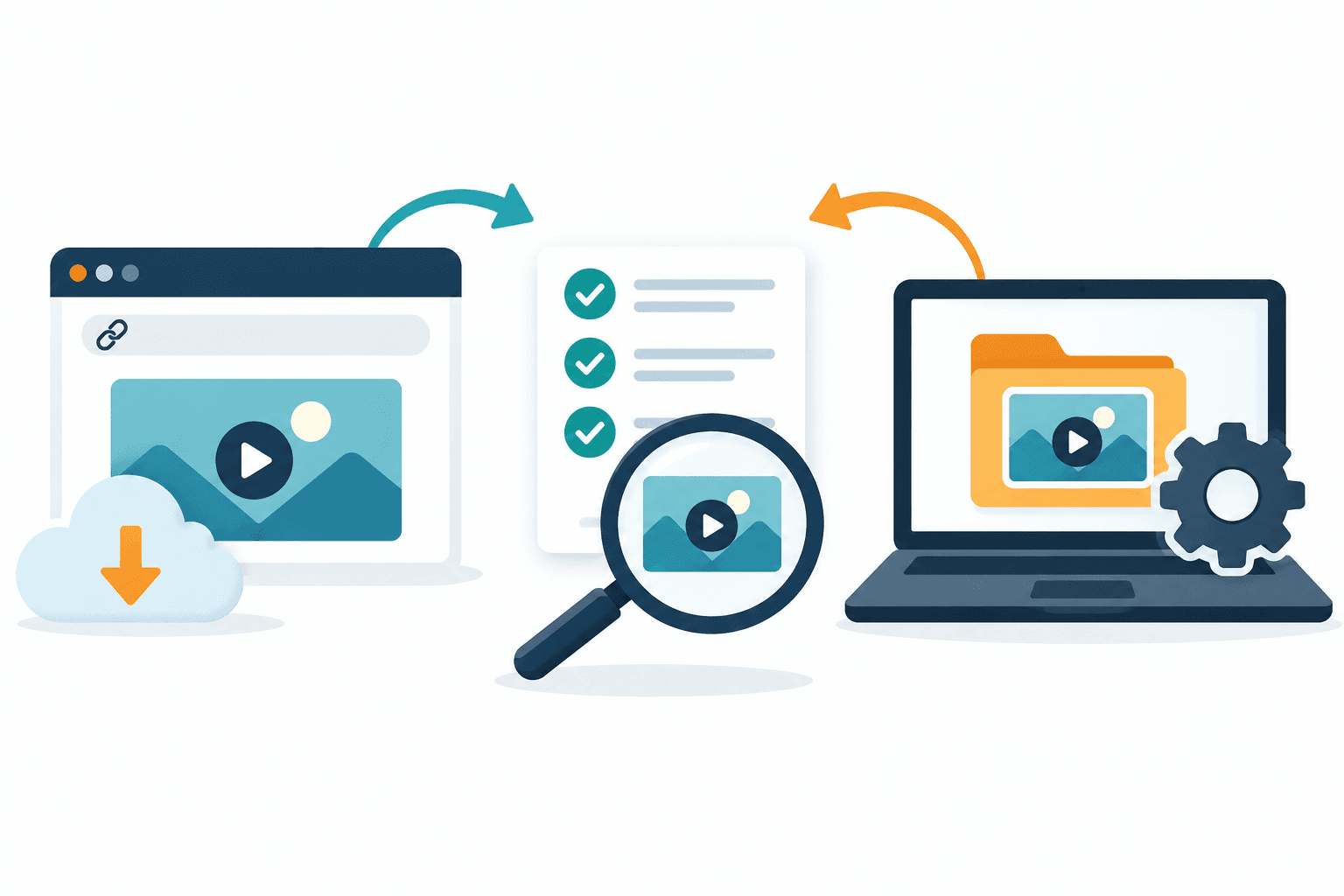
Online vs Desktop Video Downloader: Choose by Workflow
Compare installation, processing boundaries, file limits and output checks before choosing a web workflow or installed video downloader.
Start with the workflow your task needs: explicit-link web inspection for a one-off permitted source, or an installed application when its verified controls solve a specific workload problem. Test the actual output before choosing. Neither installation nor media detection guarantees a complete file, better quality or stronger privacy.
AnyVidDL vs SSSTwitter
Should you use AnyVidDL or SSSTwitter for X/Twitter videos?
Use a simple Twitter-only downloader when you only need a quick public X/Twitter save. Choose AnyVidDL when you also need broader workflow guidance, failure explanations, safe-use boundaries, and a future path to extension, Pro, API, or MCP tasks.
Best TikTok Video Downloaders
What makes a TikTok downloader safer to use?
A safer TikTok downloader avoids reposting and watermark-removal promises, explains unsupported private or restricted videos, and reminds users that downloading does not grant reuse rights. AnyVidDL is positioned for permission-based saving, not unauthorized content reuse.
Best X Video Downloaders
How do you choose a downloader for current X links and legacy Twitter URLs?
Choose an X video downloader by testing current public X and legacy Twitter URL forms, checking audio and output formats, and requiring clear explanations for private, deleted, or restricted posts. This page is the canonical decision guide for both X and Twitter downloader searches.
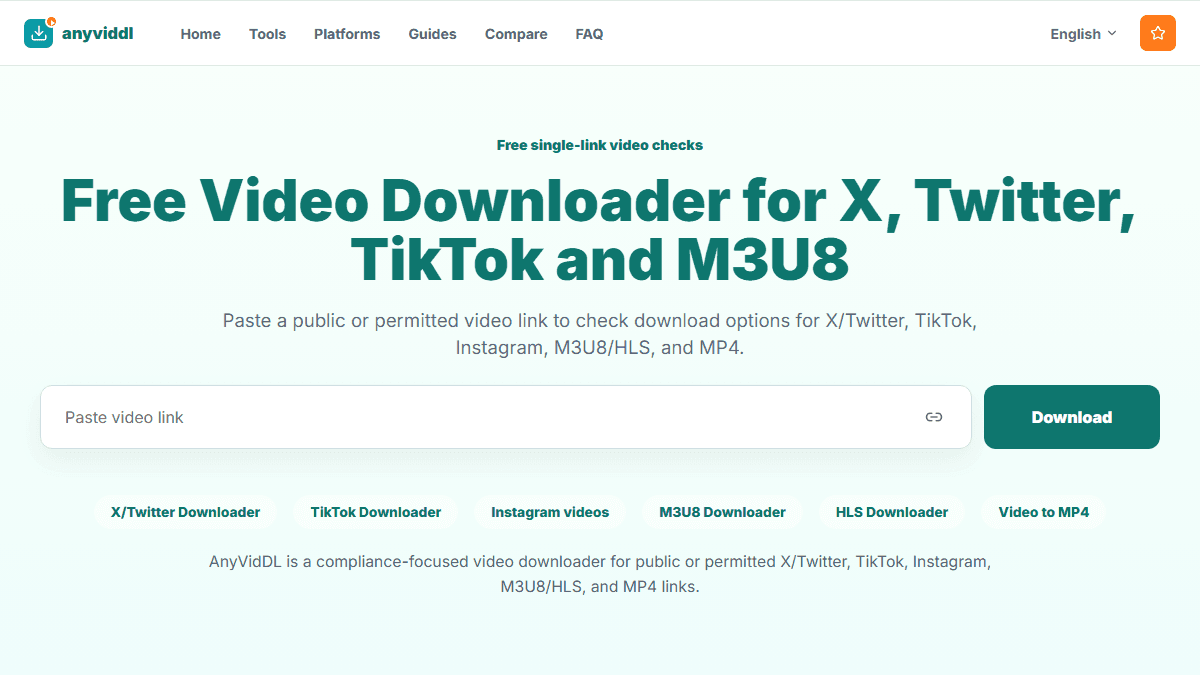
Chrome Extension vs Online Video Downloader
Should you use an online downloader or a Chrome extension?
Use the online downloader for quick single links. Use the Chrome extension when you need current-page detection, history, batch tasks, and Pro workflows.
M3U8 Downloader vs Screen Recorder
Should you use an M3U8 downloader or a screen recorder?
Use an M3U8 downloader for permitted HLS media when manifest, track, subtitle, and quality choices matter. Use a screen recorder only for your own screen capture needs and never as a way to bypass DRM, paywalls, or platform restrictions.
Web Tool vs API Video Downloader
When should a video download workflow move from web tool to API?
Use a web tool for manual single-link tasks. Move to an API video downloader only when you need repeatability, rate limits, audit logs, failure classification, and clear authorization boundaries for each source URL.
Safe Y2Mate Alternative for Clean Video Link Checks
Compare Y2Mate-style downloader workflows with AnyVidDL for cleaner public-link checks, clearer limitations, and safer usage boundaries.
Choose AnyVidDL over Y2Mate-style sites when your priority is a clean browser workflow, visible safety boundaries, no install prompt, and clear refusal of private, paid, login-only, or DRM-protected content.
SnapTik Not Working? A Safer TikTok Downloader Alternative
If SnapTik is not working, use this checklist to choose a cleaner TikTok downloader workflow without private-content or watermark-removal promises.
If SnapTik is not working, first confirm the TikTok link is public, still available, and permitted to save. Then use AnyVidDL for a clean link check with clear failure reasons instead of chasing private-content bypasses or guaranteed watermark-removal claims.
SSSTikTok Alternative: Clean TikTok Saving Workflow
A safer SSSTikTok alternative guide for users searching no-watermark TikTok claims, with clear attribution and reuse boundaries.
Use AnyVidDL as an SSSTikTok alternative when you need a clean TikTok link check for public or permitted videos. Do not choose any tool because it promises private access, guaranteed watermark removal, or reuse rights it cannot grant.
Top Safe SaveFrom Alternatives in 2026
Tired of ads, pop-ups, fake buttons, or redirects? Compare safer SaveFrom alternatives for public and permitted video links.
Use AnyVidDL when you want a clean browser workflow for public or permitted video links, clear failure reasons, and no private, paid, login-only, or DRM bypass. Use platform official tools when you need creator-approved exports, and use local command-line tools only if you can manage setup and rights boundaries.
yt-dlp Web GUI: Use yt-dlp-Style Workflows Without Installing
Compare yt-dlp command-line workflows with AnyVidDL's browser-first interface for public and permitted video link checks.
Use yt-dlp directly when you are technical, comfortable with the command line, and responsible for local setup, updates, and rights checks. Use AnyVidDL when you want a browser-first yt-dlp-style workflow for one public or permitted link, clearer refusal language, and a future path to API or MCP tasks.