Chrome Extension vs Online Video Downloader
Should you use an online downloader or a Chrome extension?
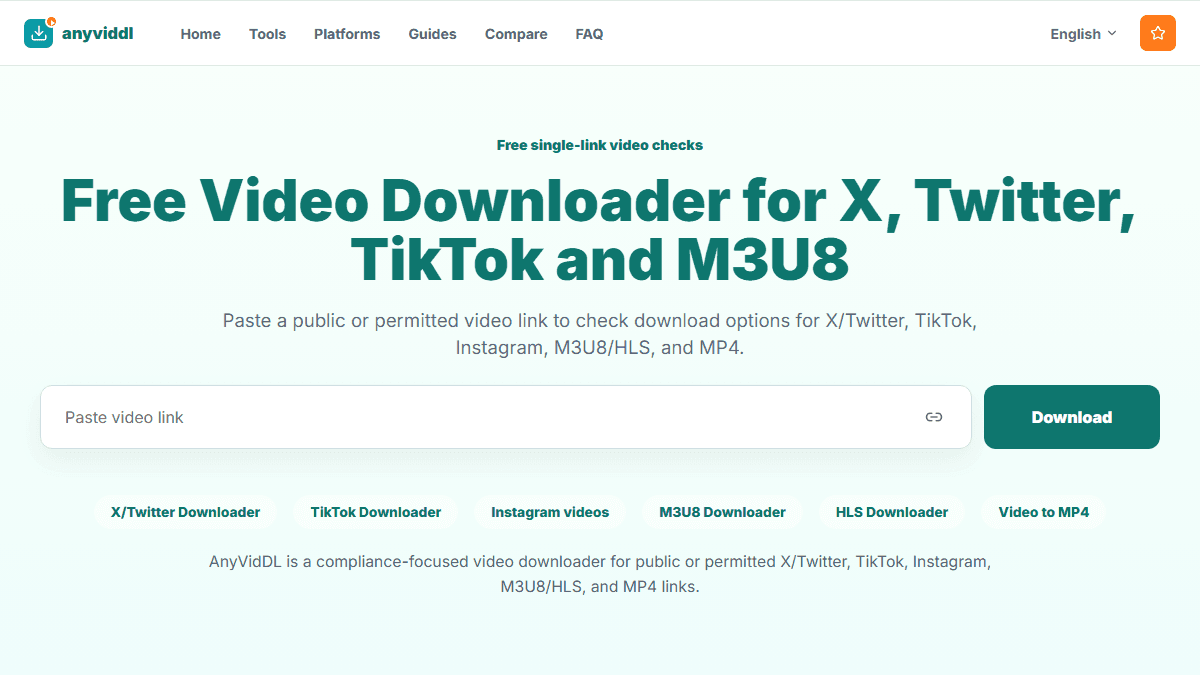
Use the online downloader for quick single links. Use the Chrome extension when you need current-page detection, history, batch tasks, and Pro workflows.
Direct answer
Use the online downloader for quick single links. Use the Chrome extension when you need current-page detection, history, batch tasks, and Pro workflows.
Compare the interaction surface
An online downloader receives the link a user intentionally submits. A Chrome extension can inspect a page or network activity according to its granted permissions. That makes an extension useful for repeated current-page detection, but it also creates a persistent component that must be reviewed, updated, and disabled when it is no longer needed.
The safer choice is the lowest-permission workflow that completes a permitted task. Neither model should be used to access private, paid, login-only, DRM-protected, or otherwise restricted content.
Decision matrix
| Factor | Online workflow | Chrome extension workflow |
|---|---|---|
| Setup | Open a site and submit a supported URL | Install an extension and grant browser permissions |
| Best frequency | Occasional or one-off checks | Repeated work on pages already open in Chrome |
| Detection | Depends on the submitted URL | May detect page-associated media within permission scope |
| Data exposure | Service receives the submitted URL and request metadata | Extension may see page context allowed by its permissions |
| Maintenance | Service changes are managed remotely | User reviews ownership, releases, and permissions |
| Exit cost | Close the page when finished | Disable or uninstall and verify permissions are removed |
This matrix compares operating models, not universal speed or success rates.
Extension permission checklist
Before installation, read the exact Chrome permission prompt. Prefer active-tab or site-specific access over all-site access when the workflow permits it. Check publisher identity, privacy policy, update recency, ownership changes, and whether new releases request broader access.
Test with a non-sensitive public page. Do not expose private workspaces, logged-in feeds, unpublished creator dashboards, or account credentials merely to make detection easier. If an extension injects unexpected ads, redirects searches, or changes permissions without a clear reason, disable it and investigate.
Choose based on repeat frequency
Start online when the task happens only occasionally and the URL can be copied directly. If the same permitted workflow repeats often and current-page detection saves meaningful time, trial an extension with narrow permissions and a small test set.
AnyVidDL's web workflow can serve as the first check. Extension, API, or MCP paths should be introduced only when repeat volume and evidence requirements justify more setup.
Failure-handling protocol
A failure should identify whether the URL is invalid, the post is unavailable, the media response is unsupported, audio and video are separate, the stream expired, or access controls require the process to stop. Do not respond by installing several extensions or providing private session data.
Record one public test URL, date, browser version, output format, and visible error. This small record makes later comparisons meaningful and helps detect whether the source or tool changed.
FAQ
Is a Chrome extension always faster?
No. It may reduce URL-copying steps, but processing speed still depends on the source response, media format, network, and implementation.
Is an online downloader automatically safe?
No. Review what URL and metadata the service receives, its policy, and its claims. Lower installation friction does not remove due diligence.
When should I uninstall a downloader extension?
Uninstall or disable it when the repeated task ends, its ownership or permissions change unexpectedly, or the benefit no longer justifies persistent access.
Can either workflow handle private content?
This comparison does not recommend private-content access. Stop at login, private, paid, DRM, or other source restrictions.