Use-case pages that answer real decision queries
Each cluster explains the user intent, safe boundaries, recommended workflow, format decision, and failure cases.
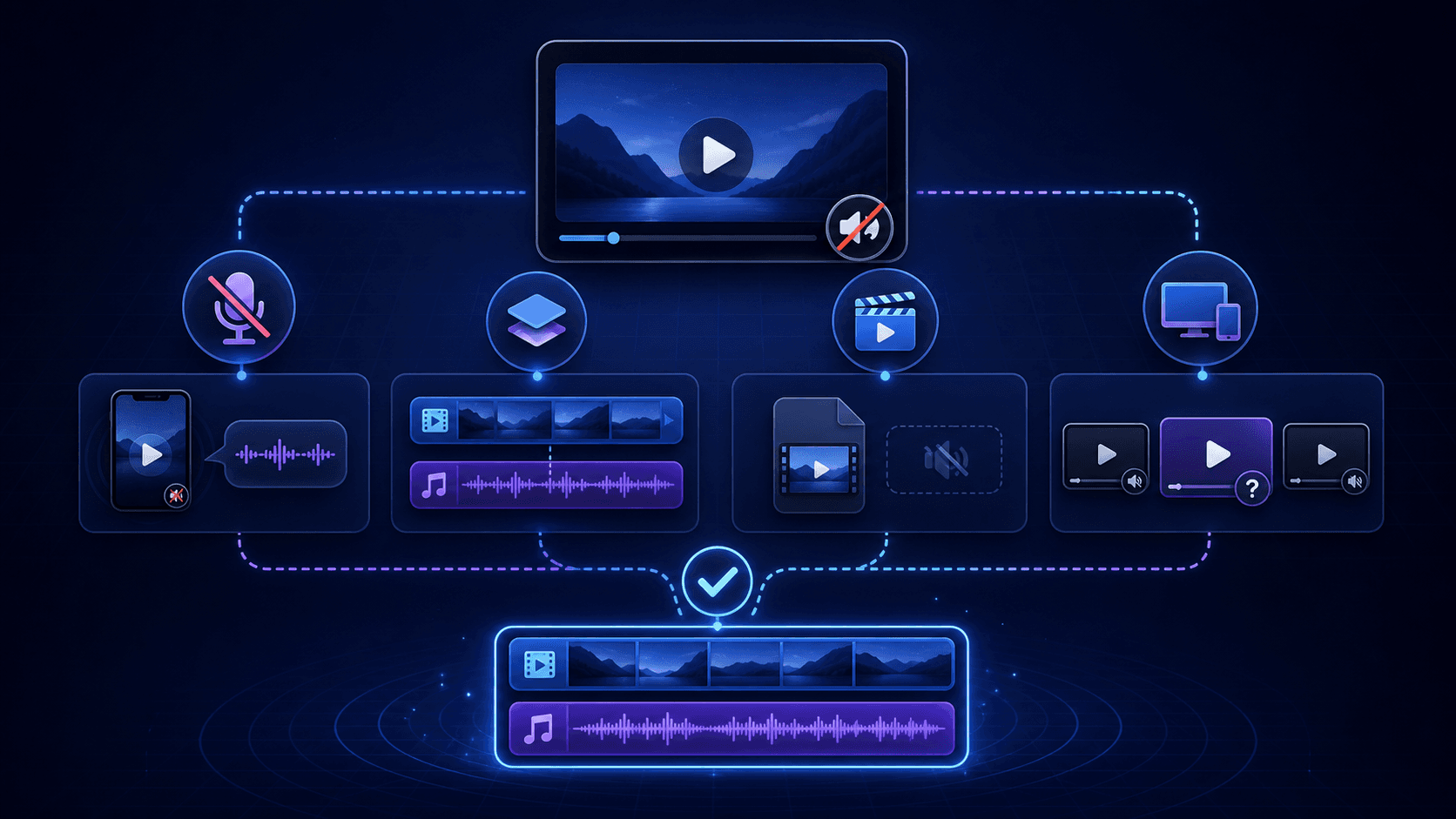
MP4 Link Guide: Identify Playlists, Separate Tracks, and Saved Files
Learn how to identify an MP4 link, distinguish playlists and separate tracks, check audio metadata, and verify permitted saved files locally.
An MP4 link may identify a direct media-file option, a streaming manifest, separate tracks, or a source reference. Check the returned type and metadata, then verify any authorized saved file locally before calling it a completed MP4.
Creator AI Repurposing Workflow
How creators can save their own videos, prepare transcripts, and use AI tools for clips, summaries, captions, and planning without stripping attribution or rights context.
Creators can use AnyVidDL as a preparation step for their own or authorized videos, then send files or transcripts to AI tools for captions, outlines, clips, and summaries. Keep project ownership, source URLs, capture dates, output files, and review notes together, and do not use the workflow to copy, rewrite, or repost other creators' videos without permission.
Save Videos for AI Research
A permission-aware workflow for saving public or permitted videos before using AI tools for research notes, transcripts, summaries, or evidence review.
Use AnyVidDL for AI research only when the video is public or permitted and the research record keeps source URL, date, creator, permission context, transcript or summary output, and human review notes. Do not use video saving or AI analysis to bypass private access, paywalls, DRM, attribution, or platform rules.
Video Archive for AI Notes
Build a source-aware video archive for AI notes, transcripts, summaries, and retrieval without losing permission context.
A useful AI notes archive keeps each saved video connected to its source URL, capture date, creator, permission context, format, transcript, AI summary, and human review status. AnyVidDL can help prepare supported public or permitted links, but the archive should stop on private, paid, DRM-protected, login-only, credential-gated, or rights-restricted media.
Batch download social media videos
How to decide when a batch download belongs in an extension, Pro queue, API, or MCP workflow instead of a public web form.
Batch downloads need queue limits, source records, retries, and usage boundaries. Use the web tool only for proving that a single link works; move batch work to extension, Pro, API, or MCP paths that can record status and refuse unsupported links.
Download livestream replays
A boundary-first workflow for saving replay videos when the replay is public, permitted, and technically supported.
Replay downloads depend on whether the replay is public, still available, and delivered through a supported media format. AnyVidDL should explain unavailable, expired, protected, or region-limited replays instead of promising universal replay capture.
Download videos for offline viewing
A practical workflow for saving public or permitted videos so they remain available during travel, weak signal, or classroom use.
Use the web tool for one public or permitted link, then keep the original URL and permission context with the saved file. If you repeat the same task often, move to the extension or Pro queue instead of pasting links one by one.
Download videos with subtitles
A checklist for subtitle-aware downloads, including when a normal MP4 save is not enough.
Use subtitle-aware workflows when captions are part of the value of the video. Check whether subtitles are embedded, provided as separate tracks, or unavailable; then choose web, HLS, API, or MCP based on the source format and permission status.
Save social media videos for a personal archive
How to build a personal archive of public or authorized social videos without losing source context or rights notes.
A personal archive should preserve the original post URL, creator name, capture date, and permission note. AnyVidDL can help with single links, while extension, API, or MCP workflows are better when the archive needs history, queue control, or audit records.