Web Tool vs API Video Downloader
When should a video download workflow move from web tool to API?
Use a web tool for manual single-link tasks. Move to an API video downloader only when you need repeatability, rate limits, audit logs, failure classification, and clear authorization boundaries for each source URL.
Direct answer
Use a web tool for manual single-link tasks. Move to an API video downloader only when you need repeatability, rate limits, audit logs, failure classification, and clear authorization boundaries for each source URL.
Volume is not the only API trigger
An API is justified when a permitted workflow needs deterministic inputs and outputs, machine-readable failures, authentication boundaries, rate handling, audit records, or integration with another system. A web tool remains better when a person can review each public link and the task volume is too small to justify engineering and operational ownership.
Automation does not expand access rights. An API must not scale attempts against private, paid, DRM-protected, login-only, or otherwise restricted sources.
Interface and ownership comparison
| Decision | Web tool | API workflow |
|---|---|---|
| Operator | Human submits and reviews a link | Software submits jobs and handles responses |
| Setup | Minimal | Credentials, code, secrets, retries, and monitoring |
| Failure review | Human reads the result | Client classifies status and error fields |
| Scale | Best for occasional checks | Better for repeat permitted tasks with controls |
| Governance | Browser and service policy | Key rotation, quotas, logs, retention, incident response |
| Change handling | UI changes affect operators | Contract or version changes can break clients |
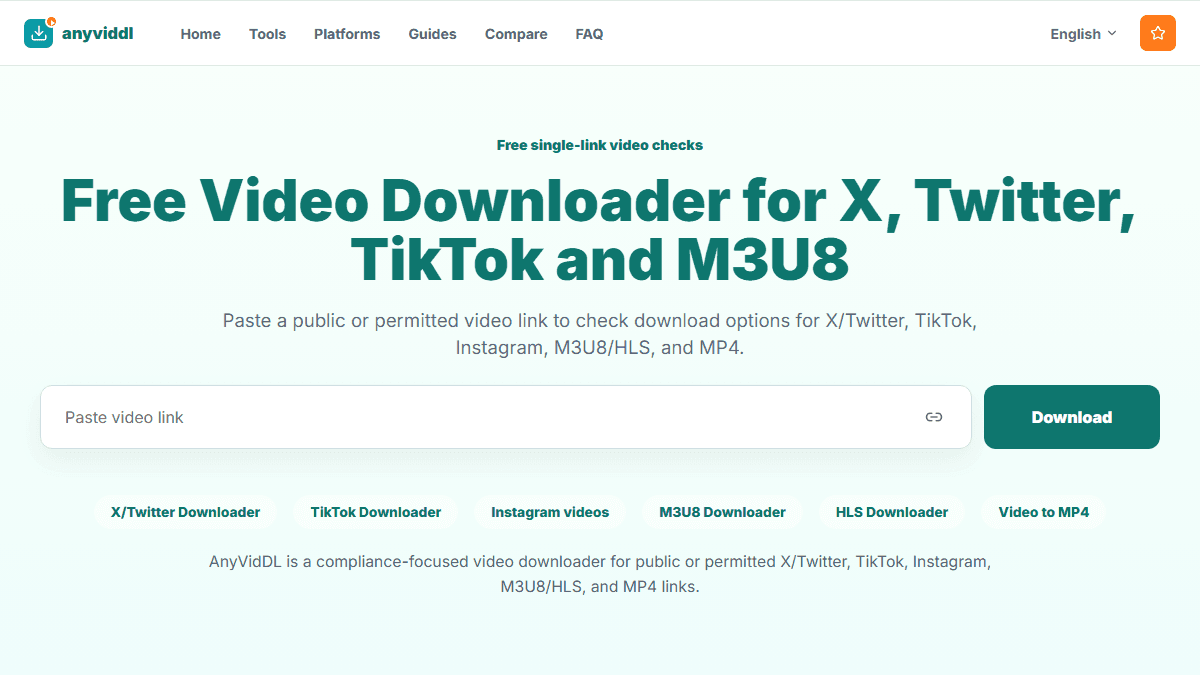
AnyVidDL's web entry is the proof step. API or MCP should follow only after the initial workflow and product support are verified.
API-readiness gates
Before integration, define allowed source types, permission evidence, expected output, rate limits, timeout budget, retry policy, error taxonomy, log retention, and deletion. Decide who can access credentials and how keys are rotated or revoked.
Run a small set of public or permitted links. Include success, unavailable source, unsupported format, missing audio, and restricted-access cases. The client should stop on policy boundaries instead of turning every error into an automatic retry.
Contract details that matter
A useful API contract identifies a job, normalizes the source URL, reports processing state, lists available outputs, separates retryable technical errors from non-retryable access restrictions, and supplies timestamps. Idempotency prevents duplicate work, while bounded retries prevent a temporary failure from becoming uncontrolled traffic.
Do not log private query parameters, credentials, cookies, or full source data when a redacted identifier is enough. Analytics and operational logs need explicit retention rules.
When the web workflow should remain primary
Stay with the web tool when tasks are rare, human judgment is required for each source, output is reviewed immediately, or integration costs exceed time saved. A browser workflow is also useful during discovery because it reveals which fields and failures an eventual API needs.
Migration path to API or MCP
- Validate one supported public or permitted link in the web workflow.
- Build a representative, rights-cleared test set and record outcomes.
- Define machine-readable success and stop conditions.
- Confirm quotas, authentication, secret storage, retries, and logging.
- Run a limited integration with monitoring and a manual kill switch.
- Expand only after failures are classified correctly and duplicates are controlled.
MCP can be considered when an agent ecosystem needs governed access to verified capabilities. It still requires evidence, permissions, and bounded actions.
FAQ
How many downloads justify an API?
There is no universal number. Consider engineering cost, repeat frequency, error handling, audit needs, and time saved.
Should an API automatically retry every failure?
No. Retry only transient failures with limits and backoff. Private, restricted, unsupported, or rights-related failures should stop.
Is MCP a replacement for an API?
Not necessarily. MCP can expose governed tools to compatible clients, while the underlying service may still use an API.
Can automation guarantee higher success rates?
No. Automation improves consistency and records; it cannot create access, rights, formats, or quality that are unavailable.