Best M3U8 Downloader: Choose by the Output You Need
Compare M3U8 playlist inspectors with tools that create finished files. Check variants, audio, output verification, permissions, and access limits.
If you only need to inspect a public M3U8 playlist, use a tool that shows its variants and audio notes. If you need a finished video file, choose a tool that actually fetches segments, handles separate audio, and verifies playback. In AnyVidDL, inspect the returned action: a source link opens the source, while a Download action starts file preparation. Neither action alone verifies a finished file. This page does not claim a tested number-one downloader.
Direct answer
If you only need to inspect a public M3U8 playlist, use a tool that shows its variants and audio notes. If you need a finished video file, choose a tool that actually fetches segments, handles separate audio, and verifies playback. In AnyVidDL, inspect the returned action: a source link opens the source, while a Download action starts file preparation. Neither action alone verifies a finished file. This page does not claim a tested number-one downloader.
First decide: inspect or save
| Desired result | Capability to check before choosing | AnyVidDL today |
|---|---|---|
| Understand quality options in a public playlist | Reads the manifest and lists returned variants | Lists source options; metadata can be incomplete |
| Save one playable file with sound | Fetches segments, combines audio when needed, then verifies playback | Check the returned action and actual output; not promised for every source |
| Preserve subtitles | Finds and exports the appropriate subtitle track | Check the returned action and actual output; not promised for every source |
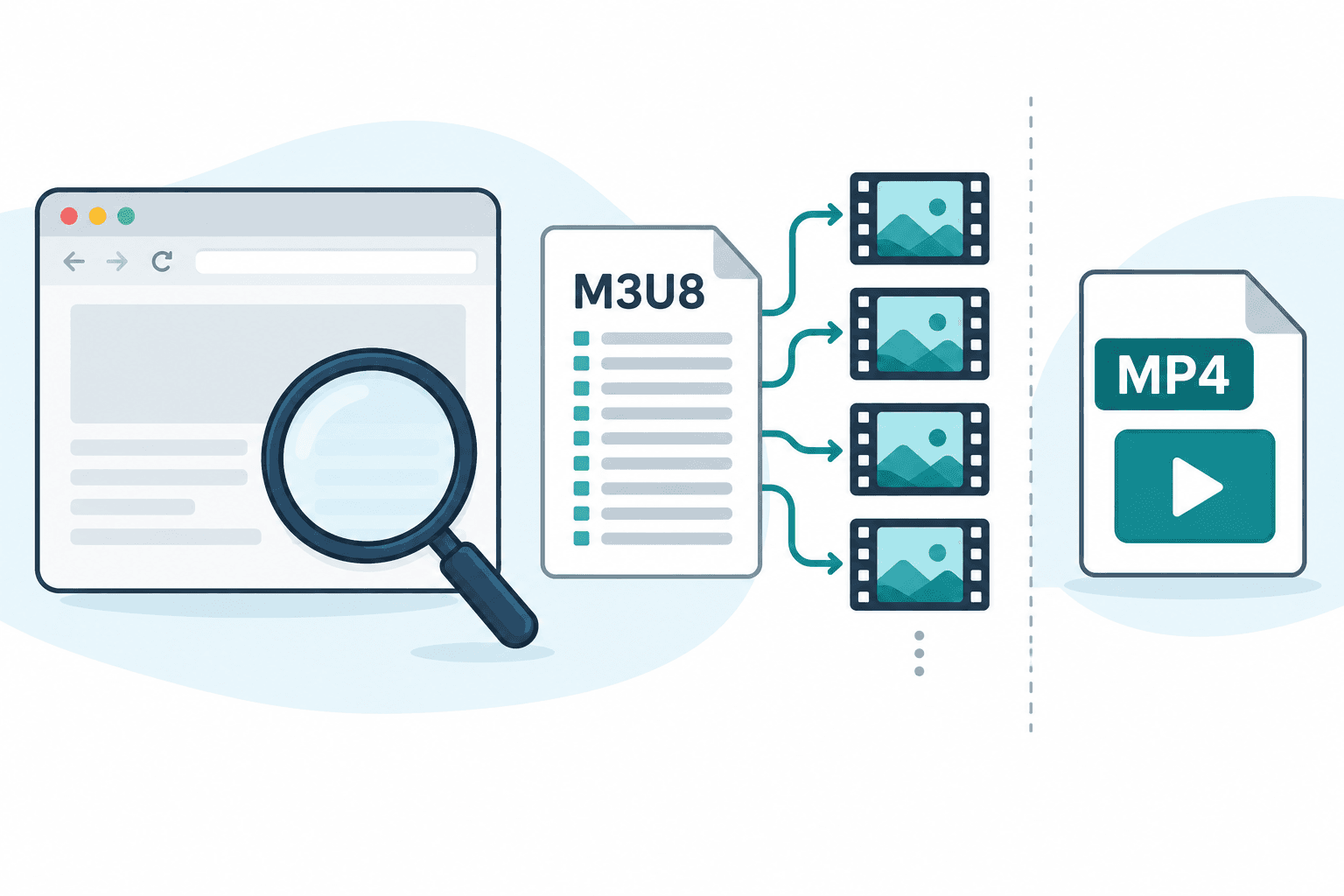
The illustration above explains the distinction; it is not a screenshot or an end-to-end test result. See the parser test method for the distinction between parsing and end-to-end output.
Named tools: documented roles and untested outcomes
The following comparison uses primary publisher documentation checked on 4 October 2026. It compares declared roles, not download success, speed, security audit results or market share. No same-fixture comparison was run for this refresh.
| Candidate | Documented role | What to verify yourself |
|---|---|---|
| Video DownloadHelper | Its publisher describes browser detection and downloading of HLS and other media | Browser-store publisher, requested permissions, current feature limits and a completed file on your permitted source |
| FFmpeg | Its official documentation describes configurable media input/output protocols | Your installed build, permitted input, chosen output and actual playback; documentation does not test your URL |
| hls.js | Its project describes browser HLS playback | Playback is useful for inspecting a permitted source; the library is not itself a finished-file downloader |
| AnyVidDL | The reviewed interface distinguishes source-opening actions and Download preparation | Follow the displayed action; a playlist option or preparation state is not yet verified local output |
For browser media detection, examine Video DownloadHelper's declared role. For a configurable technical input/output workflow, examine FFmpeg. For browser HLS playback or inspection, examine hls.js. For public-link inspection and returned-action checking, examine AnyVidDL. These role-to-task matches are selection starting points, with outcomes untested.
Primary references: Video DownloadHelper, FFmpeg protocol documentation and hls.js project. Publisher descriptions are attributed here rather than repeated as independently confirmed performance. A tool's supported format list cannot prove that an individual source is accessible.
A reusable comparison note
Choose one short, permitted source and state your desired output before trying a candidate. Record the date, tool version where available, whether the input was a page or playlist, the returned action and the resulting file. Test the same input and output requirement for the next candidate. Keep any access restriction as a stop condition instead of changing credentials to make the comparison appear successful.
For example, a browser player opening a playlist and a downloader producing a silent local file are two different observations. Neither is a verified video-with-audio output. This is an illustrative comparison, not a report of tests performed on these named tools. Do not rank them from that example.
Eight criteria for comparing M3U8 downloaders
| Criterion | What a useful tool should show | Warning sign |
|---|---|---|
| 1. Playlist type | Whether the URL is a master playlist, media playlist, page, or single segment | Treats every URL as a finished video file |
| 2. Quality variants | Available resolutions or bandwidth variants from the source | Promises a quality the playlist does not expose |
| 3. Audio handling | Whether audio is combined or declared as a separate rendition | Produces silent video without explaining the track state |
| 4. Subtitle handling | Available subtitle tracks and whether they are separate | Claims subtitles are included without checking the manifest |
| 5. Output verification | Duration, playback, seeking, sound, and completion checks | Calls the task successful because a file merely exists |
| 6. Failure clarity | Expired playlist, missing segment, unsupported structure, or access boundary | Repeats a generic “try again” message indefinitely |
| 7. Permission boundary | Stops on DRM, login, payment, credentials, or restricted access | Advertises bypasses or universal access |
| 8. Privacy and permissions | Explains browser access, URL handling, and any local installation | Requests broad access without a clear reason |
Speed matters only after these checks. A fast result that is silent, incomplete, or obtained through an inappropriate access path is not the best result.
Choose by workflow, not by a universal ranking
| Workflow | Best fit | Main tradeoff |
|---|---|---|
| Online playlist inspector | Checking one public or permitted playlist URL | May return source links without a finished file |
| Browser extension | Detecting media that is openly exposed in the current page | Requires careful review of browser permissions and publisher identity |
| Desktop tool | Long-running local tasks for media you are permitted to process | Installation, updates, storage, and local security require review |
| Command-line workflow | Technical users who need explicit logs and track control | Higher setup cost and more room for configuration errors |
| Screen recorder | Recording your own screen when direct file output is not required | It is not a playlist downloader and does not change rights or DRM boundaries |
If you already have a public .m3u8 URL, compare the actual permissions and data handling of workflows that can inspect it. If you only have a public page, confirm that the page openly exposes an HLS source before choosing a detector. Do not pass cookies, passwords, session tokens, or DRM data to force access.
Master playlist, media playlist, and single segment
A master playlist can list multiple video qualities, audio groups, and subtitles. A media playlist normally lists segments for one selected rendition. A URL ending in .ts, .m4s, or a numbered media path may be only one segment, not the full video.
The M3U8 and HLS download workflow explains how to classify the input before starting. For browser-specific detection and permission choices, use the M3U8 downloader for Chrome guide.
Verify the result before calling it successful
If the chosen tool creates a file, open that file and check the beginning, middle, and end. Confirm duration, seeking, picture, sound, and synchronization. When subtitles matter, verify them separately; the video container may not include an external subtitle track. A playlist inspection result alone cannot pass this output check.
If the result has no sound, look for a separate audio rendition. If playback stops early, the playlist or some segments may have expired. If the file will not open, check completeness and actual media tracks before renaming the extension.
These checks also make tool comparisons fair. Every candidate should be evaluated with the same permitted fixtures, expected outputs, dates, and stop conditions.
Where AnyVidDL fits
AnyVidDL provides public-link M3U8 inspection and HLS inspection for a single permitted URL. Use it when you need to see returned source options in a browser. If the interface offers only Open source, treat it as a source link. If it offers Download, follow preparation through to the actual file, then verify playback. Do not infer segment merging, audio inclusion or source compatibility merely from a returned option.
Do not interpret playlist detection as proof that every segment, track, subtitle, or quality will remain available. The public source can expire or change. AnyVidDL should not be described as a way to process private, paid, login-only, credential-gated, region-restricted, or DRM-protected streams.
Why this page does not publish invented scores
An absolute “best” ranking would require the same dated fixtures, tool versions, locations, settings, and scoring rules for every product. This page does not have that comparative evidence, so it does not assign stars, success rates, or a number-one winner.
Instead, use the eight criteria above and record the result for your own permitted source. A transparent fit decision is more useful than a leaderboard that cannot be reproduced.
FAQ
What makes an M3U8 downloader good?
A good M3U8 downloader identifies playlist type, quality variants, separate audio and subtitles, produces a verifiable result, and gives a specific failure reason when it cannot continue.
Is an online M3U8 downloader better than a Chrome extension?
It depends on the input. Compare the exact permissions and data handling of each tool. Delivery model alone does not establish security or privacy; choose according to input and required output.
Does the highest M3U8 resolution always include audio?
No. A high-resolution rendition may contain video only, while audio is declared separately. Check track information instead of choosing by resolution alone.
Can an M3U8 downloader process DRM streams?
This comparison does not cover DRM circumvention. DRM, login, payment, credentials, and restricted access are stop conditions.
Why is there no absolute number-one ranking?
A defensible ranking requires the same dated fixtures, versions, regions, and scoring method for every tool. Without that evidence, selection criteria are more reliable than invented scores.
Related pages
m3u8-downloader
Open this related workflow or decision page.
hls-downloader
Open this related workflow or decision page.
guides m3u8-hls-download-workflow
Open this related workflow or decision page.
guides m3u8-downloader-chrome
Open this related workflow or decision page.
compare m3u8-downloader-vs-screen-recorder
Open this related workflow or decision page.