Online vs Desktop Video Downloader: Choose by Workflow
Compare installation, processing boundaries, file limits and output checks before choosing a web workflow or installed video downloader.
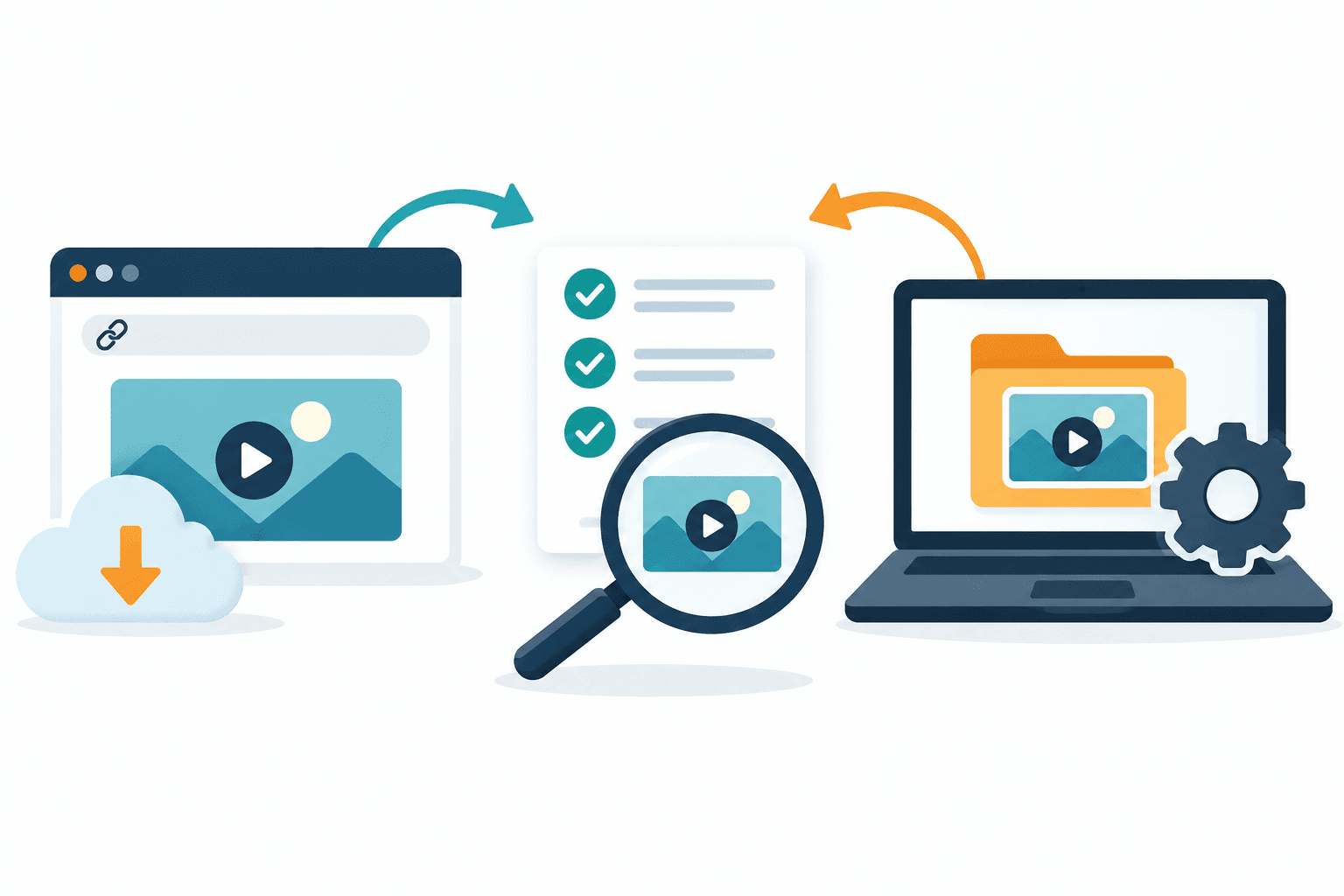
Start with the workflow your task needs: explicit-link web inspection for a one-off permitted source, or an installed application when its verified controls solve a specific workload problem. Test the actual output before choosing. Neither installation nor media detection guarantees a complete file, better quality or stronger privacy.
Direct answer
Start with the workflow your task needs: explicit-link web inspection for a one-off permitted source, or an installed application when its verified controls solve a specific workload problem. Test the actual output before choosing. Neither installation nor media detection guarantees a complete file, better quality or stronger privacy.
Make the choice around one task
For one permitted public link, a web check avoids installing an application. For repeated work, an installed tool may fit if a verified feature solves a measured problem such as queue persistence or local file management. That feature must be checked in the particular product, version and plan; “desktop” alone proves none of them.
Do not install a tool just because a source is restricted. Source permission, access and available quality remain separate from the choice of software.
Compare workflows, not promised performance
| Decision | Explicit-link web workflow | Installed desktop application |
|---|---|---|
| Starting point | Submit a supported public/permitted URL | Install the product, then use its supported input workflow |
| Setup | No app installation for the first web check | Verify publisher, installer, system support and update process |
| Processing | A service receives the request; AnyVidDL's eligible Download path uses server-side preparation | Local, remote or hybrid processing: verify the particular app |
| Output | Source options, an eligible preparation action or an explained failure; not automatically a saved file | Verify the actual output on a permitted fixture; installation is not completion |
| Large/repeated tasks | Check the actual task limits and session behavior | Confirm size, queues and restart handling in that exact version/plan |
| Privacy | Review submitted URL, service policy and request records | Review file access, network activity, telemetry and local history |
| Proven speed/success advantage | UNKNOWN without a comparable test | UNKNOWN without a comparable test |
The adjacent market interest behind this topic does not establish that searchers are comparing AnyVidDL by name. Nor is this a measured tool ranking.
Use the failure as a decision criterion
Our limited October 1–4, 2026 product task observations contain file-size, transport and audio-preparation failures alongside parse errors. They identify useful acceptance checks, not unique people or a success rate. They do not show that desktop tools would have completed those same tasks.
| Your constraint | Evidence to require before switching |
|---|---|
| An option appears, but preparation fails | A complete file from the same permitted fixture, not a detected-media screenshot |
| A size failure blocks the task | The alternative's documented limit and a verified representative output |
| You need reliable audio | Saved-file playback and audio inspection, not an MP4 filename |
| You need a queue or history | A verified feature in the selected plan; AnyVidDL does not offer a purchasable queue/history product |
| You need confidential processing | Verified data flow and retention policy; labels such as “online” or “desktop” are insufficient |
For error meanings and bounded retries, use the failure reason guide. For browser-extension decisions, see AnyVidDL vs Video DownloadHelper.
Run a small acceptance check
- Choose an owned or explicitly permitted public video representative of the real task.
- Record the tool/version/date and required container, audio, duration and quality.
- Distinguish detected options, preparation, device saving and complete playback.
- Open the saved file and check start/middle/end, duration and sound.
- Record the failure stage if no usable file results; do not increase retries without a relevant change.
- Compare only the controls you actually verified before moving to repeated work.
This is a proposed test method, not a published head-to-head benchmark. Private, paid, login-only, DRM-protected or rights-unclear sources are not eligible fixtures.
Review privacy and installation separately
AnyVidDL's web request sends a URL to a service and eligible file preparation runs server-side. Do not describe it as local-only processing. Exact retention and cross-tool privacy superiority are UNKNOWN here; consult the privacy guide and each provider's disclosures.
For an installed app, inspect requested permissions, update channel, network endpoints and removal process. Do not assume that an installed application avoids remote requests. Use a non-sensitive permitted fixture, never private dashboards or account cookies.
FAQ
Is online always easier or safer?
It avoids installation for a first check, but source support, processing and policy still need review. This is not a blanket safety claim.
Does desktop guarantee larger or higher-quality output?
No. Verify the particular app's limits and actual output.
When should I choose an installed application?
When a verified control solves a specific task constraint and its permission/maintenance cost is acceptable.
Where should I begin with AnyVidDL?
Inspect one permitted link through the web entry, read the option or error, and verify an actual saved output before planning repeated work.