X Video Downloader: Check Public Links and Media Options
Inspect a permitted public X or Twitter post link, understand source and download options, and follow a clear troubleshooting path when a file is unavailable.
Paste one public X or Twitter post link you are permitted to save, then inspect the returned media options or failure message. A source file, playlist, separate track or unknown source link is not a guaranteed MP4. If an eligible Download action appears, verify the prepared output and the file saved on your device.
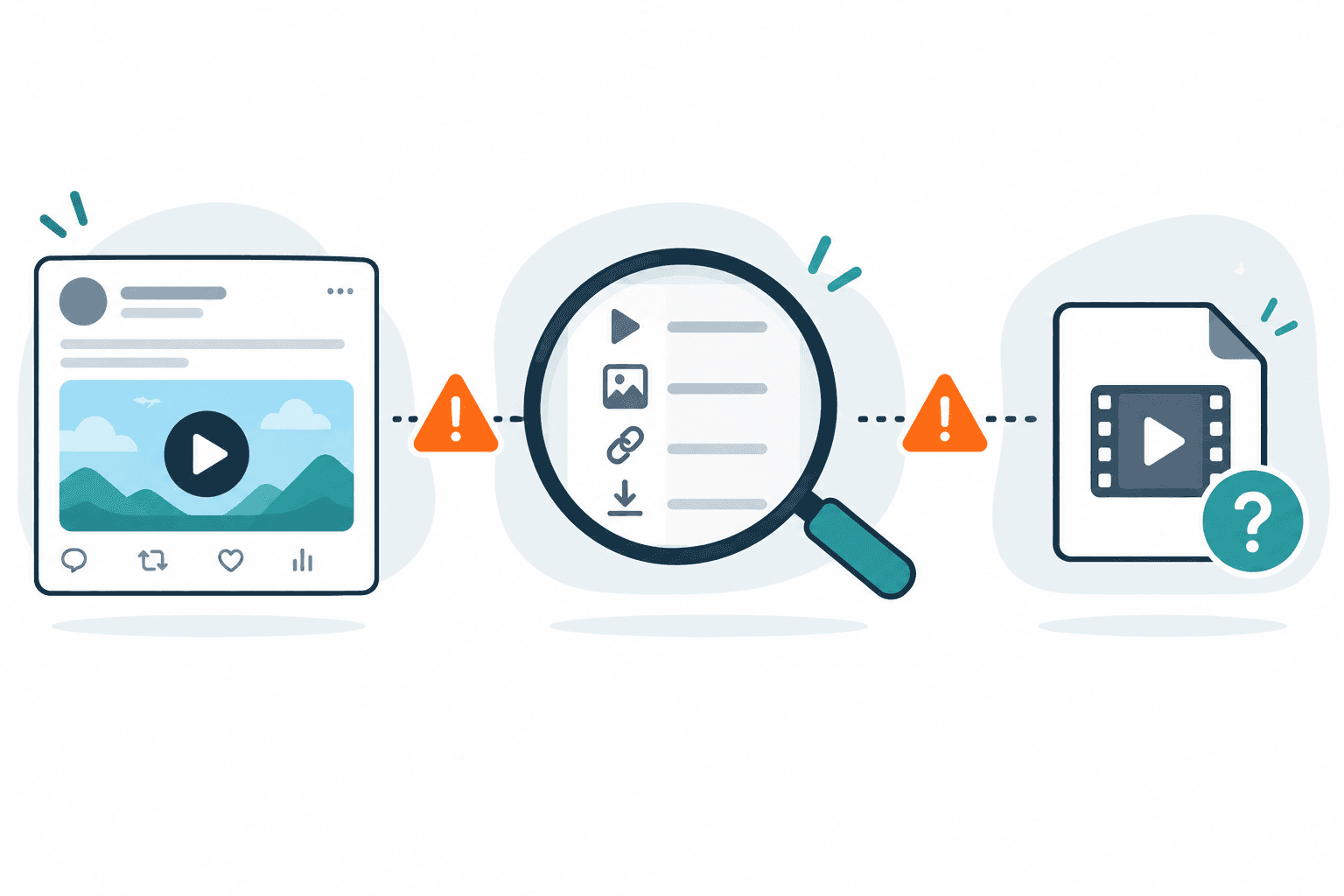
Check one public or permitted link
Paste one supported URL to inspect source files and playlists. Cloud merging, public API and MCP access are not currently available.
Direct answer
Paste one public X or Twitter post link you are permitted to save, then inspect the returned media options or failure message. A source file, playlist, separate track or unknown source link is not a guaranteed MP4. If an eligible Download action appears, verify the prepared output and the file saved on your device.
Check one permitted public post
Use the original x.com or twitter.com post link. Both names refer to the same platform family. A profile, timeline or search result is not the same input as a specific post.
- Open the original post without relying on private account state and confirm that the video still plays.
- Confirm that you have permission to save it. Public visibility alone does not grant reuse rights.
- Copy the post link and submit one URL in the checker on this page.
- Read the returned option or failure message before attempting to save.
- If a Download action is offered, inspect the prepared output and verify the saved file's playback, ending, duration and audio.
Stop for private, deleted, login-only, paid or protected sources. Do not submit cookies, passwords or account session data.
What a returned option means
The product's option contract distinguishes these result types. They describe source information and possible actions; they do not prove compatibility or completion for your post.
| Result type | What you have | What to check next |
|---|---|---|
Source file (direct_file) |
A link identified as a media file | Container, quality and audio information; an MP4 claim still needs an actual verified MP4 output |
HLS playlist (hls_manifest) |
A playlist describing streamed media | Opening the playlist is not saving a finished MP4 |
DASH manifest (dash_manifest) |
A manifest describing available tracks | A manifest is not the video file itself |
Separate track (requires_merge) |
Video and audio may need separate preparation | Do not presume the selected option includes sound or that merging will complete |
Source link (source_link) |
A link with unverified media type | Inspect the source; do not treat it as a verified downloadable video |
An eligible Download action, when present, starts server-side preparation. An Open source action only opens the returned resource. Session-required, DRM or unsupported results stay outside that download path. Neither detection nor preparation guarantees a complete file saved on your device.
If the X check fails
| Symptom | Next step |
|---|---|
| Post will not open publicly | Stop; use an official creator export if available |
| Public post plays but no usable options appear | Confirm the original post link; keep the parse message and timestamp |
| Extractor error | Preserve the message and try another permitted source to narrow the symptom |
| File-size failure | Try a smaller eligible option only if it is exposed; otherwise stop that attempt |
| Download preparation or transfer fails | Keep the stage and error; retry only when the message or a relevant condition has changed |
| Saved file has no sound | Verify playback and use the separate audio troubleshooting guide |
Use the Twitter video download failure guide for retry, another-source and stop decisions, or the error taxonomy for code meanings. The no-sound guide covers audio symptoms after saving.
What our current evidence supports
Our limited October 1–4, 2026 X-landing observations contained three nonsynthetic tasks: one parse failure, one execution failure and one no-downloadable result. There was no file-ready outcome in that cohort. These task observations are not unique users or a platform success rate; they support careful failure routing rather than a claim of stable Twitter downloads.
This page does not promise all X videos, guaranteed MP4/HD/audio, private content access or recovery of deleted posts. Inspect the product status and Twitter test methodology before relying on any broader capability claim.
FAQ
Is an X link different from a Twitter link?
The names cover the same platform family. Supply the original post URL.
Does a playlist result mean my MP4 is ready?
No. A playlist describes streamed media. A prepared and saved MP4 needs separate verification.
Can I use a private or login-only post?
That is outside this public-link workflow. Do not provide account credentials or cookies.
Why can detection work while downloading fails?
Extraction, file preparation and device saving are separate stages. Source access, transfer size or audio preparation may prevent a later stage.
What should I do next?
Inspect one permitted public post. If it fails, keep the message and follow the failure guide rather than repeating the same request without a relevant change.
Related pages
twitter-video-downloader
Open this related workflow or decision page.
video-to-mp4
Open this related workflow or decision page.
guides x-video-downloader-with-audio
Open this related workflow or decision page.
guides x-video-no-sound-fix
Open this related workflow or decision page.
compare best-x-video-downloaders
Open this related workflow or decision page.
methodology twitter-video-download-test
Open this related workflow or decision page.