Twitter Video Download Failed or No Video Found? What to Check
Troubleshoot a failed X/Twitter download or 'no video could be found in this tweet' error by checking the exact post URL, public access, media type, and source response.
If a Twitter or X video download fails, open the exact post in a signed-out browser, confirm that it is public and still contains playable media, then copy the canonical post URL and try once more. Stop if the post is private, deleted, login-only, paid, or protected. If a file downloads but has no sound, check playback and audio separately rather than assuming the original download failure has the same cause.
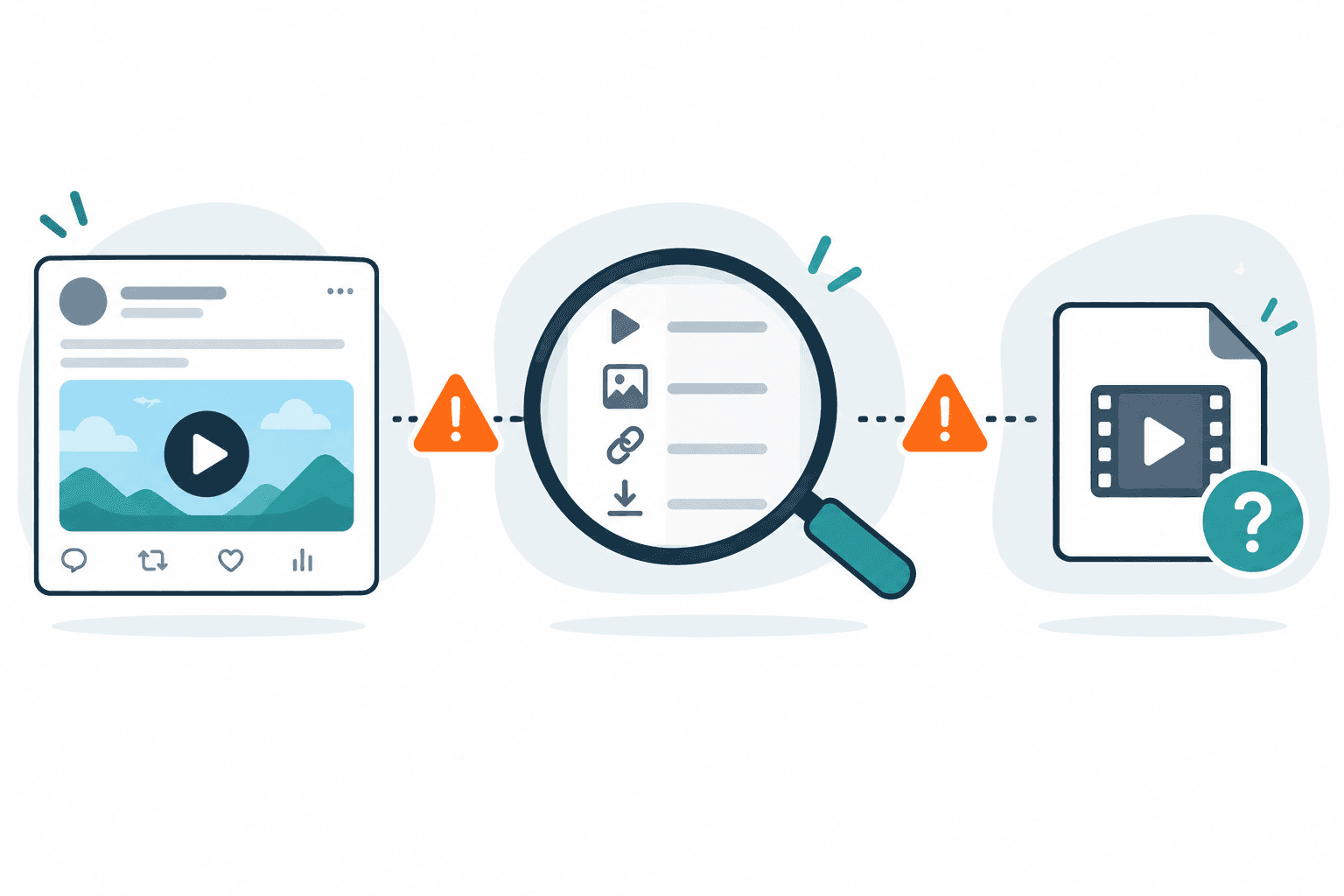
Direct answer
If a Twitter or X video download fails, open the exact post in a signed-out browser, confirm that it is public and still contains playable media, then copy the canonical post URL and try once more. Stop if the post is private, deleted, login-only, paid, or protected. If a file downloads but has no sound, check playback and audio separately rather than assuming the original download failure has the same cause.
Run this quick check first
- Open the exact X post, not the profile, timeline, search result, or reply list.
- Check the post in a signed-out or private browser window. It should remain publicly viewable and the media should play.
- Use X’s copy-link control to copy the post URL. Remove unrelated tracking text if it was copied with the link.
- Paste one URL into the X/Twitter video downloader and wait for a clear result.
- Save the exact error text, time, browser, and URL type before making one controlled retry.
If the post itself no longer opens, the downloader cannot reconstruct it. If the post opens only through a signed-in account, stop rather than transferring cookies, passwords, session tokens, or private links.
Interpret “no video could be found” cautiously
That wording reports a failure; it does not identify one proven cause. Recheck that you supplied the original post rather than a profile, timeline, quoted page or image. If it remains public and playable but the check still fails, preserve the exact message and which stage failed. Do not infer that the post is private, that the media has expired or that changing the hostname will repair it from this message alone.
Separate saving failure from audio failure
If no local file exists, first identify the failed stage below. If a local file exists but has no sound, test playback and follow the no-sound guide. Silent playback is a separate symptom; it does not by itself establish a source-track diagnosis. The format guide explains the next checks.
Find the stage that failed before retrying
A playable public post, returned media options and a completed local file are three separate outcomes. Locate your symptom first:
| Last thing that worked | Current symptom | What to check next |
|---|---|---|
| The post opened | The checker returned an error or no options | Confirm the exact original post URL and read the error category; this does not establish that a file was prepared |
| Options appeared | The result offers only a source or manifest link | Read the option label; a source link is not proof of a completed media download |
| A Download option appeared | Preparation failed or never produced a usable file | Keep the preparation error and request ID if shown; finding media did not establish transfer completion |
| A local file appeared | Playback stops, has no sound or does not reach the expected ending | Inspect the output itself; move to track or incomplete-file troubleshooting |
A source-only result is a diagnostic, not proof of successful saving. Read the visible option label and keep detection, preparation and local output separate. The failure reason guide explains the next checks.
Illustrative case: an owned, publicly accessible video post plays and the checker returns a media option. Preparation then fails. Rechecking whether the post contains a video is less useful than preserving the preparation error and noting that the failure happened after detection. This is an invented diagnostic example, not a claimed production test or success rate.
Match the error to the next action
The same public post can fail at different stages. The following diagnostic codes come from AnyVidDL's observed task records and error mappings; the interface may show a simpler message instead. Keep the visible message alongside the stage rather than guessing an internal code.
| Failure family | Where to look | What to try | What it does not establish |
|---|---|---|---|
Parse failure: UNSUPPORTED_URL or NO_FORMATS |
Before usable media options appear | Confirm the original status URL and public playback. If the correct permitted URL remains unsupported, stop or check a different permitted source | That the post contains no video, or that another quality will work |
Source restriction or UPSTREAM_BLOCKED |
The source response cannot be used by this request | Check whether the original post is still publicly accessible. Stop for private, login-only, paid or protected access; use an official creator export if available | The exact restriction, or permission to bypass it |
Extractor failure: EXTRACTOR_ERROR |
The checker cannot interpret the source response | Record the time, original URL type and message. If the post remains public and playable, try a different permitted source to distinguish a one-post issue; report the reproducible failure | That the video was deleted or is private |
File-size failure: FILE_TOO_LARGE |
Download preparation or transfer | If the source exposes a smaller eligible option, try it once; otherwise stop this workflow and evaluate an authorized alternative | A completed file, or an advertised universal size limit |
Download-stage failure: TRANSPORT_FAILED or AUDIO_DOWNLOAD_FAILED |
After detection, during file preparation or a required audio step | Preserve the preparation error. For a temporary transport issue, wait before one controlled retry; for audio failure, inspect another exposed option without assuming it contains sound | That another tool will succeed, or that detection proved transfer completion |
Temporary request: TIMEOUT |
The request did not finish in time | Wait, confirm that the source is still public, and retry once; record whether it failed before or after options appeared | The precise cause, a private post, or an unsupported platform |
These families are not a list of proven X-specific root causes. In our limited October 1–4, 2026 observations, the X-landing cohort contained three nonsynthetic tasks: one parse failure, one execution failure and one result without downloadable media. Its recorded diagnostic codes included EXTRACTOR_ERROR and FILE_TOO_LARGE. That small cohort contained no file-ready outcome. It supports this stage-based checklist, not a claim of reliable X downloads or a platform success rate. Other observed error families above come from the broader product workflow.
For the full error → meaning → action guide, see the failure reason taxonomy.
Choose retry, another source, or stop
- Retry once later: a timeout or clearly temporary service/transport error, after waiting and rechecking public availability. A rate-limit message calls for waiting, not faster requests.
- Check another permitted source: a reproducible extractor or unsupported-format result on an otherwise public, playable post. This tests whether the issue is specific to one source; it is not a promised workaround.
- Stop this workflow: private/login-only/paid/protected content, unclear saving rights, or an unchanged unsupported or size-limited result with no eligible alternative. Use an official export when available.
Do not change security software, supply account cookies or use access workarounds to turn a restricted post into a public-link task.
Record a useful failure note without exposing access data
Keep a small local note: approximate time, browser/device, the visible error category, which stage last worked, and the request ID if the interface supplies one. Do not include cookies, authorization headers, account details, ticket links or complete signed media URLs. If you ask for help publicly, describe the post type and symptom without publishing private source information.
For TIMEOUT or SERVICE_UNAVAILABLE, a later check of the same permitted public source may be reasonable. For RATE_LIMITED, wait rather than increasing request frequency. NO_FORMATS or UNSUPPORTED is not evidence that another quality setting will succeed. SOURCE_UNAVAILABLE can describe an unavailable source or access the tool cannot use; the label alone does not diagnose the precise cause. These meanings follow the product's declared error copy, not a claim that every observed failure has been investigated.
Only retry after a relevant change or a reasonable wait for a temporary error. Neither a new tool nor a cleaned URL makes a private or restricted post eligible. Prefer an official source export when available and keep permission separate from public visibility.
FAQ
Why does a public X or Twitter video fail to download?
Possible checks include the original post URL, public playback, media presence and visible error category. These checks do not establish one universal failure cause.
Should I retry the same X link many times?
No. Confirm the post and URL, record the error, and make one controlled retry. Additional retries do not establish the cause or change restricted access.
What if the X video opens only when I am signed in?
Treat it as restricted for a public-link workflow. Do not provide cookies, credentials, or private session data to work around the access state.
Is a downloaded video with no sound a failed download?
It is a different symptom. Silent playback is a separate symptom; use the no-sound workflow without assuming the underlying track cause.
Can AnyVidDL recover every failed X video?
No. A result depends on the public source response and available media. Private, deleted, paid, login-only, protected, and unsupported sources remain stop conditions.
What does “no video could be found in this tweet” mean?
The message alone does not identify a proven cause. Confirm the original post URL and public playback, then keep the visible error and failed stage before considering one controlled retry.
Related pages
twitter-video-downloader
Open this related workflow or decision page.
guides x-video-no-sound-fix
Open this related workflow or decision page.
guides twitter-video-format-supported
Open this related workflow or decision page.
guides twitter-download-test-methodology
Open this related workflow or decision page.
guides failure-reason-taxonomy
Open this related workflow or decision page.