Video Download Failed? Error Meanings and Next Steps
Identify unsupported URL, blocked source, timeout, extractor, file-size, transport and audio failures without confusing media detection with a completed file.
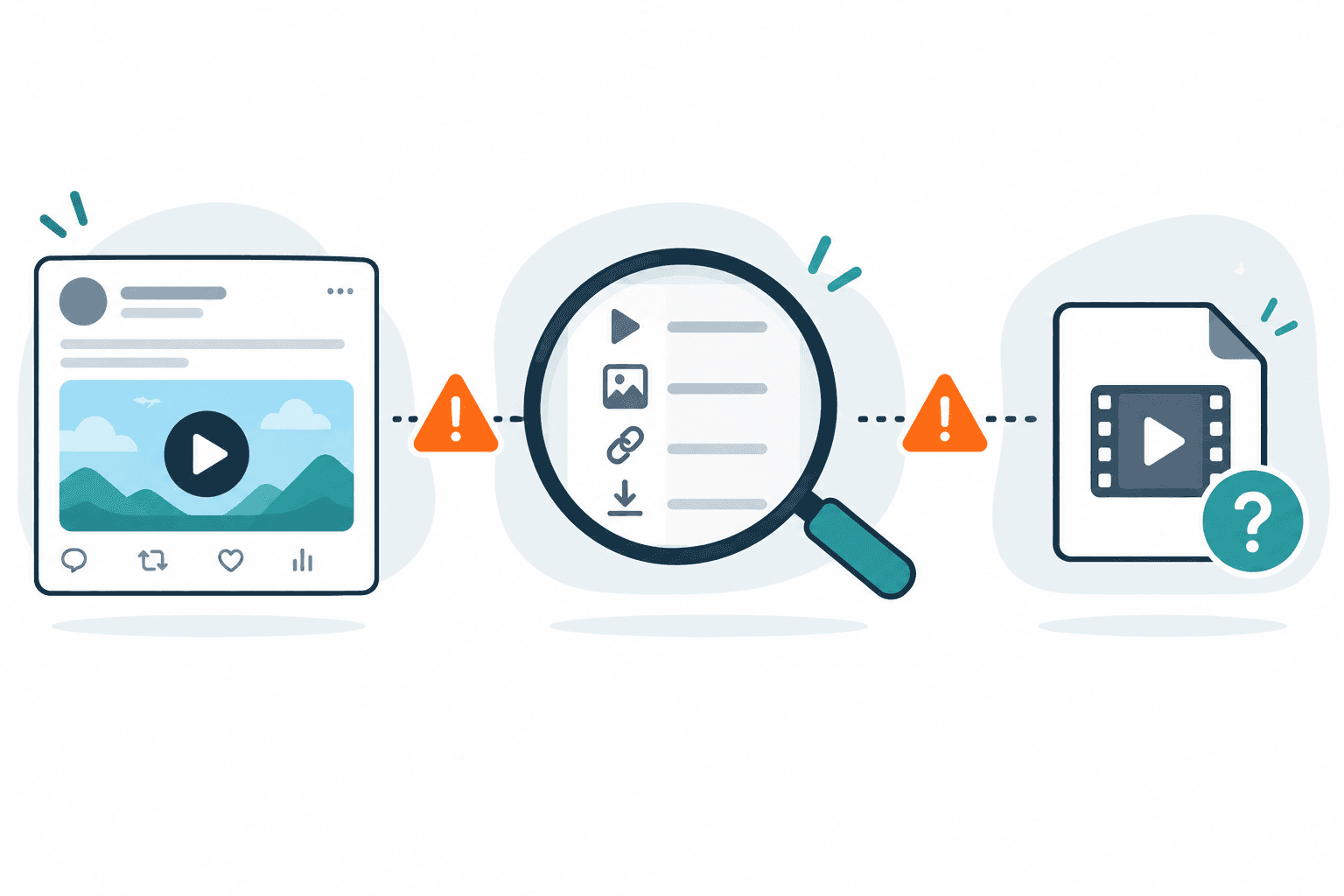
After a video download fails, identify the last completed stage and keep the visible error. Check the permitted source and returned option, retry a temporary error once later, and stop for restricted access or an unchanged unsupported result. Finding media or preparing a file does not prove that a complete playable file was saved.
Direct answer
After a video download fails, identify the last completed stage and keep the visible error. Check the permitted source and returned option, retry a temporary error once later, and stop for restricted access or an unchanged unsupported result. Finding media or preparing a file does not prove that a complete playable file was saved.
Start with the last stage that worked
A public video can play even when a downloader cannot extract its formats. Formats can appear even when preparation fails. A prepared file can still fail to save or play correctly on your device. Identify which transition failed before changing tools.
| Last observed outcome | Your next check |
|---|---|
| Source page opens, but no options appear | Exact source URL, public accessibility and parse error |
| Only a source or playlist link appears | Result type; do not count opening a manifest as saving a video |
| Download preparation starts, then fails | Preparation/transfer error, size and required audio |
| A local file exists | Playback, ending, duration and audio; the filename alone is insufficient |
For a specific X post, use the Twitter download failure checklist. For playlist issues, see the M3U8 downloader.
Eight observed error families
AnyVidDL's limited October 1–4, 2026 nonsynthetic task observations include the diagnostic families below. These are task records across the product, not unique users, platform-wide failure rates or proven causes for every source. Internal diagnostic names and simplified interface messages can differ. If you see only a message, keep it without inventing a code.
| Error | Meaning within this diagnostic family | Where it can happen | What you can try | What it does NOT prove |
|---|---|---|---|---|
UNSUPPORTED_URL |
The supplied URL is not accepted by that extraction path | Input/extraction, before usable options | Use the original permitted video/post URL; stop if it remains unsupported | That every URL from the same platform fails |
UPSTREAM_BLOCKED |
The source response is blocked or cannot be used by this request | Source access during inspection; confirm the recorded stage | Check public availability; stop at login, privacy, paid or protected access | The exact restriction or a right to bypass it |
TIMEOUT |
The request did not finish within its time limit | Request handling; record whether options already appeared | Wait and make one controlled retry on a still-permitted source | A precise cause, lack of video or guaranteed recovery |
TRANSPORT_FAILED |
Preparation or transfer did not complete | Download stage; generic transport classification | Preserve the error; retry once later only if the condition appears temporary | That extraction failed or the file is complete |
EXTRACTOR_ERROR |
The extractor could not interpret the response | Parsing, before usable formats | Keep the timestamp and source type; check another permitted source to narrow the symptom | That the source was deleted or private |
FILE_TOO_LARGE |
A transfer size check or byte budget prevented completion | Preparation/transfer | Try a smaller exposed eligible option if present; otherwise stop that attempt | One universal advertised limit or a successful file |
NO_FORMATS |
No usable formats were returned in that attempt | Extraction/result inspection | Recheck the source and original URL; stop if no eligible output is exposed | That there is no media on the page |
AUDIO_DOWNLOAD_FAILED |
A required audio step could not be completed | Audio preparation/download | Inspect another exposed option and verify its audio; do not presume it has sound | That the source is silent or all audio is unavailable |
These meanings combine aggregate observations with source-code mappings. They do not establish which runtime version handled each task or an individual root cause. The product's failure taxonomy methodology explains why a useful report keeps symptoms and interpretations separate.
Retry, check another source, or stop
Retry once later for a timeout or clearly temporary service/transport condition. Wait on a rate-limit message. Keep the first message and timestamp so a changed result remains interpretable.
Check a different permitted source when the original is public and playable but parsing or formats remain unsupported. This helps distinguish a one-source symptom from a broader issue; it is not a workaround promise.
Stop for private, login-only, paid, DRM-protected or otherwise restricted access, unclear saving rights, or an unchanged unsupported/size-limited result with no eligible option. Use an official export when available. Do not supply cookies, account passwords, session headers or DRM keys.
Copy a source page's original link rather than a profile, search page or shortened wrapper. Do not put signed URLs in public support messages.
Verify a file separately
An internal file-ready state means a file was prepared; it is not proof of device saving or complete playback. After saving, check that the file opens, plays at the beginning/middle/end, reaches the expected duration, and has the audio you need. Follow the no-sound guide for silent output without assuming a cause from that symptom alone.
Keep a useful support note
Record approximate time, browser/device, visible message, last completed stage and request ID if shown. Describe the public source type. Keep private URLs, signed media links, download tickets, credentials and personal information out of public reports. See the privacy guide.
FAQ
Does no format mean no video exists?
No. It describes that attempt's returned options, not every resource on the page.
Should I keep retrying a blocked source?
No. Recheck eligibility and stop at access restrictions. Repeated requests do not establish the cause or change permission.
Is FILE_READY a successful save?
It records preparation, not a verified file on your device. Check saving and playback separately.
Can an error code identify the exact cause?
A broad code narrows the stage or family. It does not replace evidence about the particular source and attempt.
Related pages
methodology failure-reason-taxonomy
Open this related workflow or decision page.
guides safe-social-video-download-workflow
Open this related workflow or decision page.
guides privacy-and-data-retention
Open this related workflow or decision page.
twitter-video-downloader
Open this related workflow or decision page.
m3u8-downloader
Open this related workflow or decision page.