YouTube Playlist Downloader: Check Offline Viewing and File Exports
Choose between offline viewing and an authorized file archive, then track missing entries and verify every item in a YouTube playlist.
Before choosing a YouTube playlist downloader, decide whether you need offline viewing or separate reusable files. Use the official viewing or owner-export route appropriate to that goal, keep an item list, and verify each result. A playlist link is not proof that every video was saved.
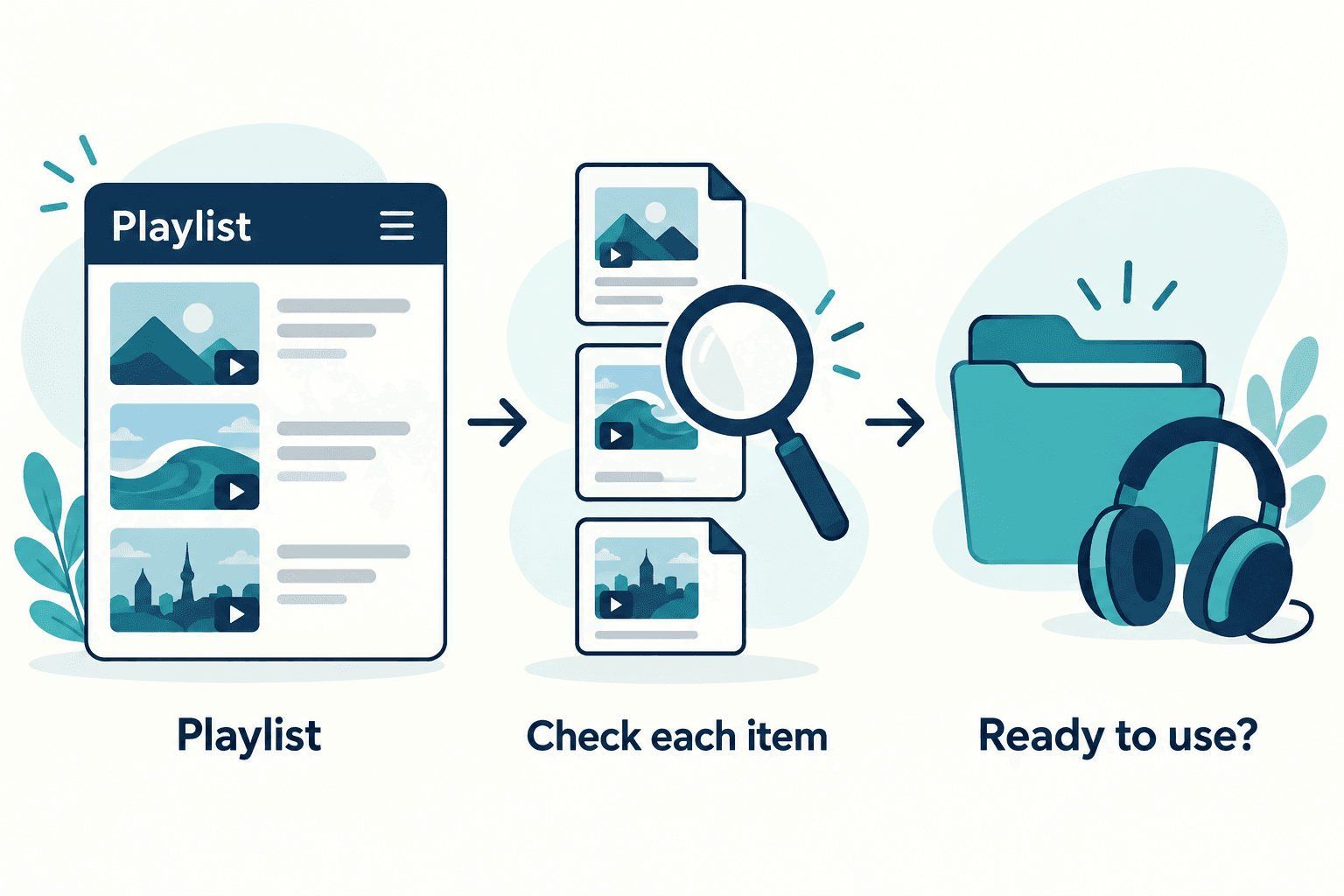
Before choosing a YouTube playlist downloader, decide whether you need offline viewing or separate reusable files. Use the official viewing or owner-export route appropriate to that goal, keep an item list, and verify each result. A playlist link is not proof that every video was saved.
A collection is harder to verify than a single clip. You can receive several files and still miss the video you needed, save the wrong order, or confuse an app-only download with an editable file. This guide gives a small collection checklist for your own uploads or creator-authorized sources. It does not claim a tested AnyVidDL playlist downloader or a one-click archive of any public playlist.
Choose the outcome before the tool
For offline viewing, consult YouTube’s official options for your account and device. The offline FAQ explains that offline videos are stored encrypted and watched in the YouTube app. That outcome differs from a folder of portable video files.
For your own uploads, YouTube’s owner-download instructions describe Studio downloads and the Google Takeout export option. Do not assume an account export is organized exactly like a playlist. Compare its contents with your own item list. For another creator’s collection, ask for authorized source files rather than assuming the playlist supplies them.
Create an item list you can compare with the result
Before doing the work, write down the videos you actually need. Include a title, a stable source reference, the intended order and a short note about the task. Keep this record separate from any downloaded folder. If you want only a few entries, mark those explicitly so that an incomplete collection is not mistaken for a complete one later.
For example, a fictional training playlist might contain an introduction, a demonstration and a recap. Your intended archive needs all three, in that order. Receiving two files does not tell you which entry is missing. Compare titles and source references rather than relying on how the filenames sort. Avoid placing private account details in a shared tracking sheet.
Work through the entries without hiding failures
Record the outcome for each needed item: available for the intended use, unavailable, awaiting a source copy, or received and still unchecked. Keep an unavailable entry in the list. Deleting it from the record makes the collection look more complete than it is.
If a download or export fails, preserve the useful error message and confirm that you selected the right account and source. Avoid repeated retries without a changed condition. A creator may be able to supply the missing file directly. A private or restricted entry is not a reason to give a third-party downloader your credentials. The batch planning guide provides a broader checklist for organizing a permitted collection.
Verify the files individually
For each received file, open it and check the beginning, a representative middle section and the ending. Compare the duration and content with the entry you intended to save. Listen for the expected audio and test the result in the actual viewing or editing application. A folder full of filenames is not a playback check.
Keep a short verification note per entry instead of a single checkmark for the entire folder. If one item is silent or incomplete, mark that specific gap and retain the original source reference. Our file inspection guide explains how to inspect local media properties. Such inspection describes the files you have, not the availability of videos you could not obtain.
Keep order and provenance with the archive
Use a small index file that connects each local filename to the collection entry and any permission or creator instructions. Keep the untouched source copies until you have checked any working versions. If you rename files for ordering, preserve the original identifiers in the index so that you can still find the correct source later.
AnyVidDL does not provide a paid batch queue or history feature. This checklist can be followed with your own records and appropriate source tools; it is not an instruction to use an unavailable AnyVidDL automation. Finish by listing what is complete, what is missing and what remains unverified. That result is useful even when the collection cannot be completed today.
Key takeaways
- Offline app viewing and a portable file archive are different outcomes.
- Track each required playlist entry and preserve missing items in the record.
- Check playback, audio and source identity separately for each file.
Conclusion
Match the workflow to the deliverable, then verify the collection one item at a time. Keep missing entries visible, preserve the source references and distinguish app-only viewing from reusable files. An accurate partial inventory is a better handoff than a folder described as complete without checks.
FAQ
Does an offline playlist download give me MP4 files to edit?
Do not assume so. YouTube’s offline FAQ describes encrypted app-only playback. For editable files, obtain an appropriate owner export or authorized source copy.
What if one playlist entry cannot be obtained?
Keep it in the list with its actual status. Check the source and account or request a copy from the creator; do not mark the whole collection complete.
Can AnyVidDL run a batch queue for the playlist?
No paid batch queue or history feature is offered. This article describes an item-by-item planning and verification process, not an available hosted queue.