How to inspect a saved video with ffprobe
Use ffprobe on an authorized local video to inspect container and stream metadata without treating metadata as proof of playback.
Run ffprobe against an already saved authorized local file, inspect its container and stream records in JSON, and select audio streams when needed. The metadata describes the file but does not prove playback, downloading, or platform support.
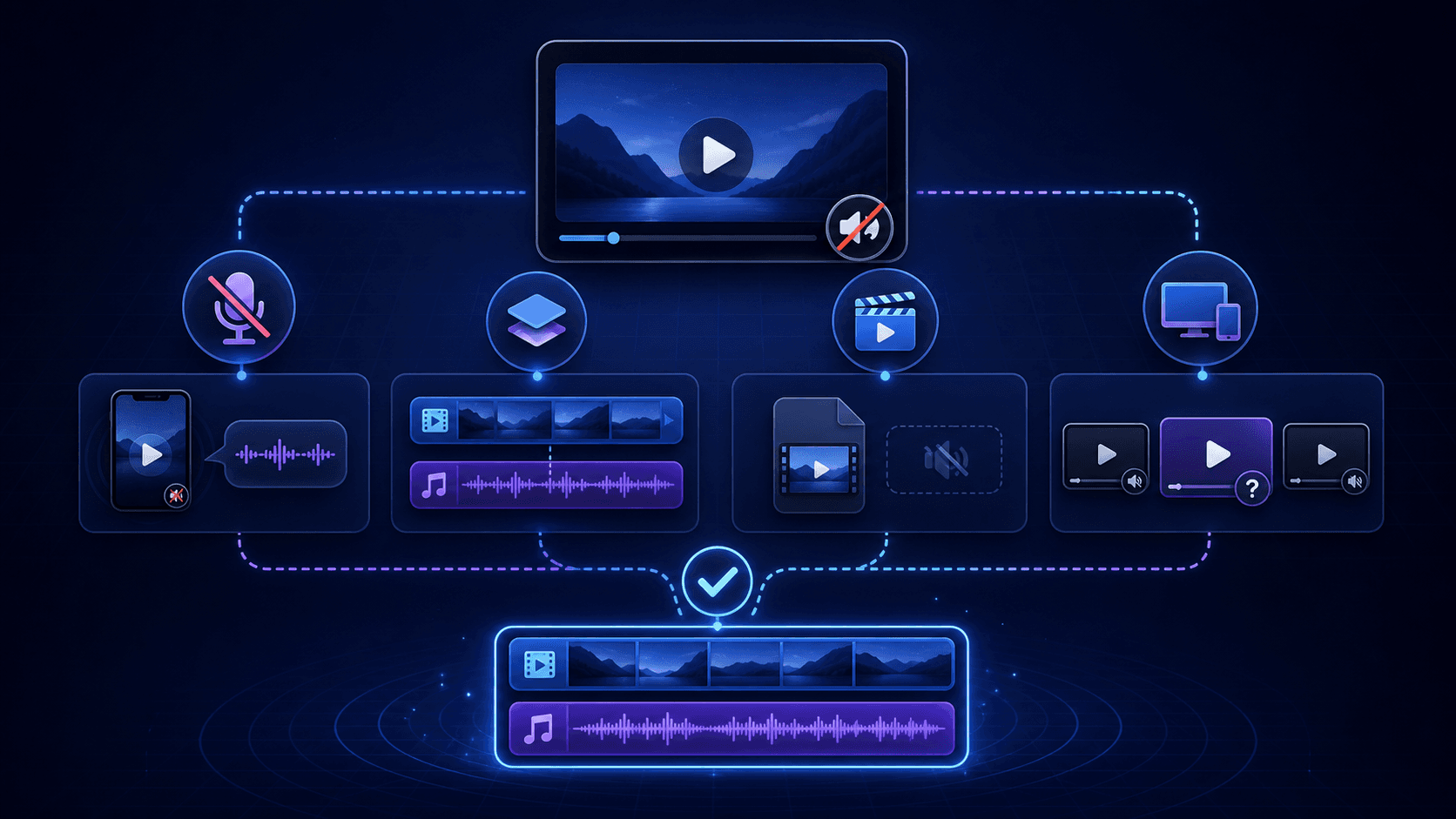
How to inspect a saved video with ffprobe
Run ffprobe against an already saved authorized local file, inspect its container and stream records in JSON, and select audio streams when needed. The metadata describes the file but does not prove playback, downloading, or platform support.
ffprobe is useful when you already have an authorized video file saved locally and want to examine its container, video-stream, and audio-stream metadata. This guide stays within that boundary: it does not acquire a file, test a website, repair media, or establish that playback will succeed. The command and option behavior are documented in the official ffprobe options documentation: https://ffmpeg.org/ffprobe.html.
Prepare an authorized local file and ffprobe
Before running the inspection, have two things ready: an already saved, authorized video file and access to the ffprobe command. The example filename saved-video.mp4 is only a local placeholder; replace it with the actual path to your file. Keep acquisition, private or login access, DRM bypass, and playback testing outside this procedure. If either prerequisite is missing, the safe next step is to obtain the authorized local input or make ffprobe available before interpreting any output.
Run the complete ffprobe inspection command
Run the complete inspection against the authorized local file. Replace the example filename with the path to your own file, while keeping the quotation marks when the path contains spaces.
ffprobe -v error -show_format -show_streams -of json "saved-video.mp4"
This requests container information with -show_format, stream information with -show_streams, and JSON-formatted output with -of json. The -v error setting keeps the displayed diagnostic level focused on errors. The command only inspects the local file; it does not download, repair, or play it. Save the resulting JSON if you need to compare the observation with a later local-file check.
Read container and video or audio stream metadata
Read the JSON as two related levels of information rather than as one undifferentiated result. The format record describes the container, while individual stream records describe the streams present in the file. A stream record can represent video or audio, so review those records separately when documenting what was detected.
| Output area | What to record | How to use it |
|---|---|---|
| Container or format record | The reported format details | Identify the container-level observation |
| Video stream record | The reported video-stream details | Record what video metadata was detected |
| Audio stream record | The reported audio-stream details | Record whether an audio stream was identified |
Record the filename, detected stream types, and relevant format details for follow-up troubleshooting. These observations describe metadata returned for this local file; they do not guarantee that a player will decode it or that sound will be produced.
Select and inspect audio streams with ffprobe
When the question is specifically about audio, narrow the inspection to audio streams with -select_streams a. Use this focused command:
ffprobe -v error -select_streams a -show_streams -of json "saved-video.mp4"
The output lets you review audio-stream metadata separately from the container and video-stream records returned by the complete inspection. Compare the focused result with your notes from the full command, and record whether an audio stream was identified. Finding an audio stream is only a metadata observation; it does not establish that a player will decode it, synchronize it, or produce audible sound.
Handle missing files, sparse output, and misleading conclusions
- The file is unavailable or the path is wrong: Check the filename and local location, then rerun the same inspection. Do not interpret an unavailable input as evidence about a platform or download.
- Expected stream metadata is absent: Record exactly what the output contains and what it does not contain. Avoid concluding that the file is playable, repairable, or unusable from that observation alone.
- The command reports a parsing or other error: Preserve the message as an inspection result and diagnose the local input or command separately. It is not proof of a download problem or a website issue.
- The result is generalized beyond the file: Keep the finding limited to the authorized local file inspected. This procedure does not establish universal website support or behavior on untested platforms.
The safe next step in each case is to verify the local input and narrow the question before drawing a broader conclusion.
What ffprobe metadata cannot prove
ffprobe output is evidence about reported metadata in an already saved local file, not a playback result. A detected container or stream does not prove that a player will decode the media, keep audio and video synchronized, or output sound. The inspection also does not test downloading, platform support, or playback behavior; no platform download or playback was tested.
Use the output to describe what was detected, not to promise successful playback or diagnose a repair outcome. It is also not an acquisition method and should not be presented as a way to bypass private, login, DRM, or other access controls. If playback verification is required, treat that as a separate check and keep its result distinct from the ffprobe metadata.
Key takeaways
- Start with an already saved authorized local file and access to ffprobe.
- Run the complete JSON inspection with -show_format and -show_streams.
- Read container-level and stream-level records separately.
- Use -select_streams a to focus on audio-stream metadata.
- Metadata does not prove playback, downloading, repair, or platform support.
Conclusion
Use the complete command to record container and stream observations, then use the audio-focused command when the question concerns available audio streams. Keep every conclusion limited to the authorized local file inspected. If you need to know whether it actually plays or produces sound, choose a separate playback check rather than treating metadata as proof.
FAQ
Can ffprobe inspect a saved local video file?
Yes. Run ffprobe against the authorized local file to inspect its container and stream metadata in JSON. The inspection is limited to that saved file.
How do you select audio streams with ffprobe?
Add -select_streams a before -show_streams, as in ffprobe -v error -select_streams a -show_streams -of json "saved-video.mp4".
Does ffprobe prove that a video will play or have sound?
No. It reports metadata only. An identified audio or video stream does not establish successful decoding, synchronization, playback, or audible output.
Does this command test downloading or website support?
No. The command inspects an already saved local file. It does not test downloading, platform support, or playback, and no platform download or playback was tested.
What should be checked when expected stream metadata is missing?
First verify the local filename and path, then preserve the output or error and record the missing observation. Do not treat sparse output as proof that the file is playable, repairable, or a platform problem.