KICK Clip Downloader Guide: Native MP4 and File Checks
Use KICK’s documented clip-page download route, keep clips distinct from full VODs, and check the MP4 file before relying on it.
Open a KICK clip you own or have permission to save and use its Download button. KICK documents MP4 output for clips. Check the downloaded file before editing or sharing it; a clip is not the same as a full stream recording.
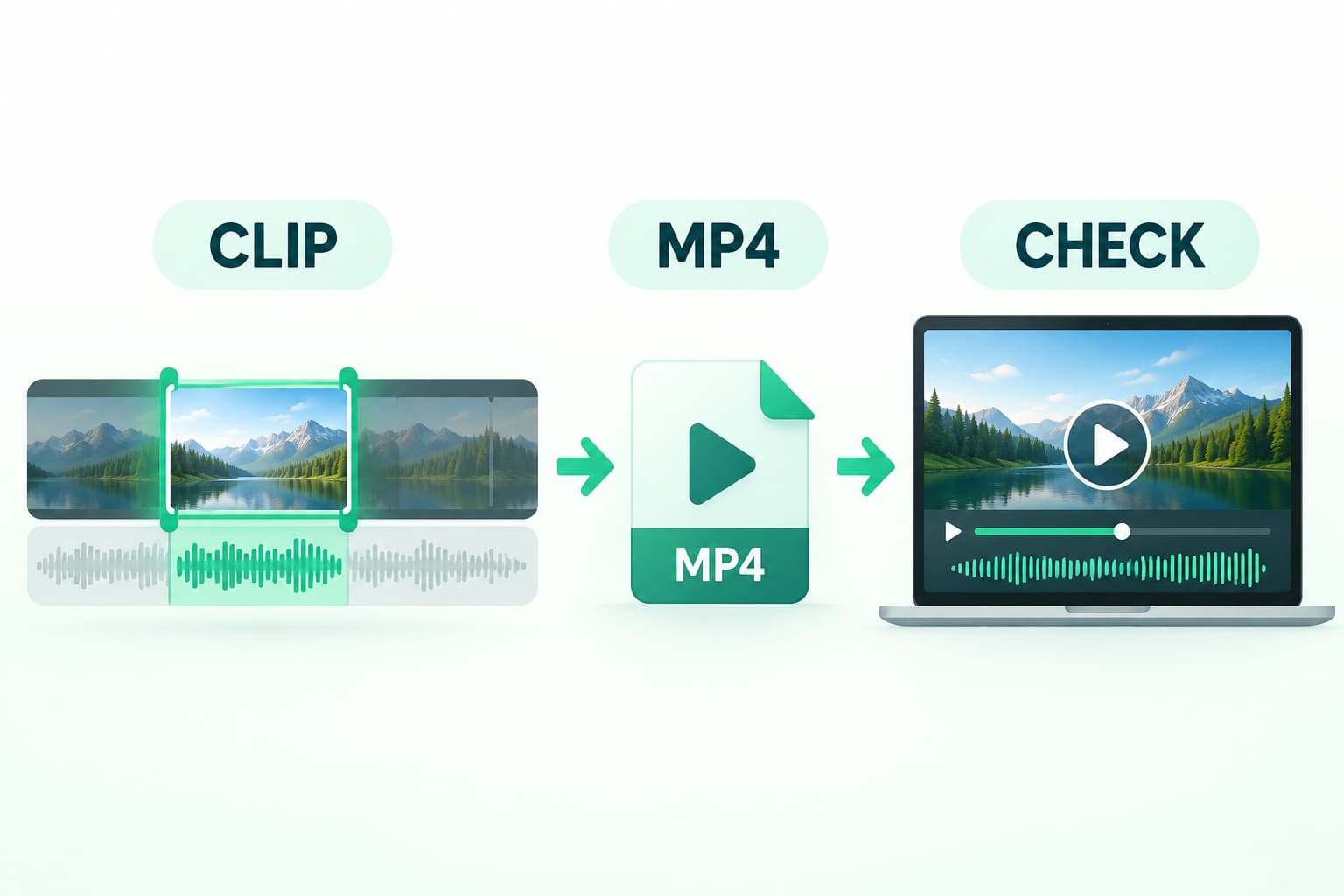
Open a KICK clip you own or have permission to save and use its Download button. KICK documents MP4 output for clips. Check the downloaded file before editing or sharing it; a clip is not the same as a full stream recording.
Choose the clip, not the full broadcast
Start with the exact moment you need. Confirm the channel and preview the beginning and end of the clip. Keep the clip URL in your project notes so you can distinguish the source from a local copy.
A clip page and a full VOD represent different tasks. This guide covers the native clip download described by KICK, not archiving a complete broadcast or recovering deleted footage. If you need a full recording, ask the channel owner for an authorized source file rather than treating a short clip as a complete archive.
Use the documented download control
KICK’s official help says to open the clip and select Download, which starts an MP4 download. If you are creating a clip from your own stream, review the selected moment before publishing; creating a clip and saving its file are separate actions.
Check your browser’s download list for the transfer, then locate the actual file. A copied clip address, a browser bookmark and an MP4 on disk are different results. Do not rename a saved web page to .mp4 and expect it to become video.
Check the file before using it
Open the local file in your intended player or editor. Confirm that it shows the expected channel and moment, starts at the intended point, and reaches the intended ending. Listen to the part where speech or other sound should occur. A filename or extension cannot confirm these things.
For a more technical check, the ffprobe guide explains container and stream metadata. Treat metadata as supporting information, not a substitute for watching the file. Keep your original download unchanged while testing an edited copy.
If the clip or download is missing
If the clip page no longer exists, stop and contact the channel owner. KICK documents that channel owners can delete clips; a downloader should not be presented as a way to restore deleted material.
If the page opens but you cannot find the downloaded file, inspect the browser download status and destination first. Record the exact failure, device and browser when asking support for help. Avoid repeatedly creating public clips just to diagnose a local save problem.
Permission to view a clip is separate from permission to reuse it. Before uploading your copy elsewhere, confirm the rights and attribution requirements with the owner.
Source and verification boundary
This guide uses the platform’s official documentation, checked on 26 October 2026. Interface availability can depend on your account and permissions. We have not performed an end-to-end download test for this platform in this article. The local-file checks above are a practical checklist, not a measured success claim.
Key takeaways
- Open a KICK clip you own or have permission to save and use its Download button.
- Keep permission and source information separate from the file itself.
- Verify the saved file in your intended player before relying on it.
Conclusion
Use the official route that matches your permissions, then verify the actual file. Keep its source and usage permission with your project notes.
FAQ
Is a KICK clip download the same as a full VOD?
No. Select the specific short moment you need. A clip file should not be described as a complete stream archive; ask the owner for the full source when your task requires it.
Does an MP4 extension prove the clip contains sound?
No. Open the local copy and listen to the expected passage. If you need track metadata, inspect the file separately; neither a name nor metadata alone proves useful playback.
Can I republish a downloaded clip?
Confirm the owner’s permission for your planned use. A platform download control explains a file-access route, not a blanket license for editing, commercial use or republication.
Sources
Related pages
4K Video Downloader Plus License Key: Purchase Recovery
Recover a purchased 4K Download license through the official purchase-email form, distinguish retrieval from activation, and prepare a private support record.
Is JDownloader Safe? Verify the Installer Source and Digital Signature
Check a JDownloader installer through its official source and digital signature. Understand what these checks show, their limits, and when to stop before setup.
Save a Permitted LinkedIn Video: Check the Link, File and Sound
A bounded workflow for checking a public LinkedIn video you have permission to save, then checking the downloaded file and its audio.
Turn Your Own Short Video into an Animated GIF: Clip, Palette and Size Checks
Make an animated GIF from your own local video with FFmpeg. Choose a short excerpt, create a palette, and check the result before sharing.