4K Video Downloader Plus License Key: Purchase Recovery
Recover a purchased 4K Download license through the official purchase-email form, distinguish retrieval from activation, and prepare a private support record.
If you lost a legitimately purchased 4K Video Downloader Plus license key, use 4K Download’s official retrieval page with the purchase email address. Check that inbox and its spam folder, then contact official support if the email or purchase record cannot be found. Key retrieval is separate from activation and does not prove your current license entitlement.
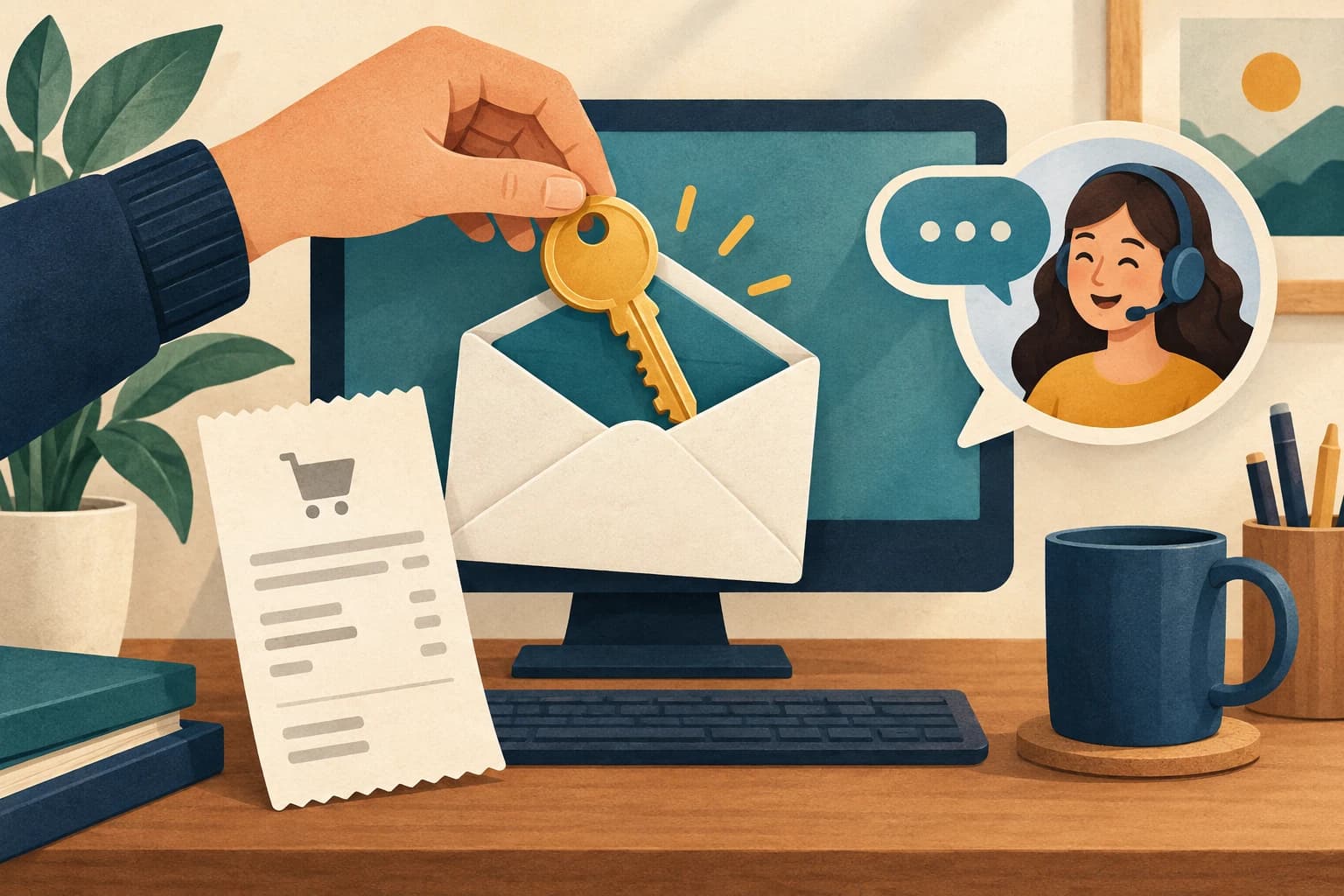
This guide is for recovering your own purchase. A receipt, a retrieved email, and a successful activation are three different records. Keeping them separate prevents a delivery problem from becoming a search for unrelated keys. We inspected the public retrieval page and vendor guidance; we did not submit an email address, retrieve a key, or activate the software.
Identify the purchase before opening the retrieval form
Find the original receipt or confirmation in the inboxes you normally use for purchases. Note the exact product name, the purchase email, and the order reference. Similar application names or older editions can lead to a wrong recovery request, so do not assume a key belongs to the software currently open on your computer.
Search your own email records and check the spam folder before requesting a second delivery. The vendor’s dated license FAQ recommends those checks and directs lost-key users to retrieval or official support. Its old pricing and activation-count statements are not treated here as verified current terms.
Keep this purchase record private. Do not paste the full key, payment details, or personal email into a public troubleshooting thread. A screenshot can be useful for your own notes, but redact sensitive fields before sharing anything outside the official support process.
Use the official purchase-email retrieval page
The 4K Download retrieval page asks for the purchase email address and states that the key number is sent to that email. Open the official domain directly, enter your own purchase address, and follow its normal verification controls. Do not submit someone else’s address or try to bypass an access check.
After a request, check the same inbox and spam folder. Save any actual response or error with the request time. The public page contains success and error messages used by the form; merely seeing those strings in page source is not proof that your request succeeded. Count recovery as successful only when you actually receive the expected purchase information.
If nothing arrives, compare the address with the receipt rather than repeatedly submitting a guessed list. Confirm whether you still have legitimate access to that inbox. If access is lost, proceed through official account or vendor support channels.
Separate key recovery from an activation problem
Receiving a key answers “which purchase record did the vendor return?” It does not establish that the key applies to the application edition, device, or current terms you are using. Match the recovered product information to the installed application before attempting activation through the vendor’s documented process.
If activation fails, record the exact message, product name, application version, operating system, and whether the key was freshly recovered. Keep the key itself out of the public record. Do not interpret an error as proof that the purchase has disappeared or that a random replacement key will solve it.
This article makes no current price, lifetime-license, device-limit, or universal entitlement claim. Those details require the terms attached to your purchase and current official support guidance. A download failure after activation is also a different issue; the failed-download checklist helps identify the affected stage without confusing it with license recovery.
Prepare a bounded official support request
When retrieval or email access fails, gather the purchase email, order reference, exact product, approximate purchase date, and the actual error or missing-delivery observation. The vendor’s dated FAQ recommends contacting support with purchase details. Use the official support entry point available from its own website.
Keep the request concise: what you bought, what you can still access, what you tried once, and what result you observed. Send personal purchase identifiers only through the appropriate official channel. Never provide your account password or a payment-card secret as a substitute for an order reference.
While waiting, preserve the original receipt and downloaded application source. Avoid unofficial “license key” archives, modified installers, or instructions that disable security controls. They do not verify your entitlement. The useful endpoint is a recovered purchase record and, separately, a documented activation outcome. If either remains unresolved, keep that exact stage visible rather than marking the whole recovery complete.
Key takeaways
- Recover only a purchase you own.
- Use the official domain and purchase email.
- Do not expose a full key or confuse retrieval with activation.
Conclusion
Use the official purchase-email route, preserve the actual result, and keep activation as a separate check. An unresolved purchase match belongs with official support and a private order record.
FAQ
Does this provide a free license key?
No. It explains recovery of a legitimately purchased license through the vendor.
What if I no longer control the purchase email?
Use official account recovery or vendor support with the relevant purchase record; do not bypass verification.
Does a retrieved key guarantee activation?
No. Match the exact product and purchase terms, then record the actual activation result separately.
Sources
Related pages
Is JDownloader Safe? Verify the Installer Source and Digital Signature
Check a JDownloader installer through its official source and digital signature. Understand what these checks show, their limits, and when to stop before setup.
KICK Clip Downloader Guide: Native MP4 and File Checks
Use KICK’s documented clip-page download route, keep clips distinct from full VODs, and check the MP4 file before relying on it.
Save a Permitted LinkedIn Video: Check the Link, File and Sound
A bounded workflow for checking a public LinkedIn video you have permission to save, then checking the downloaded file and its audio.
Turn Your Own Short Video into an Animated GIF: Clip, Palette and Size Checks
Make an animated GIF from your own local video with FFmpeg. Choose a short excerpt, create a palette, and check the result before sharing.