YouTube All Channel Video Download: Archive Your Own Channel
Plan a creator-owned YouTube channel archive with Google Takeout, verify the correct account, keep all archive parts, and reconcile files against a checklist.
For a YouTube all channel video download of your own uploads, use Google Takeout with the correct Google or Brand Account. Select the relevant YouTube data, request an archive, download every delivered part, and reconcile the extracted files against your channel list. This owner export does not authorize downloading another creator’s entire channel.
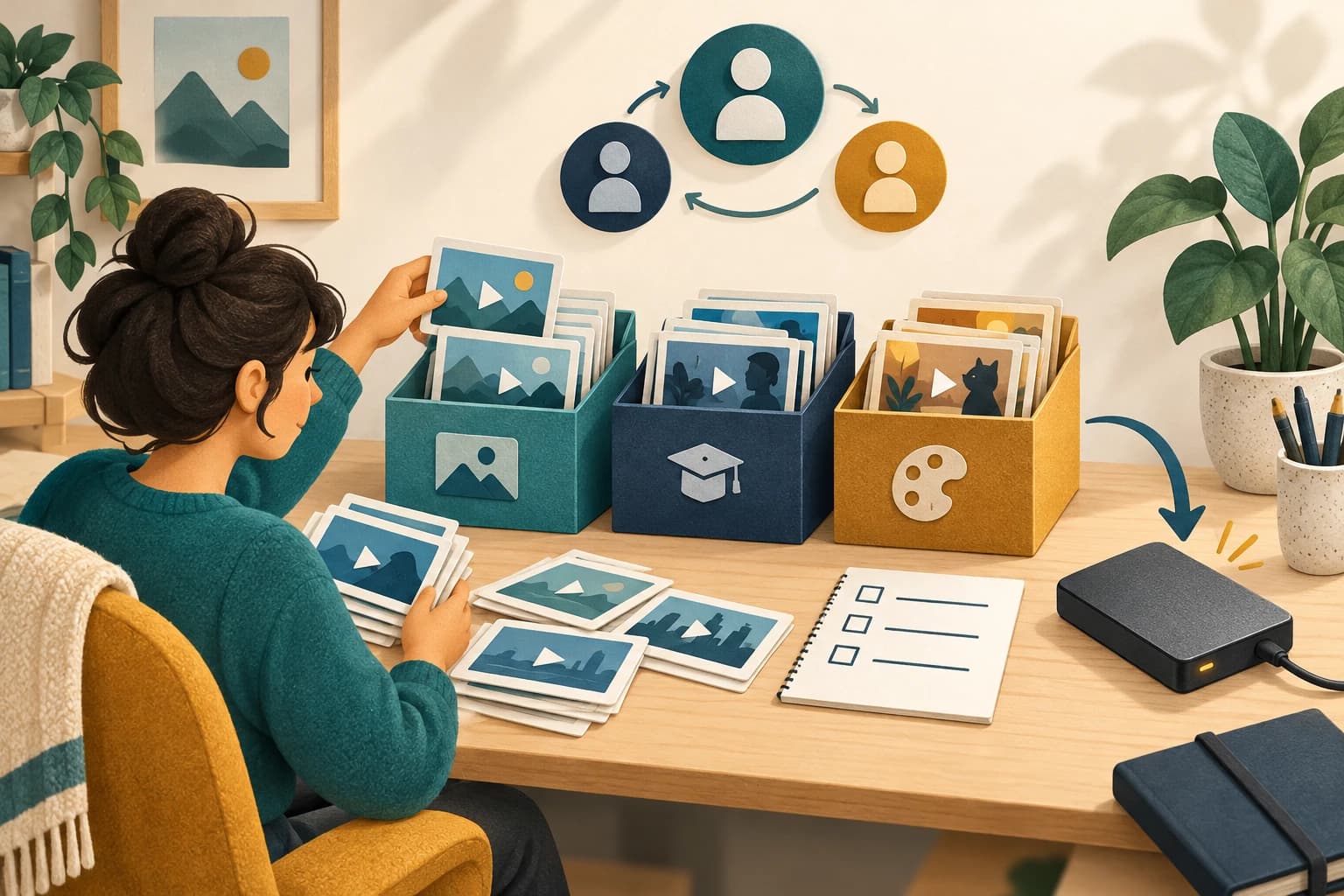
A channel backup is a collection-management task. Saving one playable video does not show that a hundred uploads, multiple account identities, or later changes are represented. A useful archive has an owner, a request date, an inventory, and a record of missing items. This guide explains that planning workflow from official Google instructions. It does not report a completed Takeout export or a bulk-download test in AnyVidDL.
Confirm the owner account before requesting an archive
Google’s Takeout instructions identify Brand Accounts as a reason that expected YouTube videos may be missing. Sign in normally, check which channel owns the uploads, and switch to the associated account when necessary. If you manage several channels, keep a separate request record for each identity.
Before exporting, create a simple list of titles and video URLs from your own channel records. Add a column for the intended backup scope: published uploads, relevant private uploads you own, or a smaller named collection. Treat that list as your reconciliation reference, not a promise that the export will contain every item. Record the date you made it. A changed title, new upload, or removal after that date should be investigated rather than silently treated as a duplicate. Do not enter account credentials into a third-party bulk-downloader page.
Choose a manageable export and delivery route
In Takeout, deselect unrelated products and choose the relevant YouTube data offered for that account. Review any available subset selection before continuing. Choose a delivery method you can access securely.
Select an archive format your computer can extract and a maximum archive size you can comfortably download and store. Google explains that larger exports are divided into multiple archives when they exceed that selected size. A part is not a separate complete channel backup. Make a folder for this request and keep the original archive filenames together.
Write down the selected account, scope, delivery method, format, part-size choice, and request date. This short record helps distinguish an incomplete transfer from an intentionally smaller export. An export is not a guarantee of every recent change; do not treat the request as a live synchronization job.
Download all parts before reconciling the collection
Wait for Google’s delivery notification and follow the normal account verification process. Download each part into the request folder. Compare the delivered part list with the local files, and check that every download has finished before extracting. Keep the compressed originals until the extracted contents have been checked.
Open the archive’s included information where available, then locate the actual video files. Compare them with your channel checklist. For each expected upload, note the matching local filename or mark it missing. Avoid using the number of files alone: metadata files and multiple archive parts can inflate a count without proving that every upload is present.
If you find a gap, first check account identity and selected export scope. Next compare dates and look for changes made after the request. If extraction fails, preserve the error message and affected part filename. Requesting a smaller export can help isolate a transfer or archive problem, but it does not establish that an absent video is recoverable.
Check usable video files and preserve the audit trail
Google says exported YouTube videos are delivered in their original format or as MP4 with H.264 video and AAC audio. That statement does not guarantee a particular resolution for your collection. Open representative files and check picture, sound, duration, and the content at the beginning and end. For an important archive, check every expected upload rather than relying only on a sample.
Use the saved-file inspection guide when you need a record of a file’s streams. Keep a small manifest with channel identity, video URL, local path, file size, and verification notes. Make a second backup on separate storage and retain the export-request record with it.
For one upload rather than an entire channel, the owner video and caption export workflow is a more focused next step. A channel archive does not automatically establish a correctly matched caption pair, and an offline viewing cache is a different output. Choose the workflow by the artifact you actually need.
Key takeaways
- Verify the exact Google or Brand Account.
- Keep all archive parts from one request together.
- Reconcile individual uploads, then back up the checked collection.
Conclusion
Finish with a reconciled owner-channel manifest and accessible backup files. Missing items remain explicit investigation tasks; an archive request or a completed part download alone is not evidence of a complete collection.
FAQ
Can this download every video from somebody else’s channel?
No. This workflow concerns account data and uploads you own. Request authorized files from the creator for another channel.
Does one downloaded archive part mean the backup is complete?
No. Keep all delivered parts and reconcile extracted videos against the intended channel list.
Does Takeout guarantee 4K files?
The official export-format statement does not promise a specific resolution. Inspect the actual files.
Related pages
4K Video Downloader Plus License Key: Purchase Recovery
Recover a purchased 4K Download license through the official purchase-email form, distinguish retrieval from activation, and prepare a private support record.
Is JDownloader Safe? Verify the Installer Source and Digital Signature
Check a JDownloader installer through its official source and digital signature. Understand what these checks show, their limits, and when to stop before setup.
KICK Clip Downloader Guide: Native MP4 and File Checks
Use KICK’s documented clip-page download route, keep clips distinct from full VODs, and check the MP4 file before relying on it.
Save a Permitted LinkedIn Video: Check the Link, File and Sound
A bounded workflow for checking a public LinkedIn video you have permission to save, then checking the downloaded file and its audio.