VK Video Downloader: Offline Viewing or a Reusable File?
Check VK Video’s official offline option, distinguish viewing from file export, and verify an authorized video before relying on it away from a connection.
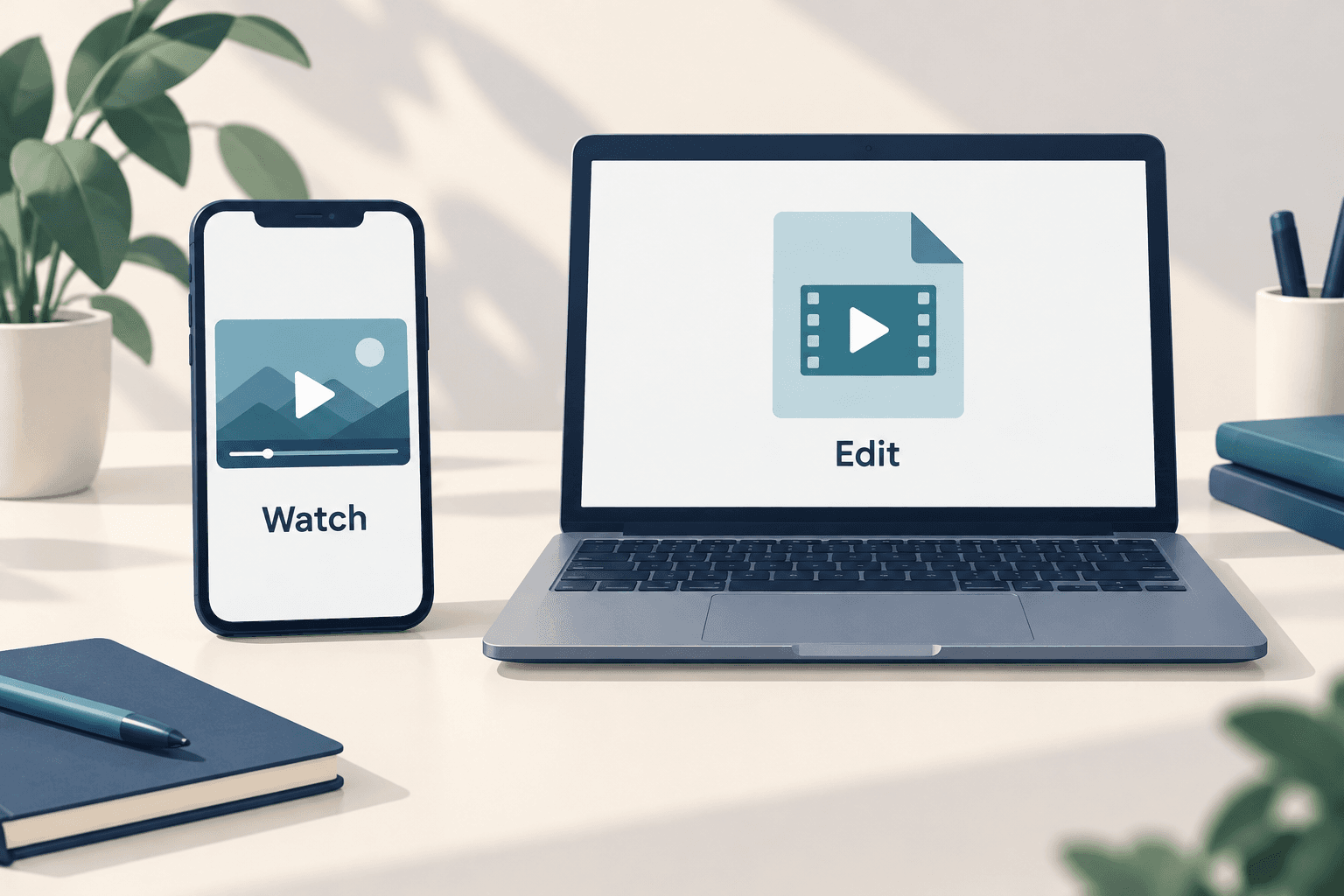
Before choosing a VK video downloader, decide whether you want to watch inside an app or obtain an authorized file for editing. VK Video’s official Android listing advertises offline viewing. It does not establish that every video can be exported as an MP4, or that AnyVidDL has verified support for your link.
Before choosing a VK video downloader, decide whether you want to watch inside an app or obtain an authorized file for editing. VK Video’s official Android listing advertises offline viewing. It does not establish that every video can be exported as an MP4, or that AnyVidDL has verified support for your link.
The word download can describe different outcomes. A video available inside a viewing app may satisfy a travel plan but leave an editing task unfinished. This guide helps you choose between those goals and test the result you actually receive. It uses a current official app listing as a limited source, not a hands-on benchmark or a promise of universal VK downloading.
Start with the official viewing option
The VK Video listing published by VK LLC on Google Play describes downloading films for offline viewing. That is a useful starting point if your goal is watching in the app. The listing is a developer description; we have not tested this feature on your account, region or device.
Check whether the official app is offered to your account and whether the individual video presents a download option. A storefront page accessible in English is not proof that installation or every title is available in the United States. If an option is absent, consult the platform’s help rather than assuming a separate downloader will restore it.
Write down the result you need
For a trip, the success condition may be simple: the selected video plays on the device you will carry when you have no connection. For editing, your requirement is different: a permitted local file that your editor can open, with the audio and picture you need. Choose the success condition before spending time comparing tools.
Do not describe an in-app viewing copy as a portable MP4 unless you have actually obtained and opened such a file. Conversely, a complete authorized source file may solve an editing task without using an offline mode at all. Keeping those goals separate avoids a misleading tool comparison.
Check an offline copy before you leave
When the app offers an official download, allow it to finish and inspect its own status. Choose a quiet time to test viewing without a connection, using the same device and account you intend to take. Restore your normal connection afterward. This is a suggested verification exercise, not a claim that we performed it with VK Video.
Check more than the opening frame. Seek to a later section, listen to speech or other expected audio, and confirm whether the captions you need are available. Record the date and result. If playback fails, keep the exact non-sensitive error and return to the official help or app listing’s support channel. Do not infer permanent availability from one successful test.
Use source files when editing is the goal
For your own work, start with the original recording or the exported master from your editor. If another creator has authorized your use, ask for a deliverable they can provide along with the intended usage scope. A public video URL alone does not tell you what file or permission is available. This guide provides a workflow, not a legal determination about a particular clip.
When you receive a file, preserve that original before making changes. Keep the title and source reference in a small project note, then inspect duration, resolution and audio tracks. The ffprobe file inspection guide explains how to examine a local file. Its results describe that file, not the quality of an unavailable upstream master.
Avoid treating a tool result as a completed task
A page that accepts a URL, displays a thumbnail or lists a format has not yet demonstrated a playable download. Evaluate the saved result against the purpose you wrote down. Do not upload browser cookies, account sessions or private links to an unfamiliar service to make an unsupported workflow proceed. Stop if the route depends on bypassing an access restriction.
AnyVidDL is not presented here as a tested VK downloader. No VK-specific parsing, file retrieval or quality result was established for this article. If you evaluate a permitted public link separately, keep the observations narrow: which page was checked, what was returned, whether a file was saved and whether it played. A failed attempt should stay recorded as a failure rather than being converted into a platform-wide support claim.
Key takeaways
- The official Android listing advertises offline viewing, not universal MP4 export.
- Test the exact device and selected video before relying on an offline copy.
- A thumbnail, format list or accepted link is not a verified playable file.
Conclusion
For VK Video, start by separating offline watching from obtaining an editable file. Check the official app’s available controls for the first goal, and seek an authorized source file for the second. Count the task as complete only when the actual viewing or file checks match your intended use.
FAQ
Does VK Video have an official offline option?
Its official Android listing advertises downloading films for offline viewing. Availability for a particular video, account and device must be checked in the app; this article is not a hands-on verification.
Can I edit an offline video in another app?
Do not assume so. An editing workflow needs a permitted file that the editor can open. An offline viewing feature alone does not establish that such an export is available.
Was AnyVidDL tested with VK for this article?
No. The article does not claim verified VK parsing or a successful file download. Its purpose is to help distinguish outcomes and verify a result before relying on it.