Download Link for Vimeo: Owner Sharing and Privacy Checks
Find an owner-authorized Vimeo file link, understand how it differs from a player page, and check link exposure before sharing a downloadable version.
To obtain a download link for your own Vimeo video when your account offers file-link controls, open the video in Library, use its settings menu and Video File Links, choose Download Video, and copy the intended version. Direct file links can spread download access beyond a player’s privacy settings, so choose a sharing method that matches the control you need.
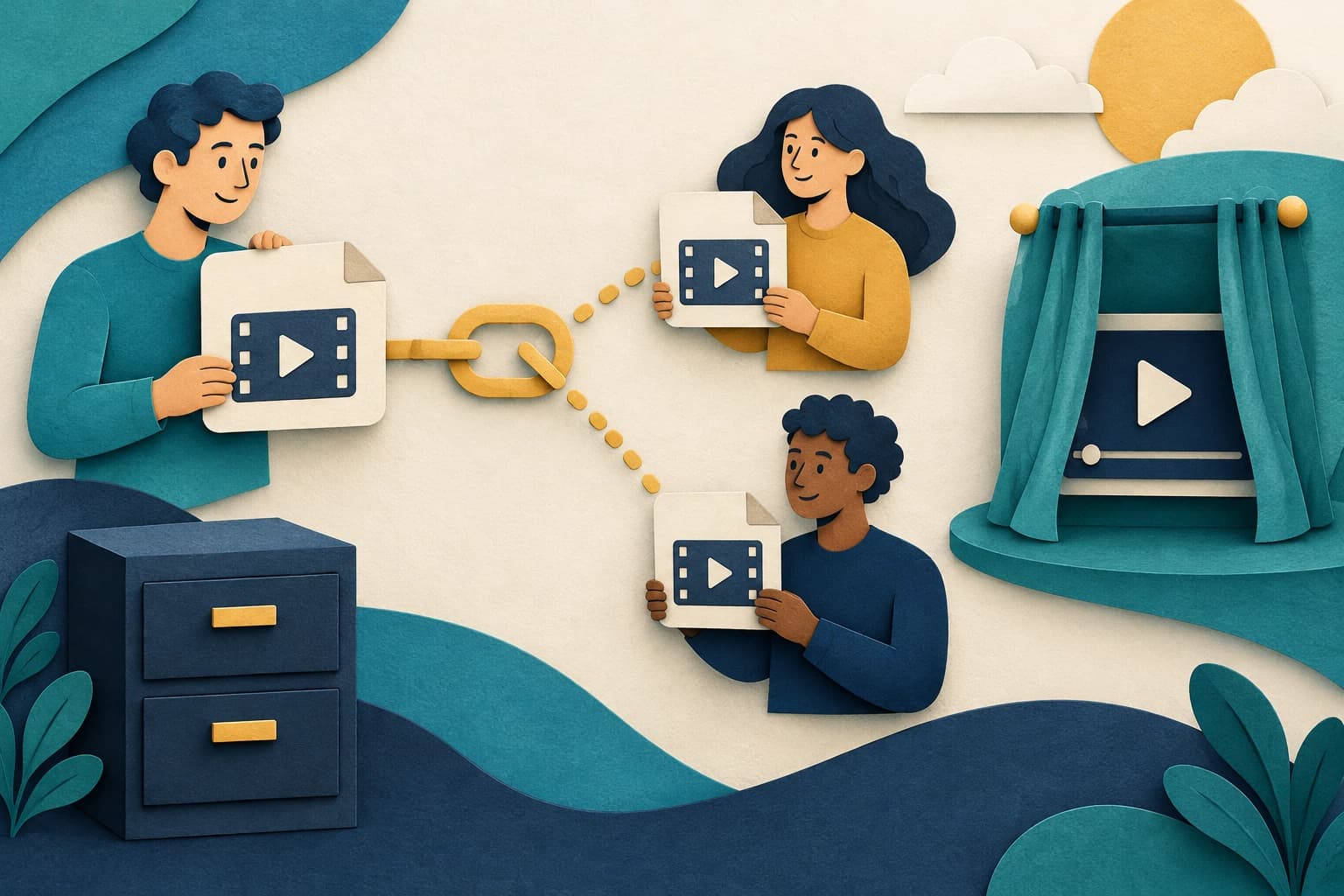
A video-page link, an embedded player, and a direct file link have different access consequences. The person receiving a file link may be able to pass it on. This guide explains Vimeo’s official owner instructions and a sharing-decision checklist. It does not extract private links, inspect another user’s account, or claim that a particular subscription tier has been tested.
Confirm ownership and the account’s actual file-link controls
Vimeo’s direct-link Help page describes opening your video in Library, selecting the three-dot menu at the top right of the video settings page, and choosing Video File Links. For a downloadable link, it describes Download Video and copying a file version. Use only a video and account you legitimately manage.
Check whether those controls are available in your current account. The Help page’s plan presentation was inconsistent when checked, so this guide does not promise a specific tier entitlement. Confirm eligibility through your current product controls and official account guidance.
Before copying anything, identify the intended recipient and output version. A link selected for a quick review should not accidentally expose the largest file or a version intended for another project. Keep a local note of the owner video, selected version, and sharing purpose without publishing a private link in a public log.
Distinguish a file link from the video’s viewing page
A playback-oriented link should not be treated as a protection against file access. Do not infer privacy from the fact that a link plays in a browser rather than immediately saving.
Choose the artifact the recipient actually needs. If they only need to review the video, a platform viewing or review workflow may be more appropriate than sending a reusable file. If they need an authorized local copy, select the intended downloadable version and explain the allowed use separately.
For the recipient, a copied URL is not proof of a completed or usable download. Allow the permitted transfer to finish, open the saved video, and check picture, sound, duration, and the intended version. Keep any actual file error separate from the owner’s link-sharing decision.
Evaluate link exposure before sending it
Vimeo warns that player privacy and custom embed settings do not protect direct links used through third-party players. It also describes direct links as having no automatic expiration. Account or video eligibility can still affect availability, so “no automatic expiry” is not a promise of permanent access under every future condition.
Write down the control you need: one recipient, a review period, a public reusable file, or access you expect to withdraw later. If you need revocation, examine Vimeo’s current Send file or video-page download controls instead of assuming that a copied direct link inherits a private-player setting.
Consider who could forward the link and where it might be stored. Do not put an owner-only link in a public document, analytics sample, or support screenshot unless public distribution is intended. A shortened URL does not change the underlying permission consequences.
Keep a sharing record and verify the permitted outcome
For a legitimate file delivery, record the video, selected version, recipient, permission, and sharing date. Send only what the recipient needs through an appropriate channel. This page provides preparation guidance; it does not send a message or publish a file on your behalf.
When checking the link yourself, use normal authorized access and observe the actual response. Record an error accurately if the file is unavailable. Do not modify URL parameters to defeat access or expose credentials. Describe the observed problem accurately when requesting support.
If a local copy is part of the authorized delivery, inspect the saved file using the file-property guide and confirm playback. Keep exposure and playback as separate checklist items: a file can work perfectly while its link was shared too broadly. End with a deliberate sharing method and a precise record of any remaining access limitation.
Key takeaways
- Copy only a file link for a video you manage.
- Direct-file access differs from a private player setting.
- Select sharing controls before distributing a link.
Conclusion
Choose the intended owner file version, understand who can retain or forward its link, and use a controllable sharing route when revocation matters. Player privacy alone does not establish file-link protection.
FAQ
Does a private embedded player make a direct file link private?
Vimeo’s official guidance says player privacy and custom embed settings do not protect third-party direct links.
Do direct links always work forever?
The page describes no automatic expiry, but account or video eligibility may change. Do not assume unconditional permanent availability.
Can this obtain a private link from someone else’s account?
No. This guide concerns owner-authorized file-link controls.
Sources
Related pages
4K Video Downloader Plus License Key: Purchase Recovery
Recover a purchased 4K Download license through the official purchase-email form, distinguish retrieval from activation, and prepare a private support record.
Is JDownloader Safe? Verify the Installer Source and Digital Signature
Check a JDownloader installer through its official source and digital signature. Understand what these checks show, their limits, and when to stop before setup.
KICK Clip Downloader Guide: Native MP4 and File Checks
Use KICK’s documented clip-page download route, keep clips distinct from full VODs, and check the MP4 file before relying on it.
Save a Permitted LinkedIn Video: Check the Link, File and Sound
A bounded workflow for checking a public LinkedIn video you have permission to save, then checking the downloaded file and its audio.