A boundary-first workflow for saving replay videos when the replay is public, permitted, and technically supported.
Last updated
2026-06-14
Author
AnyVidDL content team
Reviewed by
AnyVidDL Trust Review
Replay downloads depend on whether the replay is public, still available, and delivered through a supported media format. AnyVidDL should explain unavailable, expired, protected, or region-limited replays instead of promising universal replay capture.
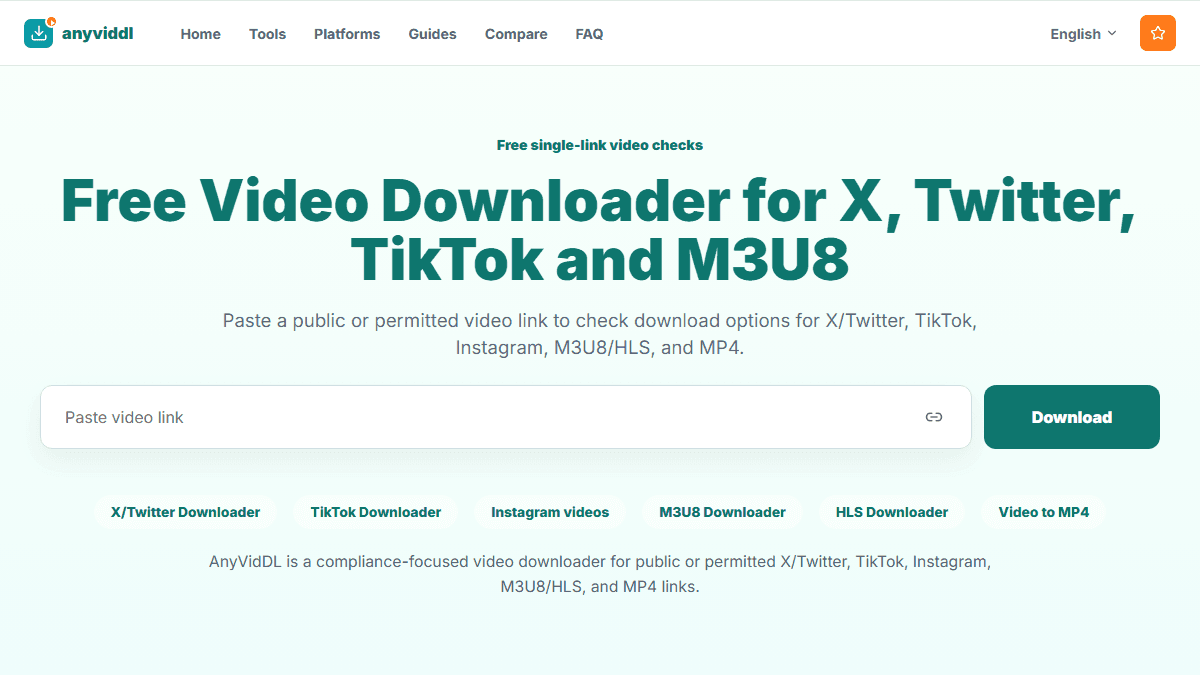
Shared generic AnyVidDL product screenshot for Download livestream replays.
Direct answer
Replay downloads depend on whether the replay is public, still available, and delivered through a supported media format. AnyVidDL should explain unavailable, expired, protected, or region-limited replays instead of promising universal replay capture.
Recommended workflow
Web for supported public replay links; HLS/API workflows when manifests and long tasks need control.
Steps
Wait until the platform publishes a replay URL.
Confirm that saving the replay is allowed for your use case.
Check whether the replay uses a normal video file or HLS manifest.
Record duration, source URL, and any unavailable segments.