MP4 Link Guide: Identify Playlists, Separate Tracks, and Saved Files
Learn how to identify an MP4 link, distinguish playlists and separate tracks, check audio metadata, and verify permitted saved files locally.
An MP4 link may identify a direct media-file option, a streaming manifest, separate tracks, or a source reference. Check the returned type and metadata, then verify any authorized saved file locally before calling it a completed MP4.
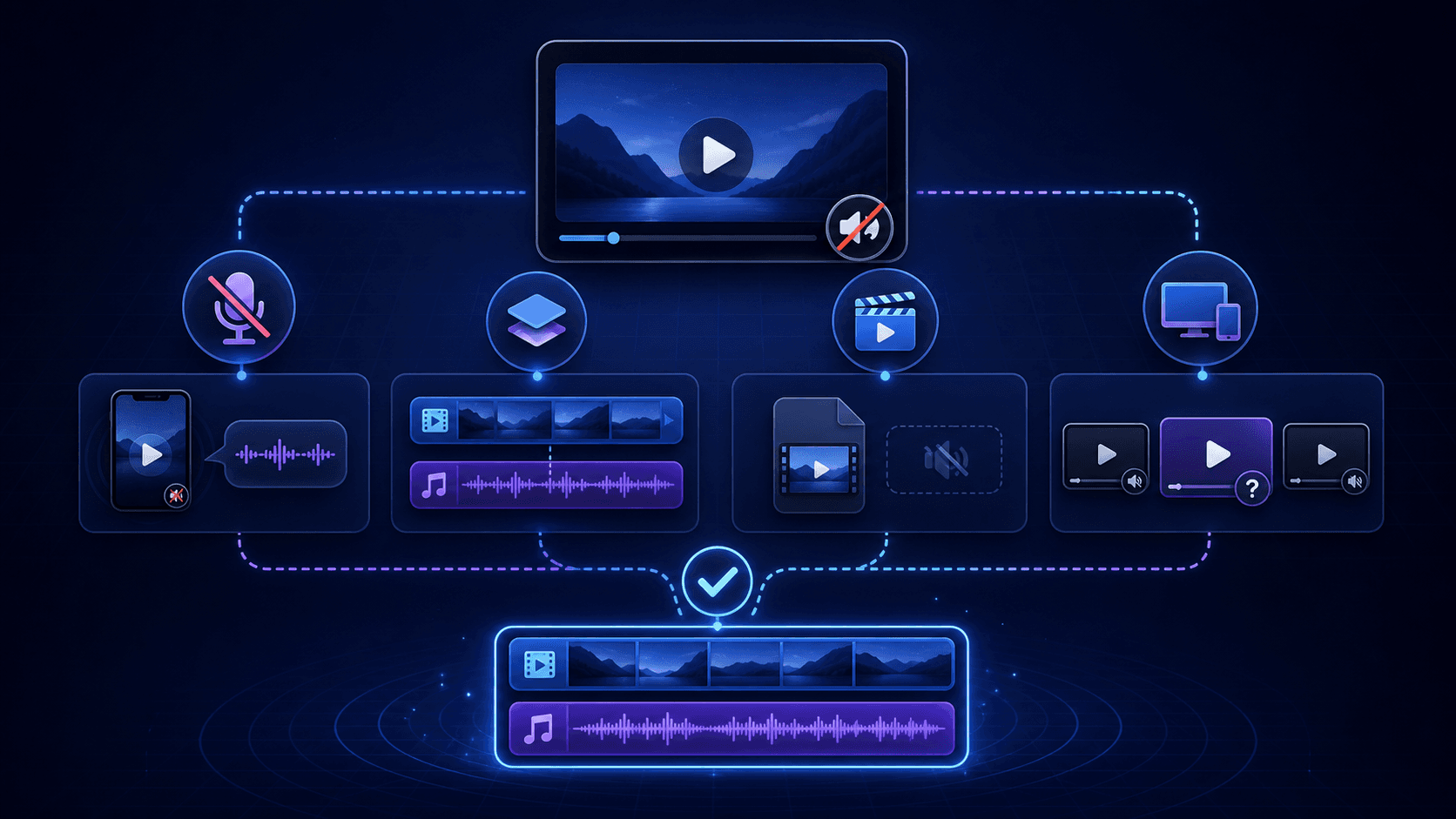
An MP4 link may identify a direct media-file option, a streaming manifest, separate tracks, or a source reference. Check the returned type and metadata, then verify any authorized saved file locally before calling it a completed MP4.
A label such as “MP4 link” does not by itself establish that a completed MP4 file has been saved or will play. Treat source identification, audio/video metadata, and local file verification as separate checks. Use this process only for public or otherwise permitted media, and remember that access to media does not itself establish permission to reuse it.
Is the link an existing MP4 file or a source that would need a different workflow?
Start by separating a direct media-file option from a result that merely describes or references media. A returned option can be useful for identifying the source type, but it does not prove that a file was downloaded, converted, merged, or played.
- A
direct_fileresult is a direct media-file option. It is the closest category to an existing file, but you should still inspect any authorized file you save locally rather than relying on its label. - A streaming manifest, separate media tracks, or a source reference is not a completed MP4 download.
- A filename, page title, or
.mp4-looking label is not enough to establish the contents of a saved item.
If you need a completed local file, first determine what was actually returned. If the result is not a direct file, do not describe it as an MP4 conversion or assume that the needed processing has occurred.
A verified direct MP4 example
A controlled check on October 5, 2026 used the MDN CC0 flower video. The direct MP4 input returned an executable video option, the file request returned HTTP 200 and produced a nonempty file, and local file inspection identified an MP4 container with a video stream.
This verifies that exact direct-file example. It does not verify converting an arbitrary webpage, an HLS playlist, an audio-only link, or separate video and audio tracks into MP4. A server-ready file also does not establish successful playback on every device. After saving your permitted file, check its container, duration, video and audio streams, then open it in a trusted player.
How to recognize direct files, playlists, separate tracks, and source links
Use the normalized source type as the first decision point. Each category describes a different kind of result, so it should lead to a different expectation.
direct_filemeans a direct media-file option was returned. It still requires local verification if you save a permitted file.hls_manifestanddash_manifestmean the result is a streaming-manifest type, not a completed MP4 download.- An HLS
.m3u8file is a playlist or index that points to media segments; it is not one MP4 file. requires_mergemeans separate media tracks are involved rather than one completed file.source_linkis a source reference, not a saved media file.
Do not infer a completed file from a playlist or from the presence of separate video and audio options. For the limited background on HLS playlists and segments, see MDN’s adaptive streaming media guide. Inspect only media you are permitted to access.
How to assess audio and video metadata when some fields are unknown
Read audio and video flags as reported metadata, not as a guarantee of what a player will do. Before relying on a result, note whether each flag is present, missing, or unknown.
- Known audio and video information can help you compare options, but it does not prove that a saved file will play.
- A separate video option with known missing audio and a separate audio option is labeled
requires_merge. - An unknown audio or video flag means the metadata is incomplete. It is not confirmation that the stream contains audio or video.
- If an option appears to play without sound, review its source type and audio metadata before concluding that you have a complete MP4.
When metadata is unknown, preserve that uncertainty in your decision. Do not rename, relabel, or represent the option as a complete audio-video file until an authorized saved file can be checked locally.
What the verified result does and does not establish
The controlled test verifies one direct MP4 path only. It does not establish behavior for arbitrary webpages, HLS or DASH manifests, separate audio/video tracks, transcoding, merging, or other platforms. Those require separate evidence. Source classifications describe candidate outputs; they do not establish that a usable file has arrived.
How to open and verify an authorized saved file locally
Verify a file only after you have saved it through an authorized workflow. This check answers a different question from source classification: it tells you what the local saved item does, not whether the source was available or whether you have reuse rights.
- Confirm that the saved item is a local file, not a playlist, a source page, or a separate track.
- Open the authorized file in a local media player and observe whether it starts and whether the expected video and audio are present.
- Review the filename and available local file details, but do not treat a name or extension alone as proof of media contents.
- If video or audio is absent, return to the source type and reported audio/video metadata. A manifest or
requires_mergeresult should not be treated as a completed MP4.
A successful local playback check verifies that local observation only. Keep it separate from permission to copy, distribute, or reuse the media.
When to stop and use a different permitted workflow
Stop rather than trying to work around an access boundary. Private content, login requirements, payment requirements, DRM, and credential boundaries require an authorized access or delivery method from the relevant rights holder or service.
Use the result state to avoid an unsupported next step:
- If the link check reports an error or returns no usable file, keep the displayed information and confirm the original public source before deciding on a permitted next step.
- When metadata remains unknown, or the result is a manifest or separate track, do not represent it as a completed MP4 download.
If a permitted alternative delivery method exists, use that method. Otherwise, record the limitation and stop at the boundary rather than attempting to bypass private access, login, payment, DRM, or credentials.
Key takeaways
- A returned media option does not prove that a file was saved, converted, merged, or will play.
- An HLS playlist and separate audio/video tracks are not completed MP4 downloads.
- Unknown audio or video metadata is incomplete information, not confirmation that a track exists.
- Local playback verification applies only to an authorized saved file and does not establish reuse rights.
- Stop at private, login, payment, DRM, and credential boundaries rather than attempting a workaround.
Conclusion
Classify the returned source before calling it an MP4, then interpret audio and video metadata without filling in unknown fields. Verify only authorized saved files locally, and use an authorized alternative when the result is a manifest, separate tracks, an error state, or an access-restricted source.
FAQ
Does a direct media link guarantee that I have downloaded an MP4?
No. A direct-file option can identify a media-file source, but source options do not confirm that a file was saved or that playback will work.
Is an .m3u8 playlist the same as an MP4 file?
No. An HLS .m3u8 file is a playlist or index pointing to media segments, not one MP4 file.
What does unknown audio metadata mean?
It means the audio flag is incomplete metadata. It does not confirm that audio is present, missing, or available in a saved file.
Why can a video option have no audio?
A separate video option with known missing audio and a separate audio option is labeled requires_merge, so it is not a completed combined file.
How do I verify an authorized saved media file?
Confirm it is a local file, open it in a local player, and check the observed video and audio rather than relying only on its name or extension.
What should I do if a link requires login, payment, or DRM access?
Stop and use the rights holder’s or service’s permitted access or delivery method where available; do not attempt to bypass access restrictions.