A practical workflow for saving public or permitted videos so they remain available during travel, weak signal, or classroom use.
Last updated
2026-06-14
Author
AnyVidDL content team
Reviewed by
AnyVidDL Trust Review
Use the web tool for one public or permitted link, then keep the original URL and permission context with the saved file. If you repeat the same task often, move to the extension or Pro queue instead of pasting links one by one.
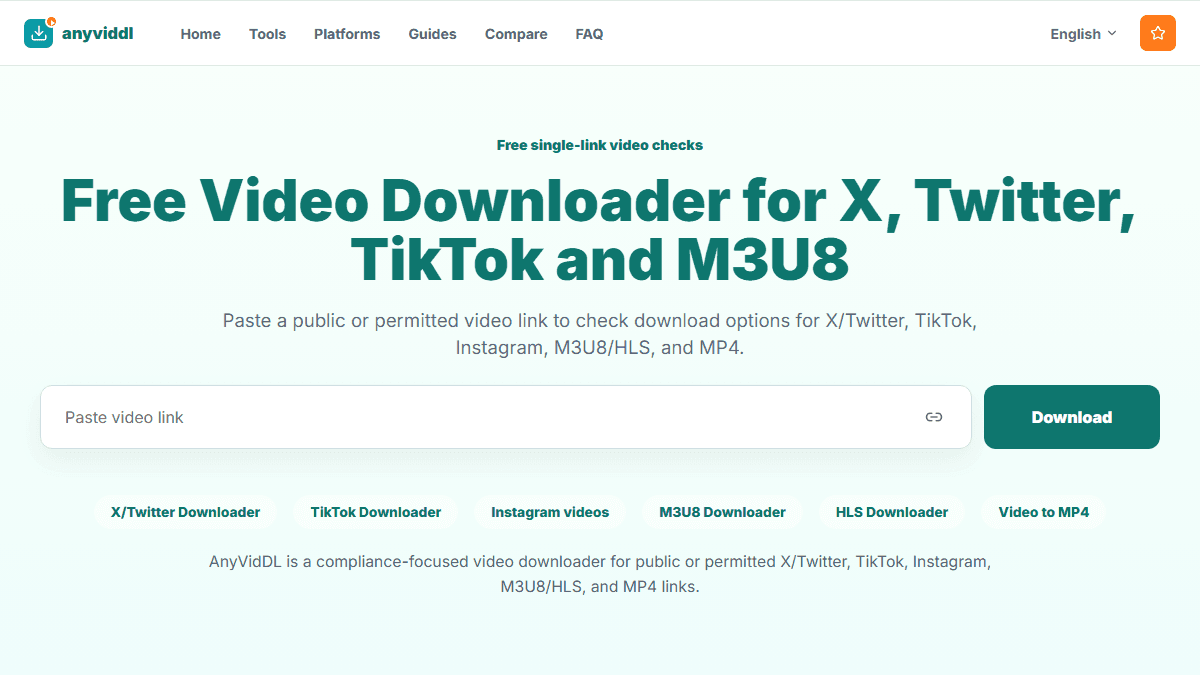
Shared generic AnyVidDL product screenshot for Download videos for offline viewing.
Direct answer
Use the web tool for one public or permitted link, then keep the original URL and permission context with the saved file. If you repeat the same task often, move to the extension or Pro queue instead of pasting links one by one.
Recommended workflow
Web tool for one link; extension or Pro queue for repeated offline viewing tasks.
Steps
Confirm that the video is public or that you have permission to save it.
Paste the source URL into AnyVidDL and review the available output choices.
Choose the smallest quality that still works for the viewing situation.
Save the source URL, date, and permission note with the file.