SoundCloud to MP3? Original Downloads vs Offline Listening
Check SoundCloud’s uploader-enabled original downloads, understand why the file may not be MP3, and distinguish app offline listening.
Use SoundCloud’s web Download file option when the uploader has enabled it. The download uses the original uploaded file format, so it is not automatically an MP3 or a guaranteed bitrate. Mobile offline listening is a separate option, not the same deliverable as an exported audio file.
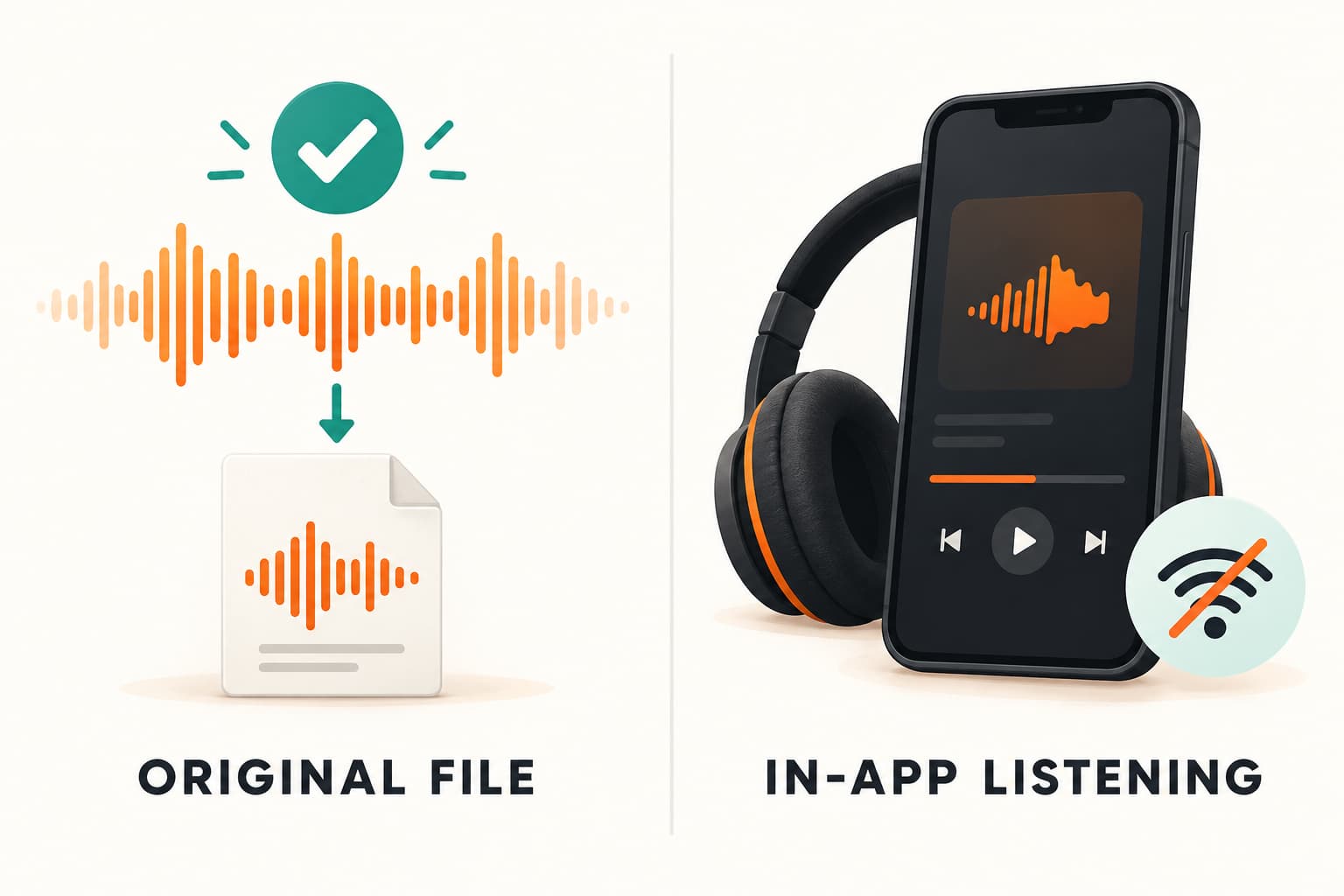
Use SoundCloud’s web Download file option when the uploader has enabled it. The download uses the original uploaded file format, so it is not automatically an MP3 or a guaranteed bitrate. Mobile offline listening is a separate option, not the same deliverable as an exported audio file.
Decide what you actually need
Choose between listening without a connection and obtaining a file for an authorized project. If all you need is listening inside an app, a local editing workflow may be unnecessary. If you need to import audio into an editor, first establish whether the uploader offers a downloadable file and permits your intended use.
Write down the track title and uploader before saving anything. Similar titles, alternate mixes and shortened previews can make an apparently successful download the wrong source for your project.
Use the uploader-enabled web download
SoundCloud’s official help describes signing in on the web and using Download file beneath the waveform. Uploaders control download availability, and the offered download is a copy in the original uploaded format. The documented feature applies to individual tracks, not whole playlists.
If the control is absent, ask the uploader for an authorized copy or another official delivery route. Do not interpret an unavailable button as permission to bypass the uploader’s choice. This guide does not claim that AnyVidDL can extract SoundCloud audio.
Why the result may not be MP3
The phrase “SoundCloud to MP3” can conceal two different operations: obtaining an allowed source file and converting that file. An uploader-enabled download does not promise a particular extension or bitrate. Check what you actually received before deciding whether conversion is necessary.
Keep the original file. If your editor accepts it, conversion may add work without helping your task. If you need another format, work from a copy and follow the destination application’s documented import requirements. A new filename or a larger bitrate label is not evidence that new detail has been recovered.
Separate mobile offline listening from file delivery
SoundCloud’s help distinguishes web file downloads from mobile offline listening through Go or Go+. Do not assume an item available offline in an app is a portable file you can locate and import into another application.
Before relying on a download, open the actual local file, listen at the beginning and end, and verify that it is the intended version. For container or track questions, use local file inspection. Download availability alone does not grant commercial, remix or republication rights; retain the permission details with the file.
Source and verification boundary
This guide uses the platform’s official documentation, checked on 26 October 2026. Interface availability can depend on your account and permissions. We have not performed an end-to-end download test for this platform in this article. The local-file checks above are a practical checklist, not a measured success claim.
Key takeaways
- Use SoundCloud’s web Download file option when the uploader has enabled it.
- Keep permission and source information separate from the file itself.
- Verify the saved file in your intended player before relying on it.
Conclusion
Use the official route that matches your permissions, then verify the actual file. Keep its source and usage permission with your project notes.
FAQ
Will an enabled download always be MP3?
No. SoundCloud documents delivery in the original uploaded format. Check the actual file instead of inferring a codec or bitrate from a search query.
Can I download a whole playlist with this feature?
The official download feature described here applies to individual tracks. Do not present it as a playlist archive or use a missing batch control to justify bypassing uploader choices.
Is an offline app track a file for my editor?
Treat these as different deliverables. For editing, first obtain an authorized file through an uploader-provided route; do not assume an app’s offline library offers a portable source.
Sources
Related pages
Download YouTube Video in 4K MKV: Codec and Player Checks
Understand vendor-documented MKV options, separate container from codec, inspect an authorized saved file, and check playback before choosing conversion.
4K Video Downloader Subtitles: Choose SRT or Embedded Output
Use documented subtitle settings in 4K Video Downloader Plus, choose separate SRT or embedded output, and diagnose missing tracks before repeating a download.
AC3 vs AAC: Audio Compatibility, Surround Sound and Passthrough
Compare AC3 and AAC for local media: check player and container support, understand passthrough, and decide whether to preserve or re-encode an audio track.
Download a Direct MP4 with AnyVidDL Desktop on Windows: A Tested Walkthrough
Follow one tested Windows desktop MP4 download with real screenshots, output settings and file checks, including this unsigned release’s limits.