How to Save an X Video on iPhone Using Safari
Save a public, permitted X video on iPhone with Safari, then find and verify the file. Includes URL, Files, Photos, audio, and access-limit checks.
To save a public X video on iPhone, copy the canonical post URL in the X app or Safari, paste it into the X/Twitter video downloader, and download the available result. Safari usually places browser downloads in the Downloads folder in Files; moving a compatible video to Photos is a separate step. Stop if the post is private, deleted, login-only, paid, or otherwise restricted.
Direct answer
To save a public X video on iPhone, copy the canonical post URL in the X app or Safari, paste it into the X/Twitter video downloader, and download the available result. Safari usually places browser downloads in the Downloads folder in Files; moving a compatible video to Photos is a separate step. Stop if the post is private, deleted, login-only, paid, or otherwise restricted.
Before you start
Open the post and confirm that the video plays from the public page. Use only media you own or have permission to save. This workflow is for a normal X post URL, such as a link containing /status/ and the post ID. A profile URL, search-results page, shortened tracking link, copied text, or direct segment is more likely to fail.
If the post opens only inside a signed-in account, treat that as an access boundary. Do not paste cookies, passwords, session tokens, or private links into a downloader. The public-link workflow does not cover private accounts, subscribers-only media, deleted posts, paid content, or protected playback.
Save a public X video in Safari
- In the X app or Safari, open the specific public post that contains the video.
- Tap Share, choose Copy Link, and check that the copied URL points to the post rather than a profile or timeline.
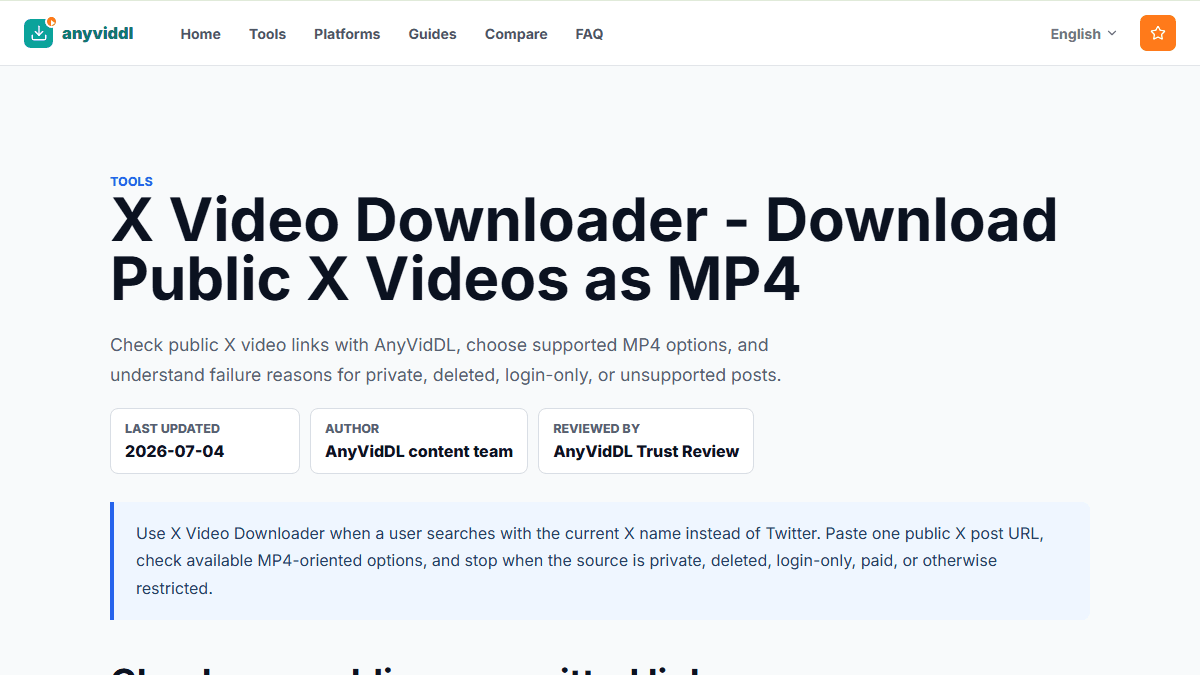
- Open the AnyVidDL X/Twitter video downloader in Safari.
- Paste one post URL, start the request, and wait for a clear result. Do not submit the same URL repeatedly while the first request is still running.
- Review any available output before downloading. If sound is important, confirm that the chosen result includes audio rather than assuming every visible quality option does.
- Tap the download action. Safari may show a downward arrow near the address bar; tap it to see the download list.
- Open the file from Safari's list or from Files → Browse → Downloads. Play the beginning, middle, and end, and check picture, sound, duration, and synchronization.
The source response can change, so a public post playing in X does not guarantee that every requested quality or track will be available through a separate workflow.
Find the file in Files or Photos
Safari browser downloads normally go to the Downloads folder. Depending on Settings → Safari → Downloads, that folder can be in iCloud Drive or On My iPhone. Use the filename, date, and file size to identify the new item.
The file does not automatically appear in Photos. To move a compatible video, open it in Files, tap Share, and choose Save Video if iOS offers that action. If Save Video is missing, the file may be incomplete or use tracks that Photos does not accept. Keep the original in Files while you check it; renaming the extension alone does not convert the media.
Fix common iPhone problems
| Symptom | Likely cause | Next check |
|---|---|---|
| The tool cannot detect media | The URL is not the canonical post, the post was deleted, or the source response changed | Reopen the public post and copy its Share link once |
| Safari downloaded a very small file | The result may be an error page, playlist, or incomplete response | Check the extension and open it from Files before retrying |
| The video is in Files but not Photos | Browser downloads and the Photos library are separate | Use Share → Save Video only if iOS offers it |
| The video has no sound | The selected result may be video-only or the tracks were separate | Follow the X video no-sound guide |
| The video will not play | The file may be incomplete or use an incompatible track | Try a trusted player and compare duration and file size |
| The post works only in the X app | It may rely on signed-in or restricted access | Stop; do not transfer account credentials or session data |
If the request itself returns an error, use Twitter/X video download failed to separate a bad URL, missing media, source change, and access boundary.
Choose a result with audio
An MP4 extension does not prove that the file includes an audio track. X media can expose more than one rendition, and video and audio may be delivered separately. If the downloader presents several results, choose one identified as containing audio when available, then verify the saved file on the phone.
If every result is silent, first play the original post with the phone unmuted. Then follow how to download an X video with audio. Do not repeatedly fetch the same video-only result and expect the track layout to change.
For the difference between MP4, HLS, renditions, and separate tracks, see Twitter/X video formats explained.
When this workflow does not fit
Stop when the source is private, paid, login-only, deleted, region-restricted, credential-gated, or protected by DRM. Also stop if you cannot verify that saving the media is permitted. AnyVidDL is a public-link workflow, not a way to bypass access controls or ownership rules.
Avoid claims such as guaranteed HD, no watermark, every X video, or unlimited downloads. The available result depends on what the public source exposes at the time of the request.
FAQ
Where does an X video download go on iPhone?
Safari normally lists it in Downloads and saves it in the Downloads folder in Files, either in iCloud Drive or On My iPhone depending on Safari settings.
How do I move a downloaded X video from Files to Photos?
Open the compatible video in Files, use Share, and choose Save Video if iOS offers that action. If Save Video is absent, keep the file in Files and check its format and completeness.
Why does the X video play but have no sound after downloading?
The source may use separate video and audio tracks, or the selected result may be video-only. Use the audio troubleshooting guide instead of repeating the same download.
Can I save a private X video on iPhone?
Not with this public-link workflow. Do not provide credentials, cookies, or private session data to bypass the post's access controls.
Do I need to install an iPhone app or Safari extension?
No install is required for the browser workflow described here. Use Safari with the existing public-link tool and review the result before saving it.
Related pages
twitter-video-downloader
Open this related workflow or decision page.
guides twitter-video-download-failed
Open this related workflow or decision page.
guides x-video-downloader-with-audio
Open this related workflow or decision page.
guides x-video-no-sound-fix
Open this related workflow or decision page.
guides twitter-video-format-supported
Open this related workflow or decision page.