tools

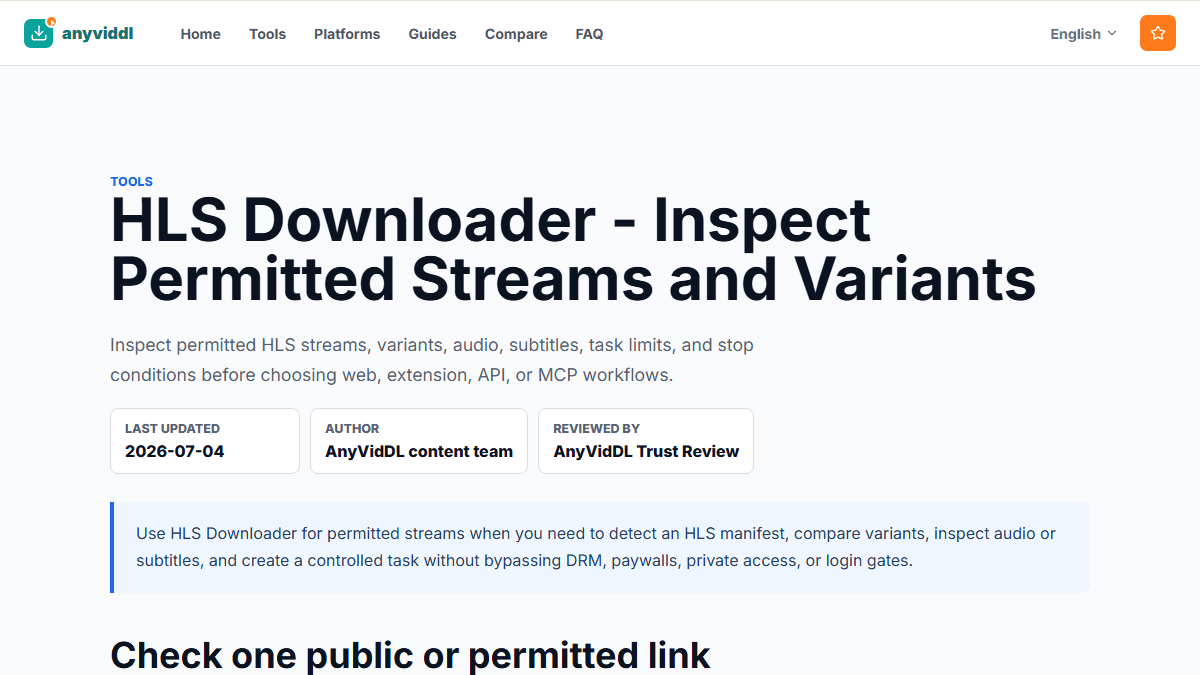
HLS Downloader - Inspect Permitted Streams and Variants

Inspect permitted HLS streams, variants, audio, subtitles, task limits, and stop conditions before choosing web, extension, API, or MCP workflows.

Last updated
2026-07-04
Author
AnyVidDL content team
Reviewed by
AnyVidDL Trust Review

Use HLS Downloader for permitted streams when you need to detect an HLS manifest, compare variants, inspect audio or subtitles, and create a controlled task without bypassing DRM, paywalls, private access, or login gates.

AnyVidDL HLS Downloader page showing an authorized HLS stream checking workflow
HLS Downloader workflow showing stream checks, output limits, and protected-stream refusal rules.

Check one public or permitted link

Paste one supported URL first. AnyVidDL should return available options or a clear failure reason before you move repeated work into extension, API, or MCP workflows.

Direct answer

Use HLS Downloader for permitted streams when you need to detect an HLS manifest, compare variants, inspect audio or subtitles, and create a controlled task without bypassing DRM, paywalls, private access, or login gates.

HLS is a streaming protocol. M3U8 is the playlist format most HLS streams use to describe the media. A safe downloader workflow should make the playlist data visible before it creates a task.

How to use this tool safely

  • Verify that the source is public, owned, licensed, or otherwise permitted to save.
  • Paste one supported page URL or HLS/M3U8 URL first.
  • Inspect the detected manifest, variants, codecs, segment behavior, audio tracks, subtitles, and refusal reason.
  • Choose web, extension, API, or MCP based on task size and audit needs.
  • Record source URL, capture date, task status, selected variant, limitations, and failure reason.

HLS decision data

Decision point What to inspect Action
Source type Public page, owned file, licensed stream, private page, paywall, or broadcaster app Continue only when access and saving are permitted
Manifest location Direct M3U8 URL or detected page manifest Prefer explicit manifest inspection before creating a task
Variants Resolution, bandwidth, codec, frame rate Select a stable rendition rather than assuming the largest file is best
Audio Inline audio or alternate audio rendition Warn before output if audio cannot be merged
Subtitles WebVTT or alternate text tracks Preserve subtitle availability and unsupported cases
Protection DRM, unsupported encryption, credentials, cookies, account state Refuse and explain the stop condition
Task control Segment count, expiry, retry behavior, queue limits Use API/MCP for repeatable or audited jobs

Allowed uses

  • Inspect HLS media that you are allowed to access and save.
  • Use the web page for small manual tasks.
  • Use API/MCP for repeatable metadata, task, subtitle, and audit workflows.
  • Compare downloader, extension, desktop, API, and screen-recording workflows using visible criteria.

Do not use this tool for

  • Do not bypass DRM, paid access, private accounts, or platform controls.
  • Do not use HLS parsing as a general scraping substitute.
  • Do not promise complete support for every streaming implementation.
  • Do not use premium live sports, broadcaster feeds, ticketed events, or account-gated replays as downloader targets.

Common failure reasons

  • The HLS manifest is protected or expired.
  • The source requires credentials that AnyVidDL should not handle.
  • The content is DRM-protected.
  • The output format is outside the current workflow.
  • Audio is separate from the selected video rendition.
  • Subtitle tracks exist but are external, unsupported, or language-specific.
  • The stream is live, rolling, or too unstable for the current queue limits.

When to choose another workflow

Use M3U8 Downloader when you already have a playlist URL and need manifest-level details. Use the M3U8 / HLS download workflow when you need a repeatable process. Use M3U8 Downloader vs Screen Recorder when the real question is whether you need a media task or a local screen note.

Live events and protected streams

Many live events use HLS, including sports and premium broadcasts. The presence of an HLS manifest is not permission to save it. If the stream is provided through a broadcaster, subscription, ticket, app login, or rights-managed player, AnyVidDL should return a refusal reason and direct the user to the official viewing path.

Privacy notes

  • The workflow should avoid collecting credentials, cookies, DRM keys, or private session data.
  • Protected, expired, or paywalled manifests should be refused or explained.
  • For repeat tasks, API/MCP logs should preserve source URL, status, and failure reason.

Methodology

AnyVidDL should test HLS behavior with permitted sample manifests and keep parser results separate from download claims. See the M3U8 / HLS parser test methodology for the fields to record.

Related workflows

FAQ

When should I use HLS Downloader instead of a normal video downloader?

Use HLS Downloader when a permitted source uses an HLS manifest and you need variant, audio, subtitle, segment, or task-control information before choosing an output.

What HLS sources should AnyVidDL refuse?

AnyVidDL should refuse DRM-protected, paywalled, private, login-only, expired, or credential-gated HLS sources.

Is HLS the same as M3U8?

HLS is the streaming protocol. M3U8 is the playlist format commonly used by HLS to describe variants, segments, audio, subtitles, and encryption metadata.

Can HLS Downloader save live event streams?

Only when the user owns or has permission to save the stream. Premium sports, protected broadcaster streams, paid event pages, and account-gated replays should be watched through official providers.

Why does an HLS task produce no audio or missing subtitles?

Adaptive HLS streams can keep audio and subtitles in separate renditions. The workflow should detect those tracks and explain unsupported merges instead of returning a silent or incomplete file.

Related pages