Chrome M3U8 Downloader: Find the Playlist and Check the Result
Find an HLS playlist in Chrome Network, distinguish master and media playlists, and diagnose missing audio, inaccessible resources, and incomplete downloads.
To inspect a permitted M3U8 stream in Chrome, open DevTools → Network before reloading the page, start playback, and filter for m3u8. Check the request status and response: a response beginning with #EXTM3U is playlist text, not a finished MP4. Save only through an authorized source or an available download option, then check the complete file and audio.
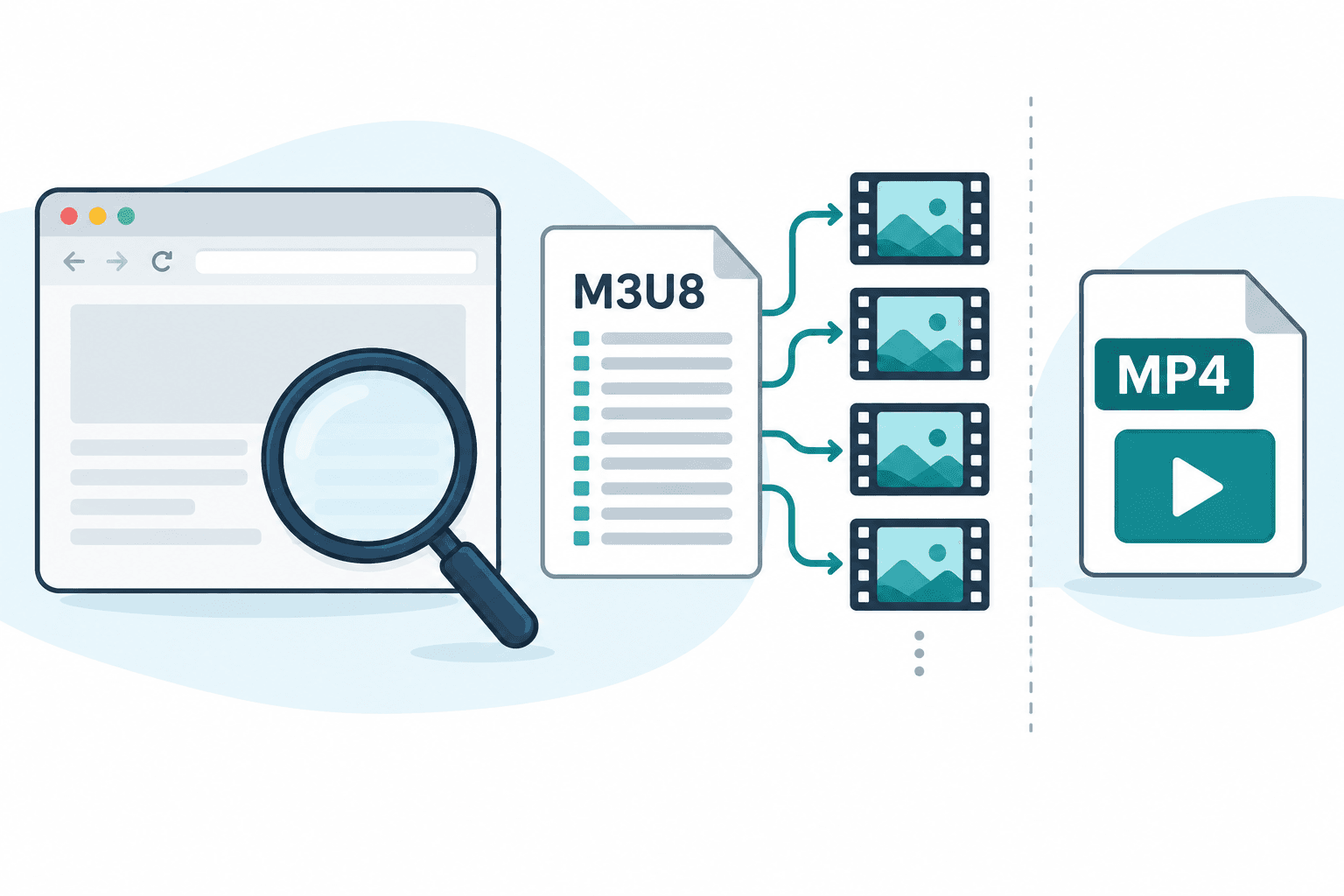
To inspect a permitted M3U8 stream in Chrome, open DevTools → Network before reloading the page, start playback, and filter for m3u8. Check the request status and response: a response beginning with #EXTM3U is playlist text, not a finished MP4. Save only through an authorized source or an available download option, then check the complete file and audio.
This workflow is for your own media or a source whose owner permits saving. Being able to watch a video does not establish permission to copy it. If the service provides an official download or export, use that first. Stop at private access, login-only media, payment restrictions or DRM; do not move cookies or credentials into a downloader.
Find the playlist in Chrome Network
- Open the permitted page in Chrome. Open DevTools from the browser menu and select Network.
- Keep Network open, reload the page, and start the video. Requests made before Network opened may be absent from its log.
- Enter m3u8 in the filter. If there is no match, clear the filter and inspect requests from the playback period. Some stream URLs have no recognizable extension; a missing match does not prove there is no stream.
- Select a candidate request. Under Headers, check its status and response content type. Under Response, look for playlist text beginning with
#EXTM3U, rather than an HTML error or sign-in page. - Inspect the response without exporting the whole network log. Request URLs, headers and logs can contain signed tokens or account information. Do not post them in public support threads.
Chrome's Network documentation explains logging requests, filtering them and inspecting headers and responses. This is an inspection method; it does not convert a stream or establish that its resources can be saved elsewhere.
Master playlist or media playlist: what did you find?
A master playlist describes available renditions. An #EXT-X-STREAM-INF entry generally introduces a variant stream; #EXT-X-MEDIA can describe alternate audio or other renditions. A media playlist lists media segments, often alongside #EXTINF duration entries. Relative references are interpreted against the playlist URL, not your computer's filesystem.
These are useful clues, not a complete validator. A high-resolution variant does not by itself establish that audio is included. Opening or saving a small .m3u8 text file is also not the same as obtaining the segment media. For protocol details, use the HLS specification; for browser playback context, see hls.js.
Illustrative example: a master playlist offers a 720p variant and a separate audio rendition. Choosing the video variant alone may leave audio outside that selection. The useful next question is whether the saving workflow handles the needed tracks, not whether 720p sounds like adequate quality. This is an example of playlist structure, not an AnyVidDL test result.
Match the symptom to the next check
| What you see | What it can mean | Useful next step |
|---|---|---|
| No m3u8 match | Earlier requests were missed, the URL has another shape, or playback uses another method | Reload with Network open; avoid assuming every site uses HLS |
| HTML in Response | The request returned a webpage, access screen or error | Check the public source; stop at an access restriction |
| A playlist loads but segments fail | The referenced resources may be unavailable or inaccessible in that environment | Check the source once; do not transfer session credentials |
| Only a tiny text file saves | You saved the playlist rather than its media | Use an authorized media export or a workflow that actually prepares media |
| Video saves without sound | The selected stream may lack audio or audio may be separate | Check track labels and use the no-sound guide |
| Playback or preparation stops late | Some segments, tracks or transfer stages may have failed | Check the actual error and verify the saved file, rather than trusting its filename |
A playlist request and its segment requests can have different outcomes. Reopening the same permitted public source may help identify a temporary failure. An access restriction or repeated rate-limit response is a reason to stop or wait, not to keep increasing requests.
Check one permitted link with AnyVidDL
Use the M3U8 link checker for one public link you are allowed to use. Read each returned option before choosing it. An Open HLS playlist or Open DASH manifest action opens source information; neither label means a finished MP4 already exists. In HLS generally, a video rendition and audio can be separate; check the track information instead of inferring audio from resolution.
Where a Download option is offered, it starts preparation; that action does not guarantee completion for your URL. An unavailable option remains a diagnostic. This guide does not guarantee compatibility for your URL or claim a current platform-wide success rate. Use the tool comparison when your task needs a different kind of output.
Verify the result before calling it complete
Open the resulting local file and check the beginning, middle and end. Confirm that the intended audio is present and playback reaches the expected ending. A filename, successful initial playback or list of available formats proves less than a complete-file check. Record the error category and which stage failed, rather than exposing the source's private details.
FAQ
Does Chrome download M3U8 as MP4 automatically?
The Network panel shows requests and responses. Finding or saving playlist text does not automatically assemble its media into MP4.
Why does the playlist work on the page but fail elsewhere?
The page and another environment can receive different responses or access states for the referenced resources. Treat authentication, private access and DRM as stop conditions.
Do I need a Chrome extension?
Not to inspect requests in DevTools. If you choose an extension for an authorized saving task, review its permissions and documented output behavior; installation alone does not prove compatibility.
Why does the highest-resolution option have no sound?
Resolution describes video dimensions. Audio may be a separate rendition, absent from that option, or unverified. Check track information and the resulting file.