Instagram Video Downloader for Public or Authorized Links
Check a public or authorized Instagram Reel or video URL, review available media results, and stop when login, private access, or rights are unclear.
For an Instagram video you own or have permission to save, copy the canonical public Reel or post URL and check that single link. Review the returned format, audio, and file before keeping it. A public page does not grant reuse rights, and private, login-only, paid, deleted, or access-controlled posts are outside this public-link workflow.
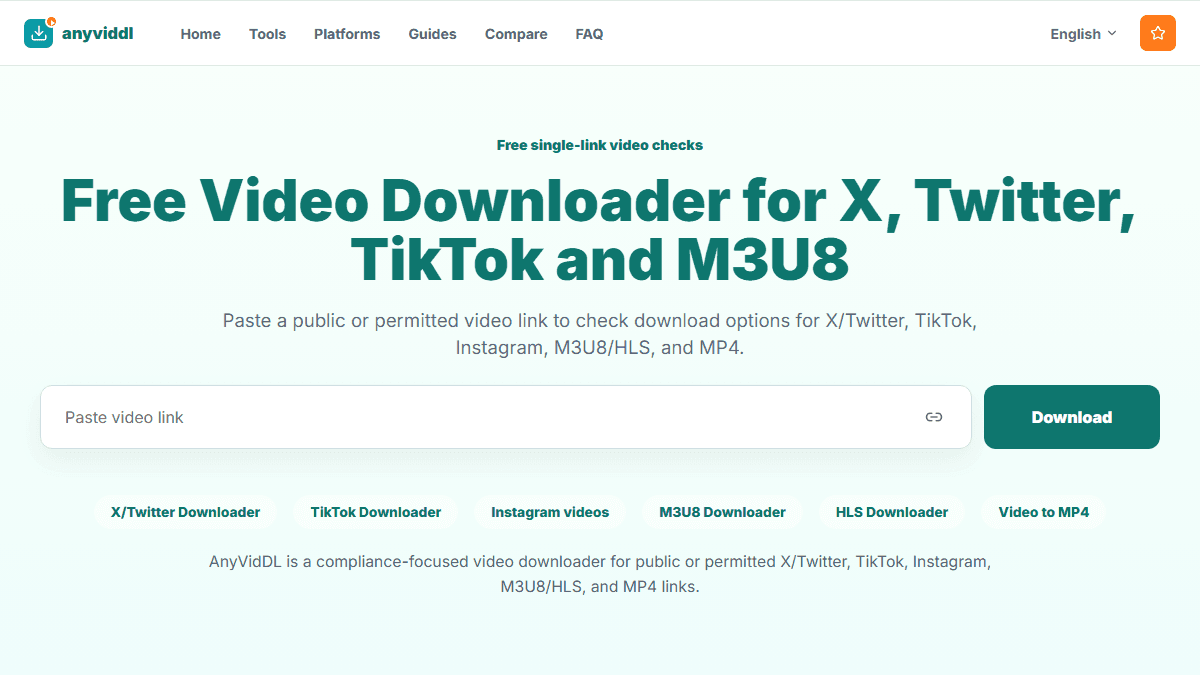
Check one public or permitted link
Paste one supported URL to inspect source files and playlists. Cloud merging, public API and MCP access are not currently available.
Direct answer
For an Instagram video you own or have permission to save, copy the canonical public Reel or post URL and check that single link. Review the returned format, audio, and file before keeping it. A public page does not grant reuse rights, and private, login-only, paid, deleted, or access-controlled posts are outside this public-link workflow.
When this workflow fits
Use this page for one normal Instagram post or Reel URL that opens publicly without supplying account credentials. It is useful for checking your own published media, a creator-approved asset, or another link with documented permission.
Do not use it to obtain Stories, Close Friends posts, private profiles, subscriber-only media, drafts, direct messages, or content that requires a logged-in session. For your own account archive, Meta's official account information export is the lower-risk first option.
How to check an Instagram video link
- Open the exact Reel or post and confirm that it still plays.
- Confirm ownership, a license, or explicit permission to save the media.
- Copy the canonical Instagram URL rather than a redirect, embed, or tracking wrapper.
- Submit one URL and inspect the displayed title, format, resolution, and audio information.
- Save only an available permitted result, then verify playback and duration locally.
- Record the source URL, date, and permission if the file will enter an archive or editing workflow.
Result and failure checks
| Observation | What it can mean | Safe next step |
|---|---|---|
| No result | Private, deleted, login-only, changed response, or unsupported input | Recheck the public post once; do not add credentials |
| Video but no audio | Silent source, separate audio, or selected video-only result | Play the source and inspect track information |
| Lower resolution than expected | The assumed rendition is not exposed | Use an available option or the owner's original file |
| File will not play | Incomplete save or player/container mismatch | Check file size and try a trusted local player |
Product facts and limits
AnyVidDL's Web flow evaluates a submitted URL and may show result candidates or a failure reason. That does not prove universal Instagram support, a fixed success rate, a particular resolution, an audio track, or permission to reuse the content. Do not enter an Instagram password, cookie, session token, backup code, or private share credential.
FAQ
Can I download a private Instagram Reel?
No. Do not provide passwords, cookies, session tokens, or another person's account access. Use Instagram's official features for content that is not publicly accessible.
Does a public Instagram post mean I may reuse it?
No. Public viewing and permission to copy, repost, edit, or use commercially are different questions. Confirm ownership or permission separately.
Why does an Instagram video link return no result?
The post may be private, deleted, login-only, region-limited, temporarily unavailable, or presented in a format the current workflow does not expose.
Is HD or audio always available?
No. Available resolution and audio depend on the public source response. Check the actual result instead of assuming a guaranteed format.
Official and related resources
Related pages
guides instagram-video-download-workflow
Open this related workflow or decision page.
guides safe-social-video-download-workflow
Open this related workflow or decision page.
guides twitter-video-format-supported
Open this related workflow or decision page.
legal acceptable-use
Open this related workflow or decision page.