Instagram Story Downloader: Native Archive vs. Third-Party Tools
Learn how to save your own Instagram stories using the built-in Stories Archive, verify multi-segment videos, and understand the limits of third-party downloaders.
To save your own Instagram story safely, open the active story or navigate to your profile's Stories Archive, open the options menu, and select the save photo or video action. Always verify the saved file in your phone's photo library—playing videos through to check audio and confirming each slide of a multi-part story. For someone else's story, ask the creator for the original file and permission before reusing it.
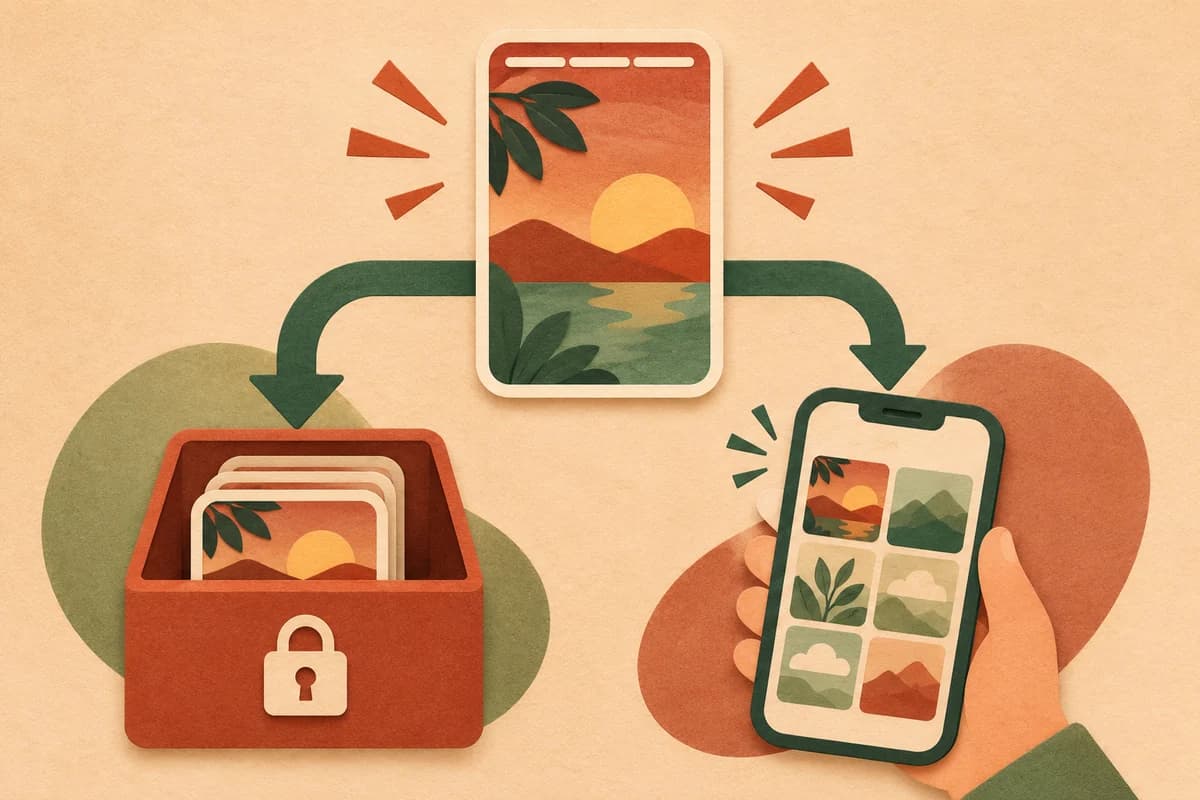
Saving your own stories with Instagram's built-in tools
Instagram stories expire from the public feed after 24 hours, but you do not need an external downloader to keep your own posts. Instagram provides two native destinations for your content: an internal account archive and your device's local camera roll.
1. Save from an active story or your Stories Archive
- From an active story: Open your story while it is still live, tap the three-dot More menu, and choose the save or download option to write a copy directly to your phone's photo library.
- From the Stories Archive: Go to your Instagram profile menu, tap Archive, and switch to Stories Archive at the top. Select the past story you want, open its options menu, and tap Save photo or Save video.
- Enable automatic archiving for future posts: Inside your archive settings, verify that the Save story to archive toggle is turned on so expiring stories are retained inside your account automatically.
2. Verify multi-segment stories and video audio
Saving a story to your camera roll does not always copy every slide or audio track the way it appeared in the app. Immediately after saving, open your phone's photo library and check the output:
- Multi-part stories: Instagram stories often consist of several separate 15-second or 60-second slides. Saving from a single slide typically downloads only that individual segment. Check your library against the original sequence to ensure every slide you wanted is present.
- Video playback and sound: Play each saved video from start to finish. Confirm that the framing was not unexpectedly cropped and that the audio track is intact (licensed music stickers are sometimes muted or stripped when exporting to a local camera roll).
Comparing story saving methods
When evaluating how to save Instagram stories, the boundary between your own content and another user's account determines which methods actually work and what risks are involved.
| Method | How it works | Key limitations and checks |
|---|---|---|
| Instagram Stories Archive | Native in-app archive accessible from your profile menu. | Only works for your own account. Requires checking each saved segment and audio track in your phone's library. |
| Browser-based story downloaders | You enter a public username or story link on a third-party website to fetch active story slides. | Works only for currently live stories on public accounts. Cannot access expired stories or private profiles. |
| Desktop or mobile apps requiring login | Software that asks for your Instagram credentials or session cookies to fetch stories from accounts you follow. | High account-security risk. Automated requests logged under your account can trigger platform rate limits or restrictions. |
Technical limits of third-party story downloaders
If you are looking at an external Instagram story downloader for public reference—or considering whether a tool can recover a specific clip—keep these platform constraints in mind:
- Private accounts cannot be bypassed without authentication: Stories posted to a private account are restricted by Instagram's server-side access controls. No anonymous web tool can fetch them. Any service claiming to download private stories either fails or requires you to hand over your own logged-in Instagram session, exposing your account to third parties.
- 24-hour expiration applies to public tools: Unless a creator has pinned an expired story to their public Highlights on their profile page, third-party tools cannot retrieve a story once the 24-hour window closes.
- Compression is baked in: Instagram compresses photos and videos as soon as they are uploaded to the story feed. Even if a downloader grabs the highest stream Instagram serves, it will have lower bitrate and resolution than the creator's original camera file.
- Interactive stickers flatten into the image: Polls, links, question boxes, and tap-to-view tags are either flattened into the video frame as static graphics or omitted entirely when saved as an MP4 or JPG file.
Only download or reuse another creator's story when you have their permission. If you need a clean, full-resolution copy of someone else's clip without compressed sticker overlays, asking the creator to send the original file from their device is the most reliable option. For standard public Instagram video posts or Reels where you have permission to save a copy, you can use AnyVidDL's web workflow to inspect and download available MP4 streams.
FAQ
Can an Instagram story downloader access a private account without logging in?
No. Private stories require an authenticated session from an approved follower. Any website claiming to bypass private account settings without a login is misleading, and entering your own Instagram password into a third-party downloader puts your account at risk of compromise or suspension.
Why did only one clip save from a multi-part Instagram story?
Instagram treats each slide in a story sequence as an individual photo or video item. When you save from the Stories Archive or use a web tool, inspect your device's photo library afterward to confirm you saved every segment you needed rather than just the currently visible slide.
Do downloaded Instagram stories keep their original camera quality?
No. Instagram re-encodes and compresses media when it is published to a story. Any file saved from the live story or archive reflects that compressed version, and videos using copyrighted music stickers may have their audio muted when exported to your camera roll.
Related pages
Instagram Profile Picture Downloader: How Avatar Saving Works
Learn why Instagram profile pictures are served as small thumbnails and how to inspect the public image element and dimensions directly in your browser.
How to Save an Instagram Video or Reel: URL & Audio Checks
Practical steps to save a public Instagram Reel or video you own or have permission to use, including canonical URL cleanup and silent-audio troubleshooting.
TikTok Video Download Workflow: Check Public Links and Save Options
Learn how to check a public TikTok video URL, verify whether an executable download option is returned, and use native TikTok save controls when needed.
Download YouTube Video in 4K MKV: Codec and Player Checks
Understand vendor-documented MKV options, separate container from codec, inspect an authorized saved file, and check playback before choosing conversion.