Facebook Video Downloader for Public or Authorized Links
Check a public or authorized Facebook video URL, verify the available result, and use official export options for your own account or Live archive when appropriate.
For a Facebook video you own or are allowed to save, start with Facebook's official download or information-export option when it is available. For a normal public video URL, check one canonical link, review the actual format and audio, and stop if the page is private, login-only, paid, deleted, or access-controlled.
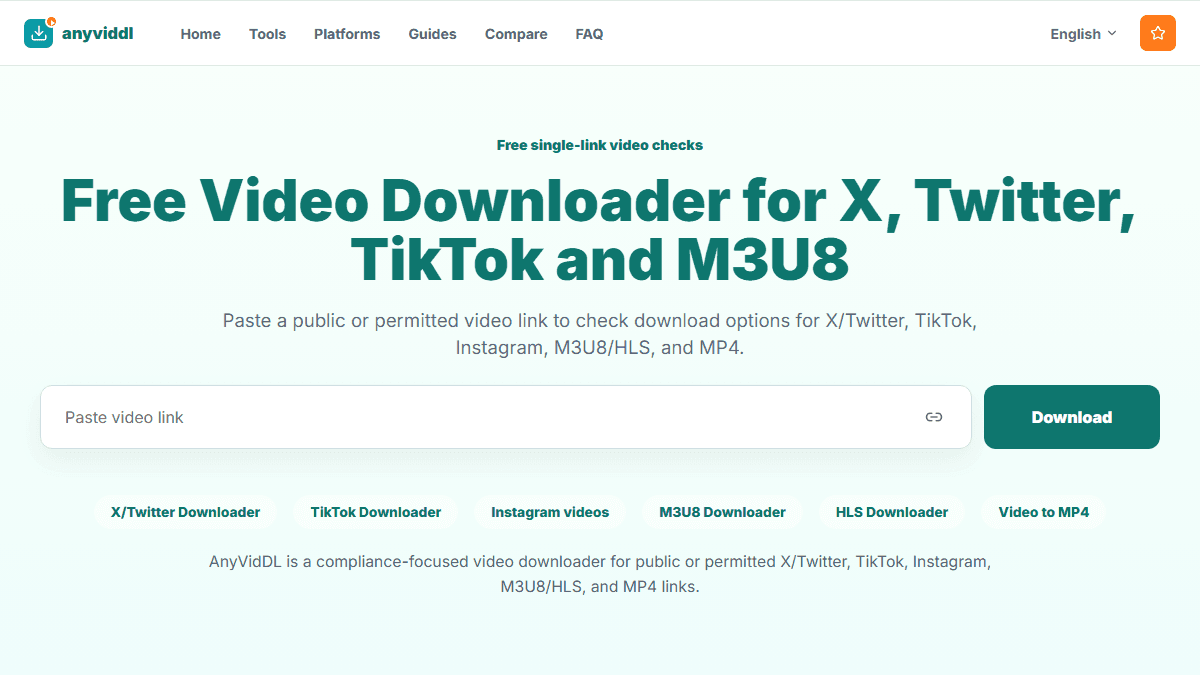
Check one public or permitted link
Paste one supported URL to inspect source files and playlists. Cloud merging, public API and MCP access are not currently available.
Direct answer
For a Facebook video you own or are allowed to save, start with Facebook's official download or information-export option when it is available. For a normal public video URL, check one canonical link, review the actual format and audio, and stop if the page is private, login-only, paid, deleted, or access-controlled.
Choose the correct Facebook path first
| Situation | Preferred path |
|---|---|
| Your completed Facebook Live | Use Facebook's official owner download option |
| Your account archive | Export a copy through Accounts Center |
| Another creator's public video with permission | Check the canonical public post URL |
| Friends-only, group-restricted, paid, or private media | Use the platform's authorized viewing or sharing features; do not bypass access |
Official account-owner tools are preferable because they operate inside Facebook's permission model. A public-link checker should not ask for your Facebook password, cookie, two-factor code, or session token.
How to check a permitted public Facebook video
- Open the exact post and confirm the video plays for a signed-out visitor.
- Confirm that you own it or have permission to save it.
- Copy the canonical post or video URL, not a notification or tracking link.
- Submit one link and inspect the returned format, audio, and resolution candidates.
- Save an available result and test the start, middle, end, and audio locally.
- Keep the source URL and permission record with the file.
Common failure meanings
A missing result does not automatically mean the tool is temporarily broken. The post may be audience-restricted, removed, expired, behind a group or account session, or presented through a response the current workflow does not handle. Retry once only after confirming the public canonical URL.
If a file has no sound, check whether the Facebook source itself is silent and whether the selected result contains audio. If the expected HD rendition is absent, do not treat a lower-quality file as proof that higher quality can be reconstructed.
Product facts and limits
AnyVidDL may return candidates or a failure reason for a submitted URL. It does not promise all Facebook videos, every embed, private groups, all resolutions, an audio track, or a fixed success rate. Saving a file also does not transfer copyright or grant redistribution permission.
FAQ
Can I save my own Facebook Live video?
Facebook provides an official option for eligible completed Live videos. Use that first because it preserves the account-owner workflow and avoids third-party access.
Can this process access Friends-only or private videos?
No. Do not submit cookies, passwords, session data, or private share credentials to bypass the video's audience settings.
Why is a Facebook Watch or share URL not working?
It may be a redirect, require login, point to a deleted item, or not expose a normal public video response. Open the canonical post and check its audience first.
Does a successful save include permission to repost?
No. Downloading, copying, editing, redistributing, and commercial use require separate rights or permission.
Official and related resources
Related pages
guides facebook-video-download-workflow
Open this related workflow or decision page.
guides batch-video-download-planning
Open this related workflow or decision page.
guides twitter-video-format-supported
Open this related workflow or decision page.
legal acceptable-use
Open this related workflow or decision page.