AnyVidDL Chrome Extension: Availability and Safety Checks
Check the availability, publisher, permissions, privacy limits, and supported workflow before using an AnyVidDL browser extension.
The AnyVidDL web tool is the verified starting point for one public or permitted link. A public Chrome extension package is not confirmed in this repository as of August 1, 2026, so do not install an extension that claims to be AnyVidDL unless an official install link appears on the AnyVidDL status or product pages.
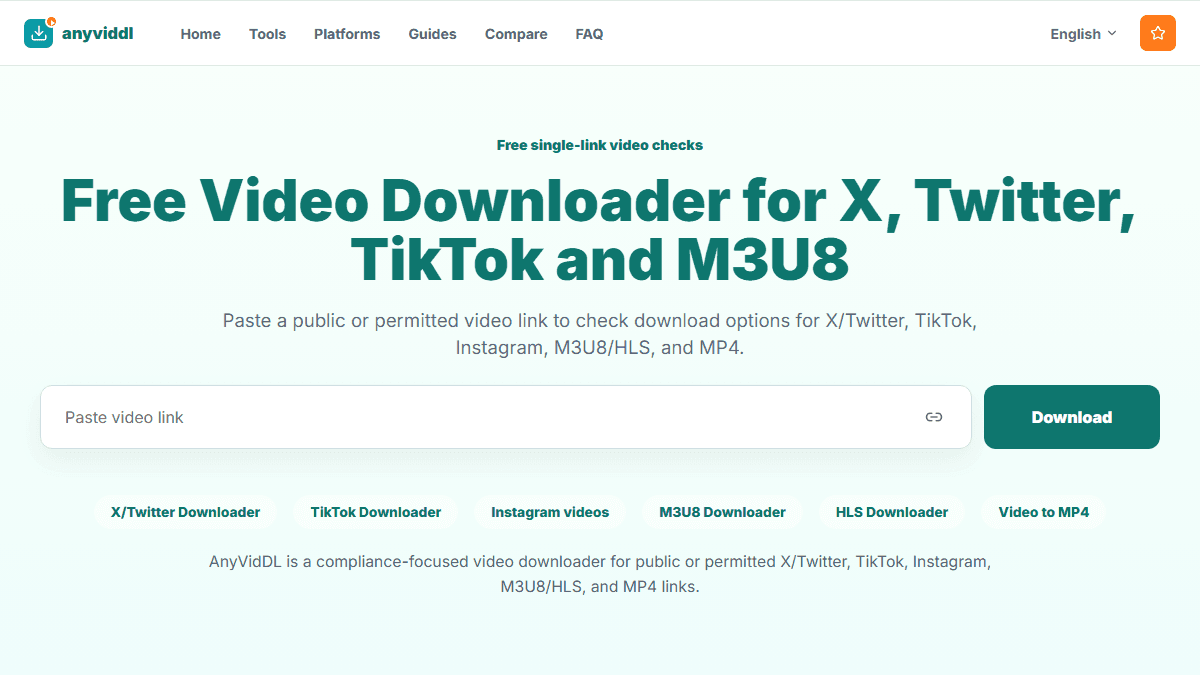
Check one public or permitted link
Paste one supported URL to inspect source files and playlists. Cloud merging, public API and MCP access are not currently available.
Direct answer
The AnyVidDL web tool is the verified starting point for one public or permitted link. A public Chrome extension package is not confirmed in this repository as of August 1, 2026, so do not install an extension that claims to be AnyVidDL unless an official install link appears on the AnyVidDL status or product pages.
What is available now
Use the AnyVidDL web tool for a single supported public or permitted link. The web workflow does not require a browser-extension installation and should return an available option or a clear failure reason.
This page is an availability and safety reference. It does not claim that download history, batch queues, current-page detection, or a public Chrome Web Store package is live.
Verify an extension before installing it
| Check | Safe expectation | Warning sign |
|---|---|---|
| Official link | The install URL is linked from an AnyVidDL-owned page | The only link appears in an ad, comment, or unrelated download site |
| Publisher | The store publisher clearly matches the product owner | The publisher name is misspelled or unrelated |
| Permissions | Access is limited to the stated public-link workflow | Requests passwords, cookies, all browsing data, or unrelated sites |
| Privacy | Data use and retention are explained before installation | No privacy notice or an unexplained collection policy |
| Access boundaries | Private, paid, login-only, and DRM sources are refused | Claims to bypass accounts, paywalls, or DRM |
What a future extension would need to explain
If AnyVidDL publishes an extension, its product page should state the supported browsers, exact store URL, current version, requested permissions, data handling, supported link types, update date, and known limitations. Capabilities such as history, queues, or batch work should be described only after they are implemented and tested.
Current safe alternative
Paste one public or permitted link into the web workflow. Keep the original source URL and permission context, and stop if the source requires private account state, payment, credentials, or protected access.
Check the status page before relying on any planned extension workflow.
FAQ
Is there an official AnyVidDL Chrome extension?
A public extension package is not confirmed in this repository as of August 1, 2026. Use the web tool unless AnyVidDL publishes an official install link on its own status or product pages.
What permissions should a video extension request?
Permissions should be limited to the pages and functions required for the stated workflow. Avoid extensions that request passwords, cookies, broad browsing data, or access unrelated to public-link handling.
Can an extension download private or DRM-protected videos?
It should not bypass private access, login requirements, paywalls, DRM, or other platform controls.
What can I use now?
Use the AnyVidDL web tool for one supported public or permitted link and review the available option or failure reason.